Quick intro to Razer Chroma RGB for South African gamers ⚡✨
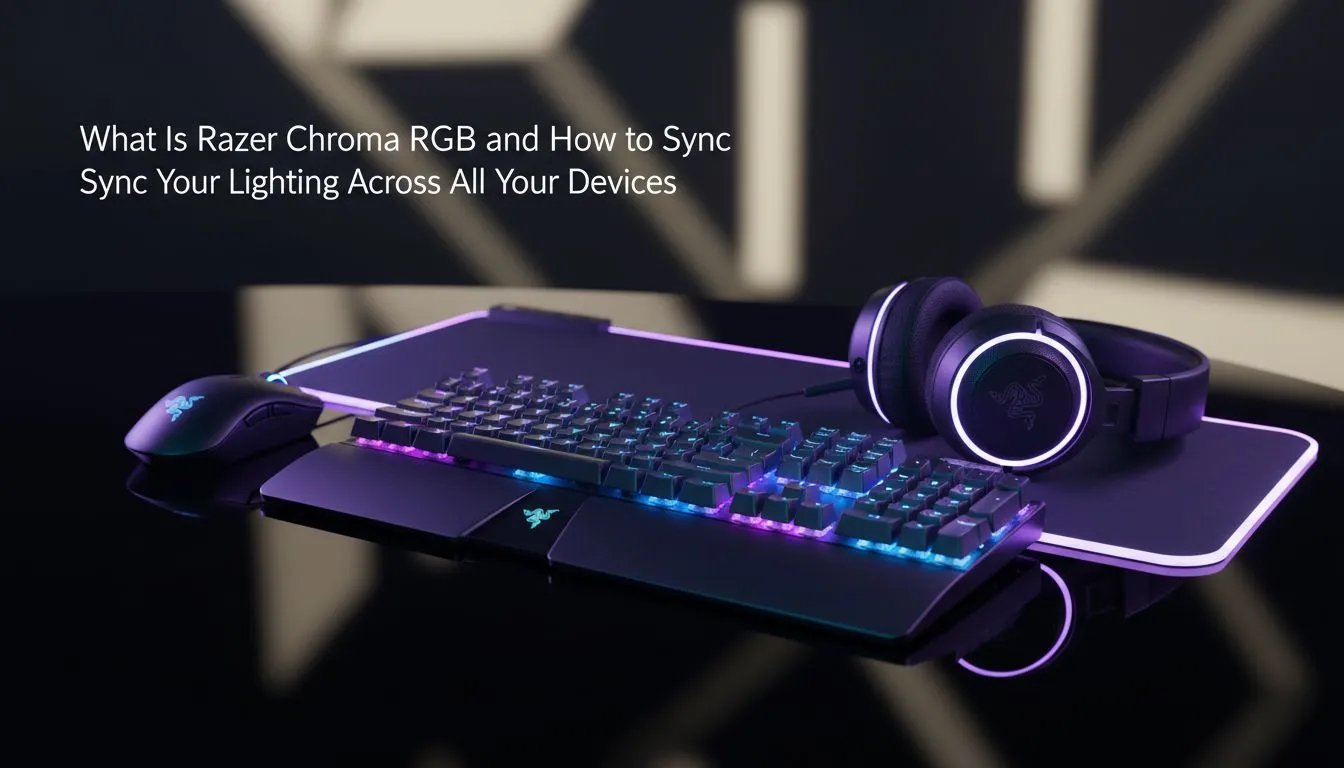
Razer Chroma RGB: What It Is and How to Sync Lighting — whether you’re in Cape Town or Jozi, dynamic lighting can lift immersion and make your battlestation look the part. This guide breaks down what Chroma does, how to sync devices, and practical tips for picking the right mice and accessories from Evetech's local store.
What Razer Chroma RGB actually does
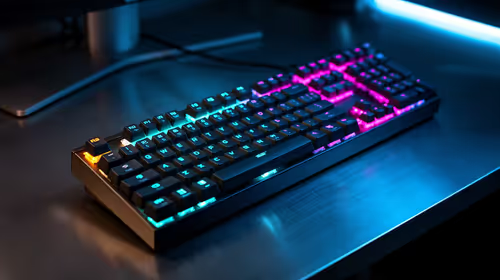
Razer Chroma RGB is the ecosystem that lets compatible peripherals show coordinated lighting effects and profiles. It ties hardware to software so your keyboard, mouse and accessories can pulse, react to game events, or simply match your room’s vibe. If you’re shopping for a new mouse to pair with Chroma, browse Evetech’s full gaming mouse range to see compatible options and local availability: gaming mice at Evetech.
Choosing wired vs wireless for the best sync
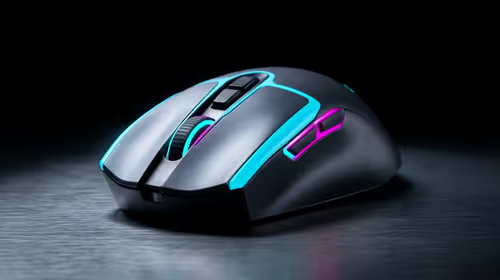
Wired mice still rule for some pros because they offer consistent latency and easy plug-and-play lighting. Wireless models now catch up for most players, giving flexibility and clean cable management. Compare our selection and deals to decide what fits your setup: check out the latest best gaming mouse deals in ZAR. For wireless-only shopping, see our curated list here: buy wireless mouse. Prefer a wired connection? Find wired options here: buy wired mouse.
How to sync lighting across devices
- Install Razer Synapse (or the device maker’s software) and create a profile.
- Assign effects or import Chroma Studio presets.
- Enable integrations so multiple devices follow the same scene.
If you need add-ons like USB hubs, mouse bungees, or lighting accessories to complete your rig, we stock those too: mouse accessories.
Lighting Sync Tip ⚡
Use Chroma Studio’s layering system to build a base colour, then add reactive layers for keystrokes and game events. Save profiles per game to switch automatically when you launch titles.
Final tweaks and local tips
Keep firmware updated and test profiles in a darkened room to see true colour. If your PC has RGB headers, double-check compatibility before buying. Want cohesive colour across monitors and peripherals? Start with a neutral base tone, then add accents for ability cooldowns or alert cues.
Ready to Find Your Perfect Match?
The Mac vs Windows debate is complex, but for maximum power, choice, and value in South Africa, Windows is hard to beat. Explore our massive range of laptop specials and find the perfect machine to conquer your world.