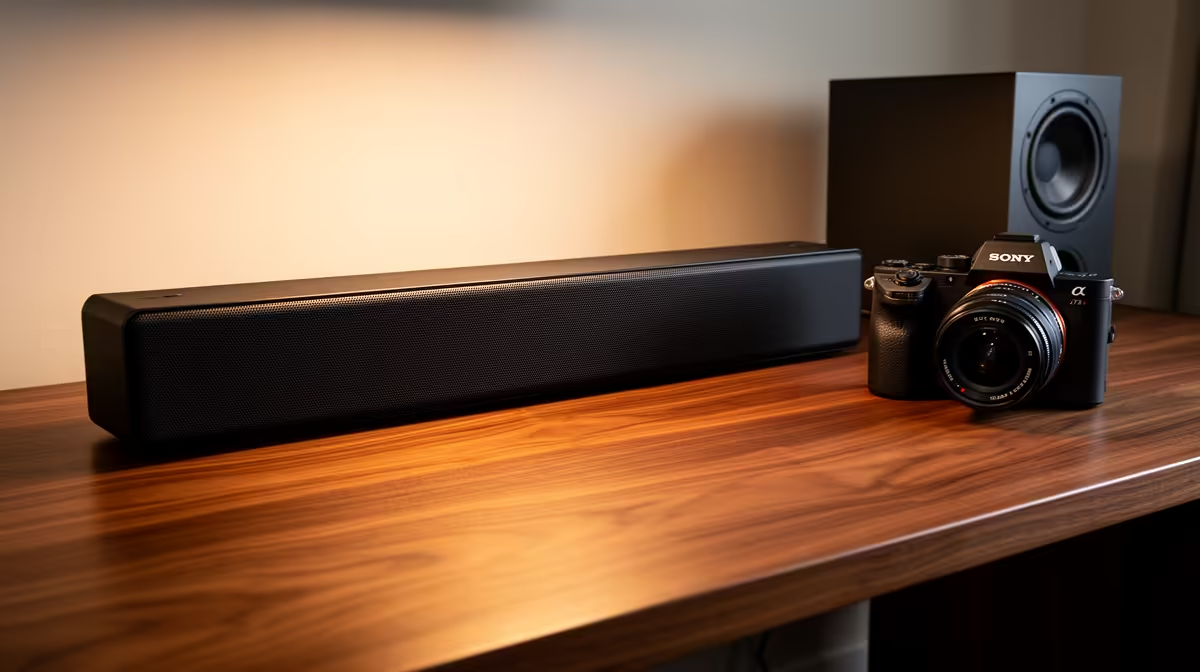
A remote worker should choose bookshelf-style speakers from desk distance, room size, input connections and neighbour impact. Clear speech at low volume matters more than maximum output. Powered desktop speakers simplify a computer setup, while passive speakers need a compatible amplifier. Check dimensions before giving up monitor or document space.
Match speakers to the desk
The Logitech Z407 at R1,404 and SteelSeries Arena 3 at R2,782 are verified powered desktop options. Review current inputs, dimensions and controls on the product pages. Place left and right channels around the main seat, keep them clear of furniture and avoid pushing one behind a monitor. Neither set is automatically a traditional passive bookshelf system.
Protect calls and shared space
Play familiar dialogue at a quiet level, then test a video call with the microphone. Speaker sound can feed back into calls, so keep a headset available for confidential meetings and late work. The Logitech H390 USB headset at R320 provides a verified private route. Check whether bass travels through walls or floors and reduce it before raising volume. Secure cables away from chair wheels and use a source selector that family members can understand. Play speech, notification sounds and music at the normal seating distance, then choose placement that keeps dialogue clear without raising bass through a shared wall.
Planning remote-work audio? > Share the room size, computer outputs, call needs and listening distance with Evetech.