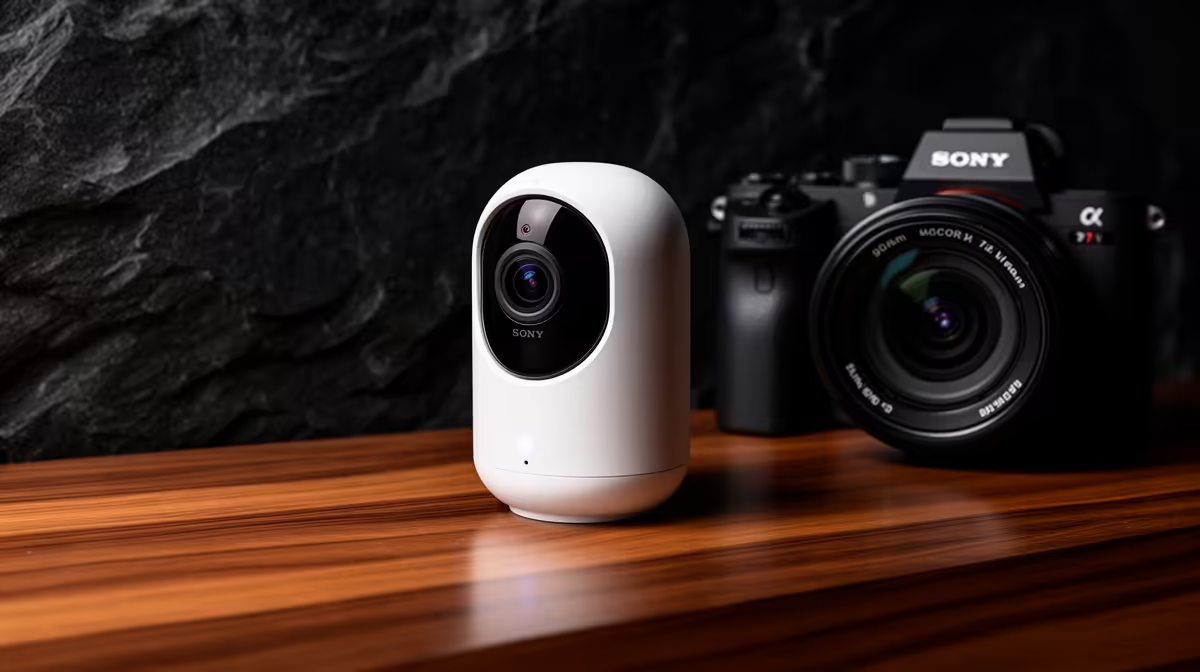
A remote worker should choose a smart-home camera by the exact view, alert, privacy requirement and network conditions. It can watch an entrance or delivery area, but it should not record confidential screens, client calls or household spaces without consent. Simpler placement and secure access matter more than a long AI-feature list.
Test one useful camera angle
Stand at the intended position and check faces, backlight, night visibility and Wi-Fi signal. Trigger realistic movement through a full workday to measure notification delay and false alerts. Decide whether clips stay local, use a cloud service or need a separate recorder, then set a justified retention period.
The TP-Link Tapo C212 Wi-Fi camera is factpack-verified at R451. Confirm current power, storage, resolution, app, privacy mode, firmware and warranty. Do not assume outdoor suitability, battery operation or continuous recording from the Wi-Fi description alone.
Change default credentials and enable multifactor authentication where available. Give family or colleagues the narrowest access needed and remove old users promptly. Avoid microphones when audio is unnecessary, and place the lens away from work documents and call areas. Buy when the workday test produces actionable alerts without invading privacy. If the goal is only to know when a door opens, a simpler sensor may create less data and require less account management than an always-viewable camera.
Securing a home workspace? > Compare verified cameras with Evetech around placement, privacy and storage.