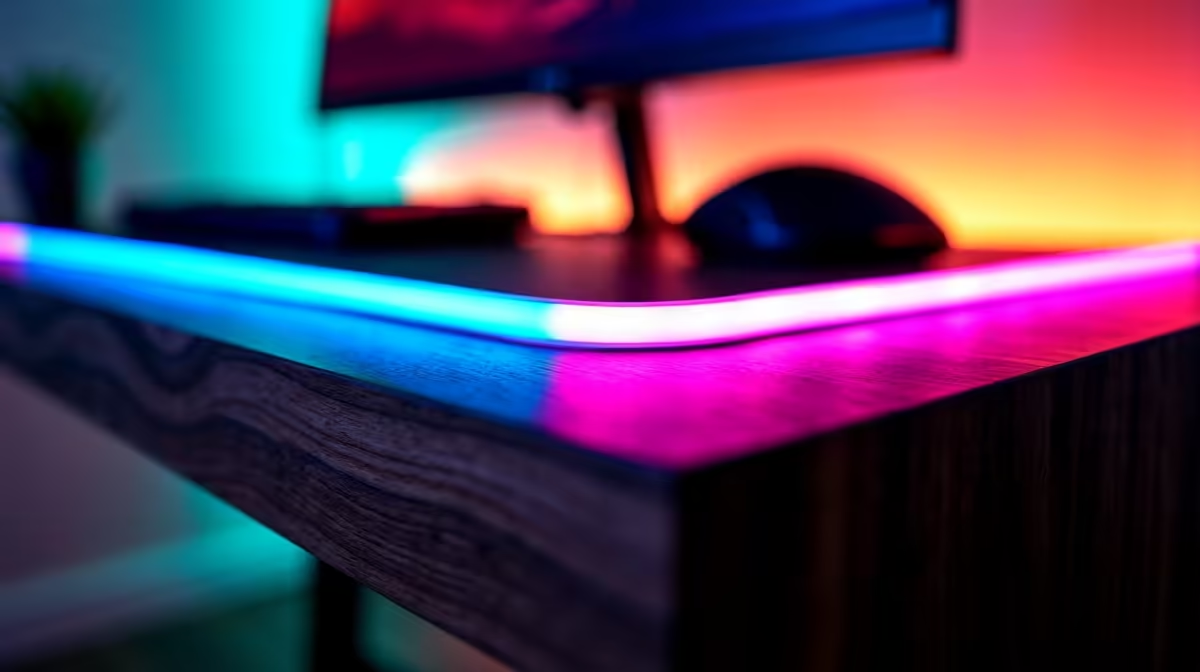
RGB Accent Strips: Pros vs Office Use Guide ⚡
RGB accent strips have become a popular way to personalise gaming and workspace setups here in South Africa. But are they just a flashy upgrade for gamers, or do they bring real benefits to office environments too? Whether you’re setting up your new curved or portable monitor or looking to enhance your PC components, this Q&A clears up when and why you should consider RGB lighting.
Q: What exactly are RGB accent strips and how do they work?
A: RGB accent strips are flexible LED light strips that can display millions of colours. They’re usually placed behind monitors, desks, or even PC cases. Controlled by software or remote, they create ambient lighting that enhances mood and visual appeal.
Q: Are RGB accent strips useful for office setups or just gaming?
A: While they’re popular in gaming, RGB strips can reduce eye strain in offices by providing bias lighting behind monitors. This decreases harsh contrasts between screen brightness and dark rooms, making long hours at work easier on your eyes.
Q: Do RGB accent strips impact monitor performance or colour accuracy?
A: No, they don’t affect the monitor’s display quality. However, if you’re aiming for colour-critical work, avoid overly bright or distracting colours. For a professional look, you might want to pair accent strips with a high-quality monitor, like those found in Evetech’s best PC monitor deals.
Q: Can I use RGB accent strips on different types of monitors?
A: Absolutely. They’re compatible with curved monitors, portable monitors, and 4K or 5K displays. South African users often pair these strips with ultra-wide or curved models for immersive setups. Check out options on curved monitors and portable monitors to match your style.
Q: How difficult is it to install and maintain RGB accent strips?
A: Installation is straightforward—most strips come with adhesive backing. Maintenance is low since LED strips consume minimal power and last thousands of hours. For perfect placement, consider accessories in the monitor accessories section.
Q: Do RGB accent strips increase electricity usage noticeably?
A: The power draw is minimal—around 5-10 watts depending on length and brightness. In South African households mindful of power consumption, this is a small trade-off for better lighting ambiance and style.
Q: Are there particular colour settings recommended for office use?
A: Soft whites or blues are ideal for boosting focus and reducing eye fatigue. Avoid rapidly changing colours or overly bright reds which can be distracting in professional spaces. Setting static or slow fade modes usually works best.
Q: Where can I find quality RGB accent strips that suit different monitor types?
A: Explore the RGB-friendly monitor range at Evetech, including 4K and 5K monitors and all gaming monitors. This makes it easy to build a consistent, stylish setup.
Pro Tip for Office Lighting
Brighten your workspace with bias lighting using RGB strips. Use cooler hues during the day to enhance alertness, and warm tones after hours to help wind down. This simple hack can improve productivity and wellbeing at your desk.
Key Takeaways
- RGB accent strips add stylish lighting without affecting monitor performance
- They reduce eye strain by providing bias lighting behind screens
- Compatible with curved, portable, and high-resolution monitors
- Installation is easy with low electricity usage
- Office users should opt for soft, calming colour settings
- Evetech offers a diverse selection of compatible monitors and accessories for your setup
Upgrade Your Workspace Today
Brighten your desk and reduce eye strain with RGB accent strips paired with premium monitors. Shop now at Evetech for stylish, effective setups that work anywhere.