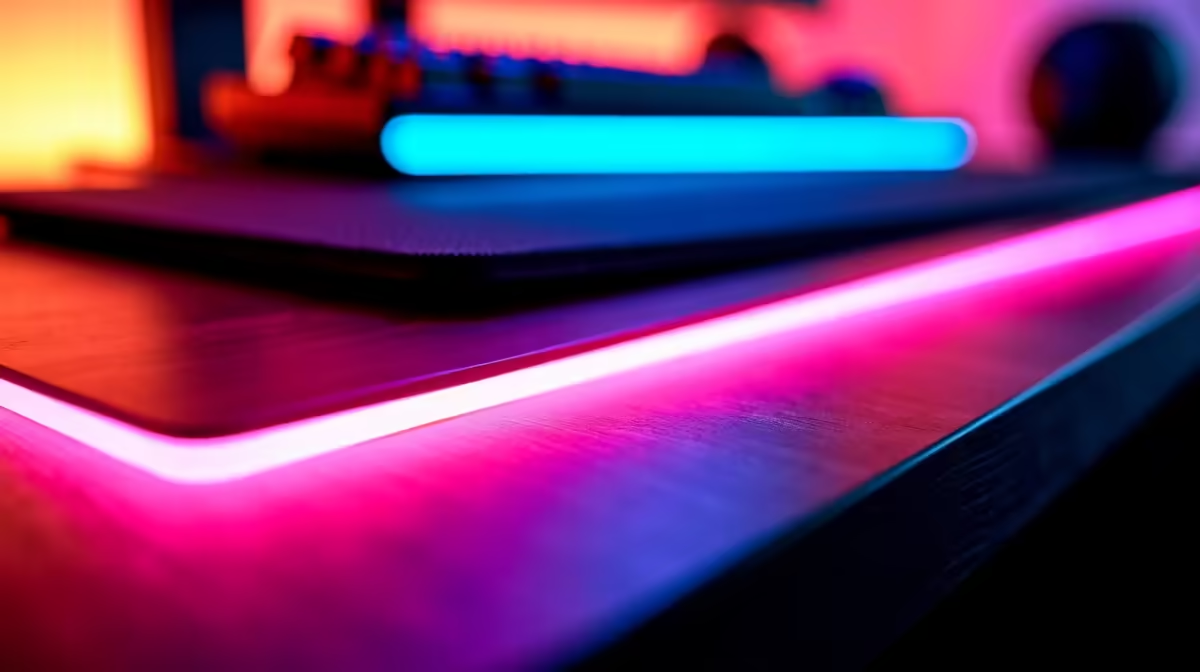
You’ve spent thousands of Rands crafting the perfect gaming rig. The RGB is synced, the colours are popping, and the vibe is immaculate. You load into a tense round of Warzone, lean in for the clutch… and get blinded by a rainbow reflecting off your screen. So, do RGB lights cause desk glare?
Ja, they absolutely can. But the good news is that your beloved RGB isn't the real villain here. Let's dive into what's actually causing it.
Understanding the Source of Desk Glare
The short answer is that RGB lights can contribute to desk glare, but they are rarely the root cause. The real issue is reflection. Glare happens when a bright light source—like your PC's light strips or even a powerful gaming mouse—bounces off a smooth, shiny surface and directly into your eyes or onto your monitor.
Think of it this way: the problem isn't the light itself, but where it's going. We need to control the reflection, not necessarily eliminate the aesthetic.
How Your Setup Can Make RGB Glare Worse
Your battle station is an ecosystem where every component plays a part. A few key items can turn a subtle glow into a distracting mess.
Your Desk Surface
This is culprit number one. A glossy wooden, glass, or polished laminate desk is basically a mirror for your RGB. The shinier the surface, the sharper and more intense the reflection will be. This is often the primary reason people complain about desk glare from their RGB lighting.
Peripheral Placement & Intensity
The position and brightness of your gear matter immensely. An LED strip blasting light directly upwards from behind your monitor will almost certainly create screen glare. Likewise, whether you're using a top-tier wired gaming mouse for its zero-latency connection or a flexible wireless mouse for freedom of movement, if its RGB is set to maximum brightness, it can create a distracting hotspot on your desk. ✨
Quick Brightness Check
Most RGB software (like Corsair iCUE or Razer Synapse) has a global brightness slider. Before you start moving hardware, try dropping the overall brightness by 20-30%. You might find it solves the glare issue while keeping the aesthetic you love.
Practical Fixes for a Glare-Free Gaming Zone 🔧
Ready to reclaim your visual clarity without sacrificing your style? These fixes are simple, effective, and won't require a complete overhaul of your lekker setup.
- Get a Desk Mat: This is the single most effective solution. A large, dark-coloured, matte-finish desk mat or mousepad covers the reflective part of your desk under your monitor and peripherals. It absorbs light instead of bouncing it. This is a must-have, and you can find a huge variety among other mouse accessories to match your style.
- Reposition Your Lights: If you're using RGB strips, try moving them. Instead of placing them on your desk, attach them to the back of your monitor facing the wall. This creates a soft, indirect "bias lighting" effect that reduces eye strain and looks incredible without causing direct glare.
- Diffuse the Light: If your PC case or peripherals have exposed, harsh LEDs, you can buy light diffuser channels or strips. These frosted plastic covers soften the light, creating a smooth, even glow instead of sharp, reflection-prone hotspots.
Choosing Gear That Minimises RGB Glare
When you're next upgrading, keep glare in mind. You don't have to give up on performance or a good price. Many of the best gaming mouse deals feature mice with subtle, well-placed RGB accents instead of overpowering light bars. Look for gear where the RGB is designed to glow from under the chassis or through logos, rather than from large, exposed strips.
Ultimately, a glare-free setup is about smart choices, not sacrifices. You can have a stunning, colourful battle station that also delivers a crystal-clear, competitive edge. 🚀