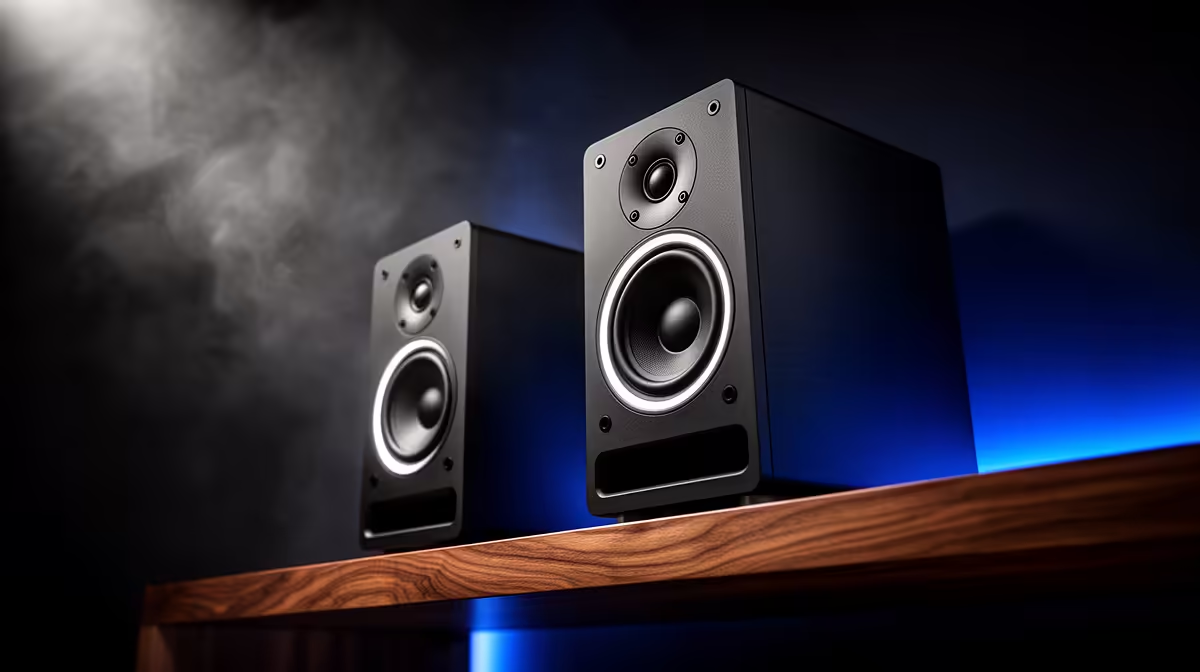
A set of bookshelf speakers is not the first purchase for recording gameplay. Open speakers can leak game audio into the microphone and make commentary harder to mix. They become worthwhile for editing, music and relaxed playback when the room supports correct placement. The supplied facts verify no bookshelf-speaker model or price.
Record with speakers and headphones
Capture the same commentary sample twice at normal game volume. Listen for echo, repeated effects and room reflections. Check whether speakers block the monitor, vibrate the desk or sit too close to the microphone. Headphones are usually easier while recording because they keep playback out of the input.
The Logitech Z150 desktop speakers are factpack-verified at R421. The Logitech Z407 speaker system appears at R1,404. Neither is described in the facts as a bookshelf-speaker pair. Confirm current inputs, controls, dimensions, power and warranty. The HyperX SoloCast 2 USB microphone appears at R690 as a separate capture reference.
Place playback speakers symmetrically and isolate vibration where possible. Use safe listening levels and headphones for live commentary. Buy larger speakers when repeated editing or room playback justifies them and the comparison produces clean recordings. If gameplay capture is the only need, prioritise microphone placement, closed monitoring, stable storage and a PC that records without dropped frames. Bigger cabinets cannot remove echo they create in the microphone track.
Building a gameplay recording desk? > Compare verified speakers and microphones with Evetech around the room test.