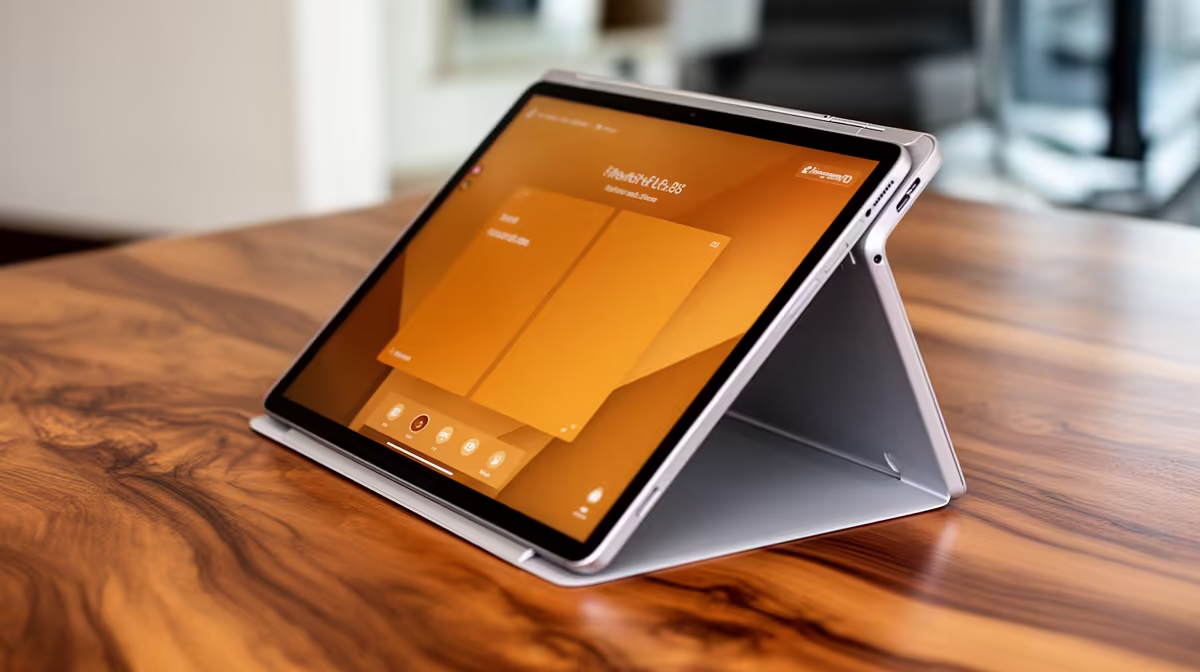
A reception and bookings device needs a stable stand, physical keyboard and supported business software. A 2-in-1 tablet can work when staff move between the counter and customer areas, but a fixed all-in-one or mini PC may be simpler for a permanent desk. Verify the booking platform and peripherals before choosing touch.
Rehearse the front-desk workflow
The supplied facts contain no verified 2-in-1-tablet SKU. They list the HP All-in-One 22-dg0001ni at R10,036 with an Intel N300 processor, 8GB DDR5, 512GB NVMe storage, a 21.5-inch Full HD display and Windows 11. It is a fixed all-in-one alternative, not a convertible tablet. Confirm current ports, webcam and booking-software support.
Test every counter peripheral
Open the calendar, customer record and payment or invoicing tools, then attach the scanner, printer and network connection. Check wake recovery and text entry during a busy mock booking. Use separate staff accounts, supported updates and controlled permissions. Keep customer data within the business privacy process and back up configuration.
Choose the 2-in-1 only when mobility and touch improve daily service. For a fixed counter, the larger screen and stable keyboard of an all-in-one may reduce mistakes and stand clutter. Have a spare keyboard ready for busy periods.
Check whether the counter software needs a scanner camera before paying for pen or tablet features.
Equipping a reception desk? > Ask Evetech to compare current 2-in-1, all-in-one and mini-PC options against the booking software.