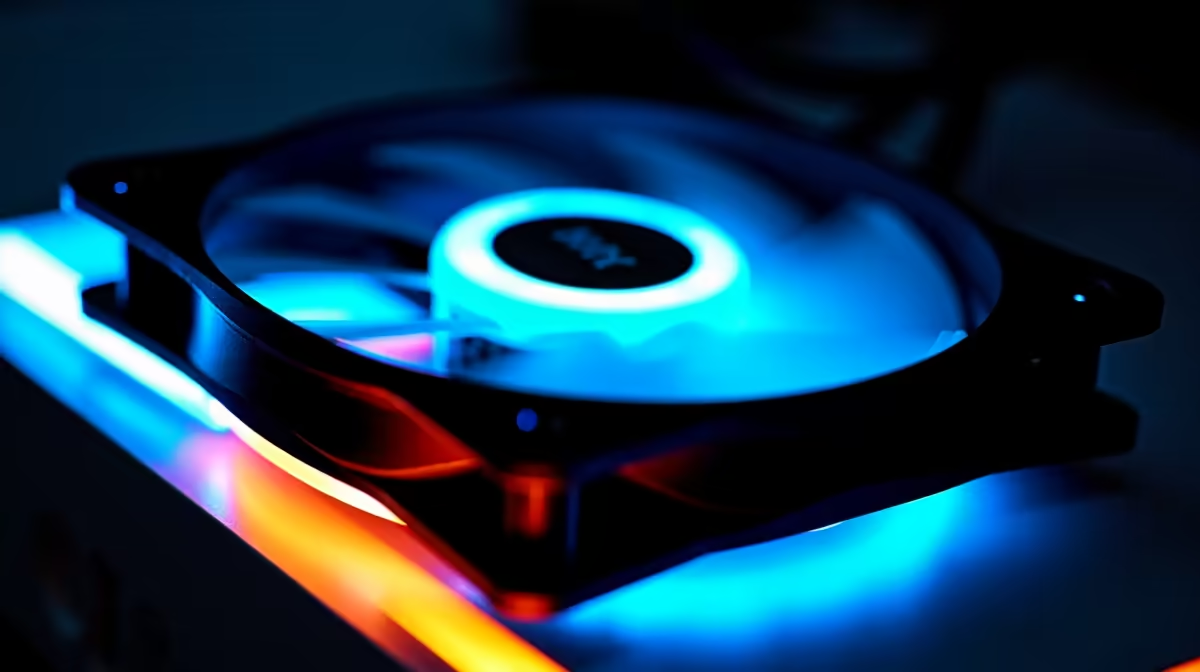
The smart way to choose case fans for a Revit and AutoCAD computer is to diagnose temperature, noise and airflow before replacing anything. A large workstation allowance does not make premium lighting or maximum fan count useful when the existing system already stays within safe limits.
Measure a demanding CAD session
Open a complex model, rotate detailed views and run the normal render or export while logging CPU and GPU temperatures. Listen for turbulence and note whether performance drops. Inspect intake paths, exhaust placement, dust buildup, case restrictions and available fan headers after shutting down safely.
The factpack does not provide a priced case-fan model. It confirms the PNY RTX 2000 Blackwell 16GB professional GPU at R12,000 as a separate workstation component, not evidence that extra fans are needed. Check live fan dimensions, bearing type, speed range, airflow, static pressure, noise, connector, header load and warranty. Include any safe splitter or controller requirement.
Power down, unplug the machine and prevent cables touching blades. Preserve drawings, linked files and custom libraries in independent backups before internal work. Change one airflow variable at a time, then repeat the same measured session.
Buy only enough cooling to solve a measured thermal or acoustic problem. Cleaning filters, correcting orientation or improving cable routing may deliver the useful gain without consuming a large workstation budget.
Tuning workstation airflow? > Compare Evetech cases and workstation parts after measuring the existing cooling path.