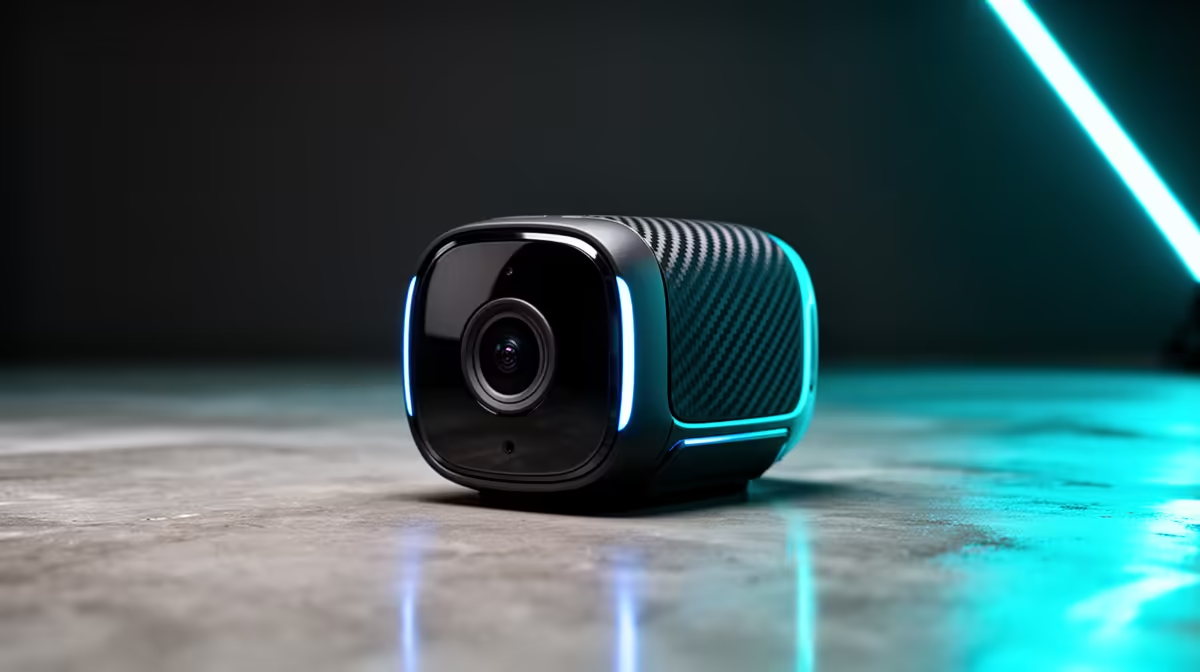
A smart-home camera can help a design student monitor a room, document a time-lapse or check a shared studio entrance. It does not replace a proper camera for portfolio work or improve design software. Choose it for a clear monitoring task and control who can see the footage.
Define the shot and privacy boundary
Mark the area the device must cover and keep neighbouring rooms, screens and private conversations outside the frame. Ask permission before recording classmates or shared accommodation. A time-lapse project needs stable placement, suitable storage and a plan for exporting the clip. A security view needs alerts and a retention period.
The indoor TP-Link Tapo C212 pan-and-tilt Wi-Fi camera carries a verified R451 price for this student-studio use. Buyers should check current app features, storage options and account support on the listing. The Logitech Brio 100 Full HD webcam is verified at R458 for a desk-based design presentation or call. A webcam offers a different fixed-computer workflow.
Test the complete capture route
Record a short approved sequence, export it and open the file in the intended editor. Check timestamp, image quality and whether the app adds compression. Use a unique camera password, enable multi-factor authentication where available and keep firmware current. Place the cable where art tools or chair wheels cannot damage it.
Buy the connected camera when monitoring or repeat capture serves a recurring project. Use dedicated portfolio capture equipment when image control drives the brief.
Adding a camera to a student studio? > Ask Evetech to compare verified indoor cameras and webcams for the planned use.