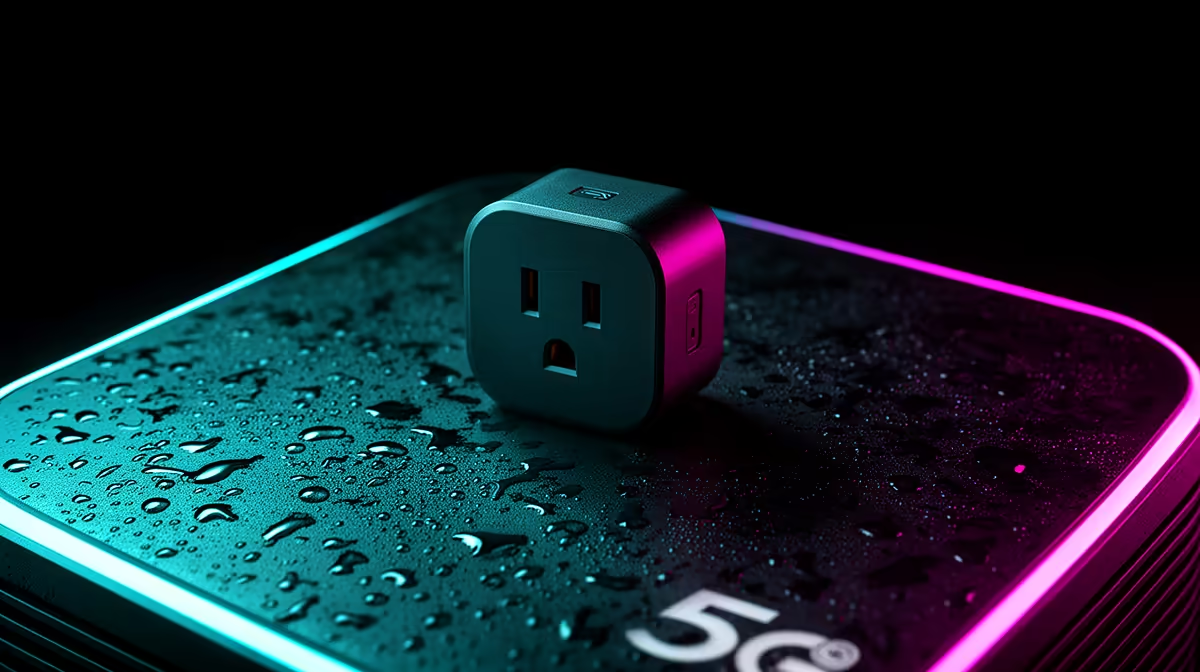
Smart plugs can use a Rain 5G home network when their Wi-Fi band, app and router settings are compatible. Many smart-home devices still rely on 2.4GHz Wi-Fi even when the household internet arrives over 5G. The mobile network affects remote access, while local pairing and router configuration determine whether each plug joins the home network.
Check the Wi-Fi path and plug load
The verified facts contain no smart-plug SKU. Source plugs elsewhere after checking South African socket compatibility, safety certification, maximum load and app support. Never use one beyond the manufacturer rating or with an unsuitable heater, cooking appliance or high-startup device. Confirm that the router provides the required Wi-Fi band and that device isolation settings still allow approved setup. A faster 5G speed does not increase the safe electrical load.
Plan for connection loss
Test whether schedules run locally when the internet drops and whether the plug returns to a safe state after power restoration. Give the account a unique password, enable available sign-in safeguards and review permissions. Keep firmware current through official tools. Place plugs where heat and status lights remain visible, without stacked adapters. Start with one low-risk lamp or approved device, observe it for a week and add others only when each automation has a clear purpose.
Planning a connected home network? > Browse Evetech routers, then source certified smart plugs matched to the Wi-Fi band and appliance load.