



Hot-Swappable PCB Architecture in Modern Keyboards: Guide
Learn hot-swappable PCB architecture in modern keyboards—what it is, how sockets and traces work, and how to pick the right board. Speed up swaps, reduce risk, and upgrade faster 🔧⚡
Read moreIs your smartwatch not charging? Don't panic! Our comprehensive guide for South African users helps you diagnose and fix common charging issues, from dirty contacts to faulty cables and software glitches. Get your wearable back to full power today! 🔋⚡ We cover top brands like Apple, Samsung, and Garmin.
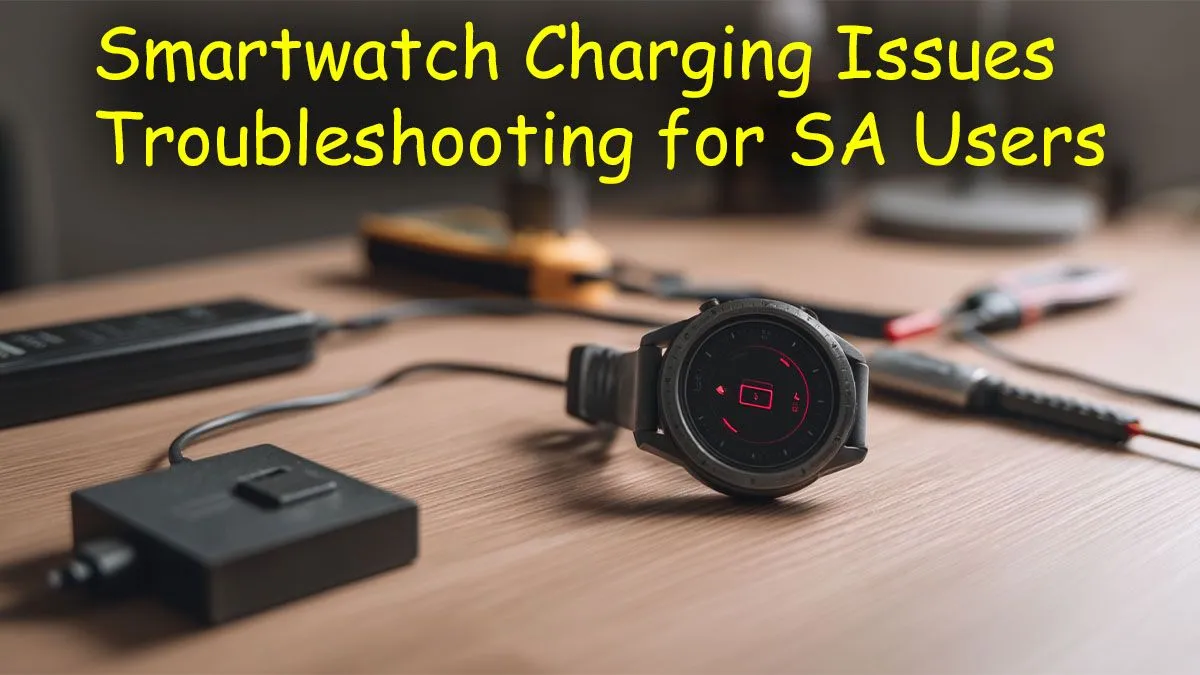
That sinking feeling… you grab your smartwatch before a run, but the screen is dead. You left it on the charger all night, so what gives? Especially during load shedding, every minute of charge time counts. Before you panic and start searching for a replacement, let's run through a few simple checks. Often, a smartwatch not charging is a problem you can fix yourself in minutes, right here in SA. ⚡
Before diving into complex software fixes, let's look at the physical connections. This is where most charging issues hide in plain sight. A faulty cable or dirty connection is the number one reason a smartwatch won't charge properly.
Take a close look at your charging cable. Check for any fraying, kinks, or damage to the USB connector or the magnetic puck that attaches to your watch. These cables can take a beating, especially if you travel with them.
Also, consider your power source. Are you plugging it into a wall adapter, a laptop, or a power bank? Try a different USB port or a different wall adapter entirely. Sometimes, the adapter itself is the problem, not the watch or cable. If you're using old gear, it might be time to check out the latest smart watches and fitness trackers that come with modern, efficient chargers.
Grab a dry, soft-bristled toothbrush or a cotton bud with a tiny bit of isopropyl alcohol. Gently scrub the gold or silver charging contacts on the back of your smartwatch and on the charging cable. Dust, sweat, and grime build-up are the most common culprits when a smartwatch is not charging correctly. Make sure everything is completely dry before trying to charge again!
If your hardware looks fine, the problem could be a simple software bug. Like any smart device, your watch's operating system can sometimes get stuck in a weird state that prevents it from recognising the charger.
The oldest trick in the IT book often works wonders here: turn it off and on again.
A hard reset can clear temporary glitches and get things back to normal. The process varies by brand, but it usually involves holding the crown or main button (or a combination of buttons) for about 10-15 seconds until the device restarts. Consult your watch's manual if you're unsure. A successful reboot might be all it takes to solve your smartwatch charging issues.
Still no luck? Let's try a couple more things before calling it. Your smartwatch not charging could be related to the power source's output or a deeper software issue.
Try plugging the charger into a low-power USB port, like one on a desktop computer or an older laptop. Some modern, high-wattage "fast charging" wall bricks can be incompatible with the delicate charging circuits in certain smartwatches. A slow and steady charge from a standard USB port can sometimes kickstart the process. This is also a good time to ensure your charging accessories are from a reputable source; quality power accessories from brands like Promate are built to deliver stable, safe power.
If the battery is completely flat... it might need a longer time on the charger before showing any signs of life. Leave it connected to a reliable power source for at least an hour. ✨
If you've cleaned the contacts, tried multiple cables and power sources, and performed a hard reset... it might be time to face the music. The internal battery may have reached the end of its life. Lithium-ion batteries have a finite number of charge cycles, and after a few years of daily use, they inevitably degrade.
Don't despair! Smartwatch technology has come a long way in recent years. Newer models offer vastly improved battery life, brighter screens, and more accurate sensors. If your old companion has served you well, perhaps it's earned a peaceful retirement. You might be surprised to find that there are some fantastic smartwatches available for under R1000 that offer incredible features without breaking the bank.
Ready for a Reliable Upgrade? If your old watch has given up the ghost, don't miss a beat. A new smartwatch can revitalise your fitness goals and keep you connected. Explore Evetech's huge range of smartwatches and find the perfect tech companion for your wrist.
Common causes include dirty charging contacts on the watch or cable, a faulty power adapter, a damaged charging cable, or a simple software glitch. Start by cleaning the contacts.
Check for visible damage like bent pins or debris inside the port. If the charging cable feels loose or only works when held at a specific angle, the port likely needs repair.
Power off your device. Use a dry, soft-bristled toothbrush or a cotton swab with a small amount of isopropyl alcohol to gently scrub the contacts on both the watch and charger.
It's highly recommended to use the original cable and adapter that came with your watch. Using uncertified third-party chargers can lead to slow charging or battery damage.
Leave it on the charger for at least 30-60 minutes. If there's no response, try a different power outlet and cable. You can also attempt a forced restart while it's connected.
For older models, a battery replacement can be cost-effective. Check with local repair shops for quotes, but weigh the cost against purchasing a new, discounted smartwatch model.
Learn hot-swappable PCB architecture in modern keyboards—what it is, how sockets and traces work, and how to pick the right board. Speed up swaps, reduce risk, and upgrade faster 🔧⚡
Read more
Mechanical switch lifespan explained—what the 50 million keystroke rating really means, plus tips to extend switch life and reduce double-press issues 🔧⌨️
Read more
60-percent vs full-size mechanical keyboard layouts—learn what each layout includes, who it suits, and how to choose the right fit 🧩⌨️ for typing, gaming, and productivity.
Read more
Double injection keycaps last far longer than standard printed keycaps in most setups. Learn typical lifespan ranges, what shortens them, and how to maximize durability for smoother daily typing and gaming 😊⌨️
Read more
Full-key anti-ghosting: does it stop missed inputs during fast-paced gaming? We break down latency, polling, and key matrix limits so you can buy smarter 🎮⚡
Read more
Protect mechanical keyboard switches from South African dust and summer humidity with practical cleaning and storage habits. Keep your switches smooth, reduce failures, and extend lifespan. 🌬️💧
Read more
Wondering if a TKL wireless mechanical keyboard is worth it for everyday productivity? We break down latency, battery life, comfort, and workflow gains for real work. ⚡⌨️

Maximise battery life on a fanless 15-inch laptop using efficiency core architecture. Cut idle drain, tune power profiles, and improve thermals for longer runtime. 🔋⚙️

Learn how to reduce desk clutter with a TKL wireless keyboard using fewer cables, smart placement, and tidy essentials. Get a faster, calmer workspace with better ergonomics. ✅🧼

RGB keyboard lighting too distracting? Learn how to manage backlight modes, set brightness, and reduce distraction for focus and productivity 😌🖱️

Are themed gaming keyboards worth the extra cost? Compare build quality, switch options, features, and resale value to find the best fit for your setup 🎮⌨️

Full-Size vs Tenkeyless mechanical keyboards for gaming: find out if a smaller layout truly improves aim, speed, and comfort. We break down layout, desk space, latency-feel, and keybinds 🎮⌨️

Dedicated media rollers vs function key shortcuts: learn which setup gives you better workflow control, faster media access, and fewer mistakes. 🖱️🎧

Best Mechanical Switch Type for Gaming: Clicky vs Linear vs Tactile. Find your feel, speed, and noise balance with practical guidance for FPS, MOBA, and productivity 😄🎮

Direct mouse answer: Mouse not keeping up with your work? Everything that matters about dual-mode 2.4GHz + BT 5.0: DPI behaviour, channel switching, battery curves and per-app button mapping. Covers when 2.4GHz USB wins (low-latency desk) and when BT 5.0 wins (laptop, d

Plain wireless mouse guide: Mouse not keeping up with your work? Everything that matters about wireless productivity mouse: DPI behaviour, channel switching, battery curves and per-app button mapping. Includes DPI tuning tips, channel switch shortcuts, and ZAR-aware fea

Real productivity numbers: Set up your wireless mouse in this order: everything that matters about wireless productivity mouse: DPI behaviour, channel switching, battery curves and per-app button mapping. Includes DPI tuning tips, channel switch shortcuts, and ZAR-aware

Pen not feeling like paper? Stylus lag and skipping usually trace to old drivers, dirty nibs, or display refresh mismatches, not the pen itself. Covers pressure curve tuning, tilt thresholds, nib swap timing, and SA pricing brackets.