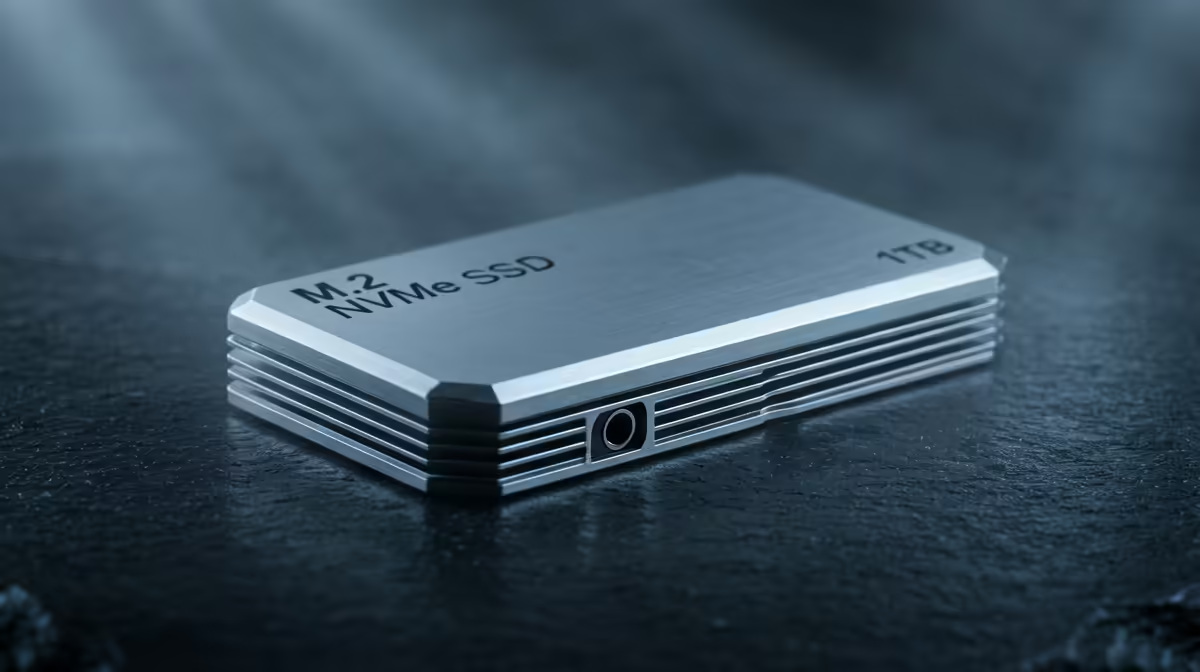
An SSD decision tree keeps you from two common traps: paying for speed your board cannot use, and buying a drive too small to be worth the upgrade.
Quick Answer
Branch your SSD choice by slot type, then capacity, then workload. Match a Gen4 NVMe to a Gen4 slot for a main drive; drop to SATA for cheap secondary storage. SA pricing sits near R1,500 for 1TB Gen4 NVMe and around R2,800 for a fast 2TB unit.
The Branches In Order
The first branch is your motherboard slot. There is no point buying Gen5 if your board offers Gen4, and a SATA-only system caps the benefit further. The second branch is capacity, where 1TB is a minimum and 2TB is the comfortable default for a gaming library.
The third branch is workload. A pure gaming drive prioritises fast loads and good random reads; a content-creation or scratch drive benefits from DRAM and high sustained write speed. Sort the field along these branches and the shortlist is small.
Reading Past The Marketing
Headline sequential speeds rarely reflect daily use. Game loads and app launches lean on random reads and the controller, where premium drives quietly pull ahead. For most buyers a reputable mid-range Gen4 NVMe hits the value sweet spot, with 2TB models around R2,800 in SA offering the best capacity-to-price balance for a gaming library.
FAQ
How do I know which SSD interface my board supports?
Check your motherboard manual or specs for M.2 slot generation and SATA ports. This single fact prunes the decision tree fastest.
Is 1TB enough for a main gaming SSD today?
It works but fills quickly with large modern titles that often run 80GB to 150GB each. 2TB is the more comfortable choice for a main gaming drive.
Do sequential speed ratings matter for gaming?
Less than marketing implies. Random read performance and the controller influence load times far more than peak sequential figures.
tree at your M.2 slot generation; matching the drive to the slot prevents overspending on speed your board cannot deliver.