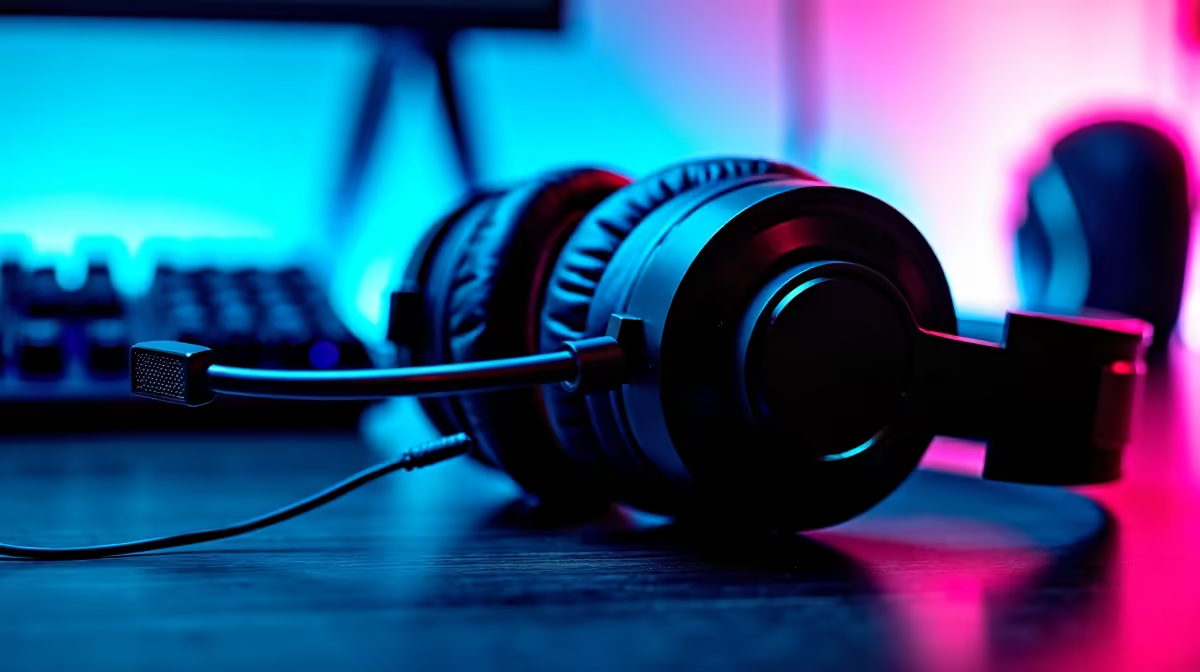
You're hours into a marathon stream… the vibes are perfect, chat is popping, but then it happens. A crackle. A buzz. Your audio quality starts to drop, pulling viewers out of the moment. For dedicated South African streamers, maintaining crisp sound is non-negotiable. These essential streaming audio optimization tips will ensure your voice stays crystal-clear from your first 'howzit' to your final raid, no matter how long you're live. 🎤
Nail the Basics: Mic Placement & Room Acoustics
Before you even touch any software, the most significant gains in audio quality come from your physical setup. Optimizing your streaming audio starts with where you place your microphone.
The golden rule? Get it close to your mouth, ideally 10-15 cm away. This boosts your voice and reduces the amount of room echo and background noise it picks up, like your PC fans or the neighbour's hadeda. Using a boom arm is perfect for this.
Next, consider your environment. You don't need a professional studio, but hard, flat surfaces like walls and desks reflect sound, creating reverb. Hanging a few blankets on the walls behind and beside you or even placing a thick rug on the floor can dramatically deaden a room. Combine this with a quality microphone from a trusted brand like CORSAIR, and you've built a powerful foundation for clean sound.
Master Your Software for Flawless Audio
With your physical space sorted, it's time to fine-tune your sound in software. Tools like OBS Studio and Streamlabs Desktop have powerful built-in audio filters that can make a good mic sound incredible. Here are the three you need to know:
- Noise Gate: This filter automatically mutes your mic when you aren't speaking, cutting out keyboard clicks and background hum.
- Compressor: This evens out your volume, making quiet whispers louder and loud shouts… well, less loud. It prevents your audio from peaking and gives it that professional, broadcast-like consistency.
- EQ (Equalizer): An EQ allows you to boost or cut specific frequencies. You can add warmth to your voice by slightly boosting the low-end or improve clarity by cutting muddy mid-range frequencies.
Experimenting with these filters is key. The best part? You don't need to break the bank to get a setup that supports these tweaks. You can find plenty of great audio gear for under R6000 that will serve you well for years.
Pro Tip: The Two-Finger Rule
For a quick noise gate setup, stay silent and note your background noise level in your audio mixer. Set your gate’s ‘Close Threshold’ just above that level. Then, set the ‘Open Threshold’ slightly higher. This cuts out hums without clipping your speech.
Choosing Gear That Endures Long Streaming Sessions ✨
Long sessions put your entire PC setup to the test, and your audio hardware is no exception. Cheaper, unshielded USB cables or poorly designed components can pick up electronic interference from your GPU or PSU, especially when they're working hard during a long gaming stream. This interference often manifests as a persistent, high-pitched whine that's impossible to ignore.
Investing in reliable gear with good shielding is one of the most important streaming audio optimization tips for long sessions. A dedicated audio interface with an XLR microphone often provides cleaner, more stable signal than a direct USB connection, though many high-end USB mics now have excellent internal components.
Remember, your stream is a complete package. Crisp audio paired with a great-looking scene keeps viewers engaged. Integrating dynamic, smart lighting from brands like Cololight can elevate your production value without interfering with your carefully crafted audio setup.