



PCIe 5.0 vs PCIe 4.0 for Video Editing in 4K in SA
PCIe 5.0 and PCIe 4.0 differ most in lane support, compatibility, and upgrade value for video editing in 4k. SA buyers should match the choice to their actual hardware and games.
Read moreBoost your Discord streams with our top picks! 🎧💡 Get flawless audio/video setups that sync easily, ensuring smooth collaboration and gameplay.
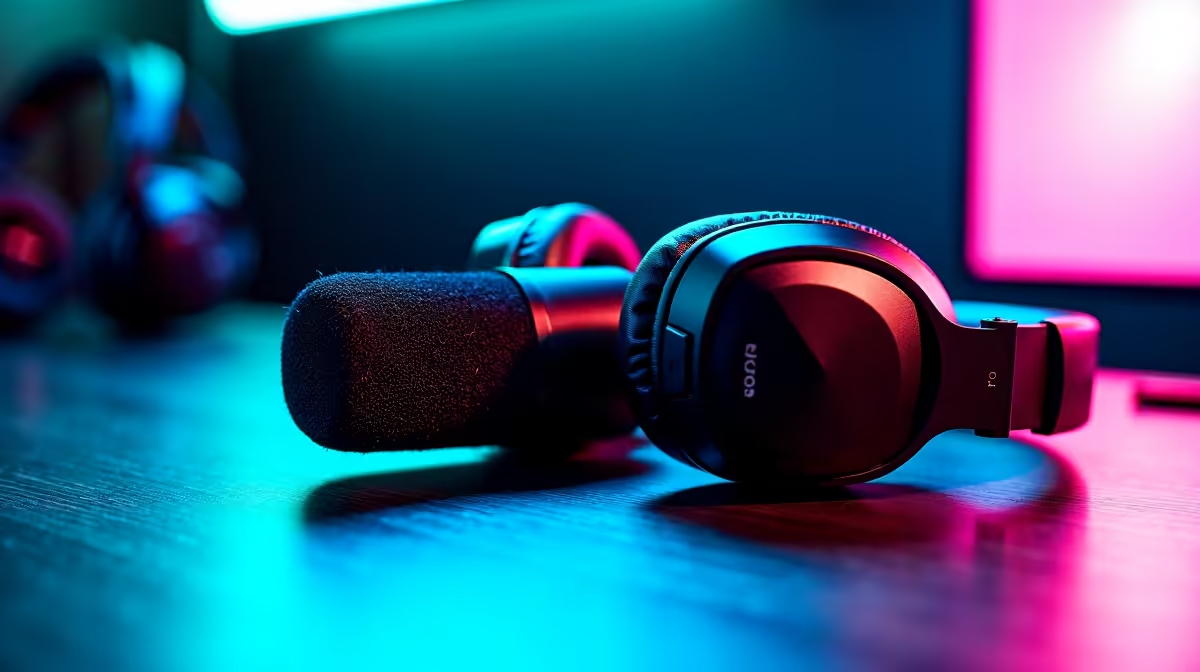
Howzit, fellow creator! Juggling your stream, the game, and your Discord server can feel like a full-time job. Your community is popping off in the chat, but your setup is fighting you every step of the way. What if your gear just… worked? Getting the right streaming equipment for Discord integration isn’t about flashy specs; it’s about creating a smooth, professional broadcast where you can focus on your audience, not your admin. 🚀
Let's be real: Discord is the digital braai for South African gaming communities. It's where the pre-game hype builds, where the post-game analysis happens, and where your most loyal fans hang out. When your stream and Discord work together seamlessly, magic happens.
Viewers love seeing their Discord interactions appear on-stream, and you’ll love the ability to manage voice channels, mute notifications, or shout out new members without ever alt-tabbing out of your game. This level of polish is what separates a casual streamer from a professional content creator. Having the best hardware for Discord integration means less fumbling and more flow.
Building a setup that plays nicely with Discord doesn't have to be complicated. It's about choosing smart pieces of kit that simplify your workflow.
Before anything else, get your audio right. Your voice is your primary tool for connecting with both your stream viewers and your Discord crew. A crackly, distant mic makes you sound unprofessional and can be genuinely frustrating for your teammates.
A high-quality USB microphone like a Rode NT-USB+ or a HyperX QuadCast S is a massive step up from any headset mic. It delivers rich, clear vocals that ensure you're heard perfectly in every environment. This is the foundation of all great streaming equipment for Discord integration.
If one piece of gear was born for this job, it's the Elgato Stream Deck. This little box of wonders allows you to map complex actions to a single button press. With its powerful Discord plugin, you can:
It’s the ultimate command centre, and with powerful options from brands like CORSAIR, you can find the perfect fit for your desk. ✨
Use software like Voicemeeter Banana to create virtual audio cables. You can send your game audio to your stream, but send your Discord chat audio only to your headphones. Your viewers won't have to hear your mates' comms, making for a much cleaner broadcast.
While not directly a "Discord" tool, your lighting and camera define your stream's visual identity. A well-lit scene makes you look more professional and keeps viewers engaged. Modern smart lighting can even react to on-screen events or stream alerts, adding another layer of interaction.
Consider adding some dynamic background colour with smart lighting options from Cololight to make your space feel unique and vibrant. It's an easy way to level up your production value. 💡
Feeling the pressure on your wallet? No stress. You don't need to drop R50,000 to get started. Prioritise your purchases: a great microphone comes first, always. After that, look at a webcam or some basic lighting. A Stream Deck Mini can offer essential Discord control without the cost of the larger models.
The goal is to build a reliable, Discord-friendly streaming setup piece by piece. You'd be surprised at the quality you can achieve with a smart budget. In fact, you can find a ton of great streaming gear under R6000 that will put you on the right track.
Ready to Upgrade Your Stream? Stop fighting with your setup and start creating amazing content. Explore Evetech's massive range of streaming essentials and build the Discord-integrated rig you've been dreaming of.
USB microphones like the Blue Yeti or HyperX QuadCast are ideal for crisp audio compatibility.
Yes! Quality headsets ensure clear communication and reduce background noise for smoother Discord streams.
Logitech C920 and Elgato HD60S capture high-definition video, ideal for Discord's live features.
Look for mixers offering plug-and-play USB interfaces and low-latency monitoring, like the Elgato Wave 3.
Absolutely. Elgato and AverMedia capture cards ensure seamless gameplay streaming and compatibility with Discord's API.
RGB LED panels like Aputure AL-M9 and Lume Cubes offer adjustable, streaming-friendly lighting.
Use dedicated streaming software like OBS Studio, paired with compatible microphones and capture cards for flawless output.
PCIe 5.0 and PCIe 4.0 differ most in lane support, compatibility, and upgrade value for video editing in 4k. SA buyers should match the choice to their actual hardware and games.
Read more
ATX 3.1 and ATX 3.0 differ most in connector handling and GPU power design. For SA gamers, the choice comes down to your graphics card, PSU quality, cable clearance, and whether a newer 12V-2x6-ready unit makes sense for the build.
Read more
80+ Platinum or 80+ Titanium for cinematic should be shortlisted around the job it must do. South African buyers should compare fit, performance, compatibility, and upgrade room, warranty path, and upgrade room before treating any pick as best.
Read more
AM5 and AM4 can both work for competitive esports, but the real-world difference is platform headroom. SA players should compare CPU choices, memory speed, latency goals, monitor refresh, and future upgrade plans.
Read more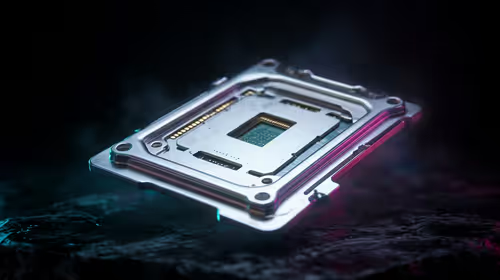
LGA 1851 and LGA 1700 differ most in CPU support, compatibility, and upgrade value for couch co-op gaming. SA buyers should match the choice to their actual hardware and games.
Read more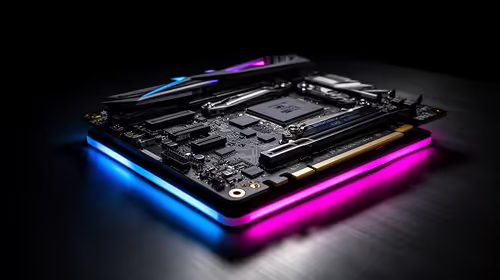
DLSS 4 and DLSS 3 differ most in game support, compatibility, and upgrade value for streaming on twitch and youtube. SA buyers should match the choice to their actual hardware and games.
Read more
RTX 5090 on a 1200W PSU has usable headroom when the supply is strong and the build is measured. For SA gamers, OC potential depends on CPU draw, cooling, cabling, stability targets, and how much safety margin you keep.

How to fix low FPS on gaming laptop starts with power mode, drivers, heat, and game settings. Use this South Africa-focused checklist to confirm charger use, GPU selection, RAM pressure, and cooling before changing parts or tweaking every setting.

Real world difference between b850 b650 mmo live service games sits in stability, networking, storage, and upgrade room. SA players should compare LAN quality, USB layout, RAM support, and SSD slots for always-updated games.

Dead Pixel on Wi-Fi 7 Router is likely a display-path or source-title issue, so check the screen, cable, driver state, and related system symptoms before blaming the device itself.

Put the headphones in pairing mode, open Bluetooth and devices in Windows 11, then add the headset. If it fails, remove the old pairing and check charge, range and drivers.

Microsoft says upcoming Windows 11 work will target memory use on 8GB PCs and improve boot and sign-in responsiveness. There is no public release date or measured uplift yet.

Windows 11 does not show CPU temperature in its standard Settings pages. Use your CPU maker's supported utility or a trusted monitor, then read idle and loaded temperatures in context.

The Colorful MEOW X16 Pro pairs a Ryzen 7 8745HX with a 115W RTX 5060 Laptop GPU. It is a China-only launch for now, so local RTX 5060 pricing is the practical benchmark.

Industry reports point to another roughly 10 percent Intel processor increase from 5 October, but Intel has not published a consumer price list confirming the scope. South African buyers should treat it as a risk signal, not a guaranteed Rand change.

Tests reported audio capture and local-network scanning on a specific LG television with its screen off. LG says supported standby modes can keep voice and connected-device features active, so owners should review model-specific settings.

Thermalright's AXP120-X77 is a 77 mm top-down cooler with six heatpipes and a slim 120 mm fan. Local availability is not confirmed, so compact-PC builders should verify case height, memory clearance and socket support before comparing it with stocked coolers.

One-sided sound can come from balance settings, a dirty or loose connector, Bluetooth pairing data, firmware, the source device or a failed cable or driver. A short swap test isolates the cause before you reset software or replace the headset.