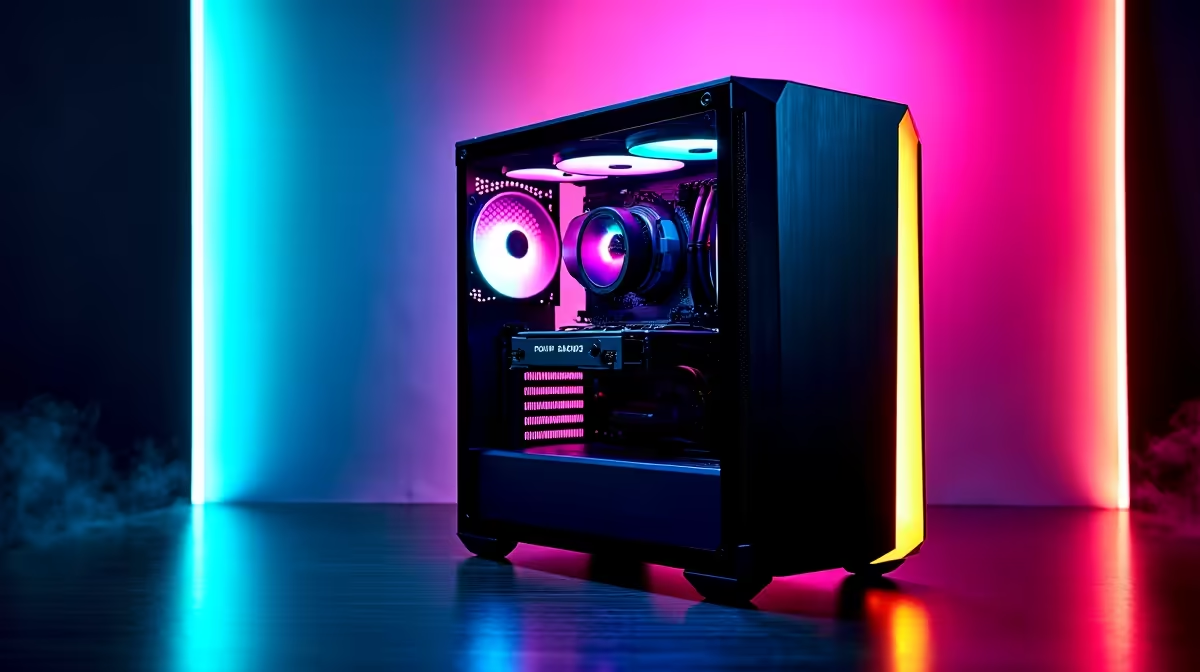
So, you want to be the next big South African streamer? You've got the personality, the passion for gaming, and a solid internet connection… most of the time. But what about the hardware? Building the perfect streaming PC in South Africa is a unique journey, filled with tough choices and a few outage-related headaches. We’ve been there, done that, and learned some valuable lessons along the way. Here’s our guide to getting it right. ✨
The Great Encoding Debate: CPU vs. GPU
When you're setting up a streaming PC, your first big decision is how to encode your video feed. This is the process of compressing your gameplay into a format that can be broadcast live. There are two main paths:
- CPU Encoding (x264): This uses your processor's power. It's known for delivering incredible image quality but requires a CPU with a lot of cores and threads to avoid slowing down your game. If you're a purist chasing that top-tier quality, a beastly rig from our AMD Ryzen PC deals can handle the workload beautifully.
- GPU Encoding (NVENC/AMF): This uses a dedicated chip on your graphics card. Modern NVIDIA (NVENC) and AMD (AMF) encoders are incredibly efficient, offloading the work from your CPU with minimal impact on your in-game FPS. This makes many of our Intel PC deals, paired with a solid NVIDIA RTX card, a fantastic and balanced choice.
For most new streamers, GPU encoding is the smarter, more efficient starting point.
Lessons We Learned About RAM and Storage
Our first mistake? Skimping on RAM. Gaming alone can chew through 8-12GB. Add OBS, Discord, and a few browser tabs for your stream dashboard, and a 16GB kit starts to sweat. 😅 Our biggest lesson: 32GB of fast RAM is the new sweet spot for a stutter-free streaming PC experience.
Equally important is an NVMe SSD. It won't just speed up your boot times; it makes capturing instant replays and loading into the next Apex Legends lobby completely seamless.
Audio is Half the Battle! 🎤
gameplay might be amazing, but nobody will stick around for crackly audio. Invest in a decent USB microphone. In OBS, add three basic filters to your mic source: a 'Noise Gate' to cut background hum, a 'Compressor' to even out your volume, and a 'Limiter' to prevent loud screams from deafening your viewers.
The DIY Dream vs. The Pre-Built Reality
We all love the idea of building a PC from scratch. It’s a rite of passage! But our journey taught us that sourcing compatible parts, painstaking cable management, and troubleshooting can be a massive time sink. Sometimes, you just want to plug in and play.
This is where professionally assembled systems shine. Exploring pre-built PC deals can save you hours of frustration, offering balanced, tested configurations that are ready for streaming out of the box. You don't even need a massive budget; there are fantastic PCs under R20,000 that can get you live on Twitch without breaking the bank.
Future-Proofing Your South African Streaming PC
A final lesson learned the hard way: don’t cheap out on the power supply (PSU). With an unexpected outage, a reliable, high-quality PSU from a reputable brand isn't just a recommendation... it's essential for protecting your components. ⚡
Also, consider a motherboard with a good upgrade path and a case with excellent airflow. A cool streaming PC is a happy, stable PC—something you'll be grateful for during a long, intense broadcast. Getting this right from the start is key to building a reliable streaming PC in South Africa.
Ready to Go Live?
Building the perfect streaming PC is a rewarding journey, but you don't have to do it alone. Skip the guesswork and find a machine built by experts. Explore our massive range of PC deals and find the perfect rig to launch your streaming career in South Africa.