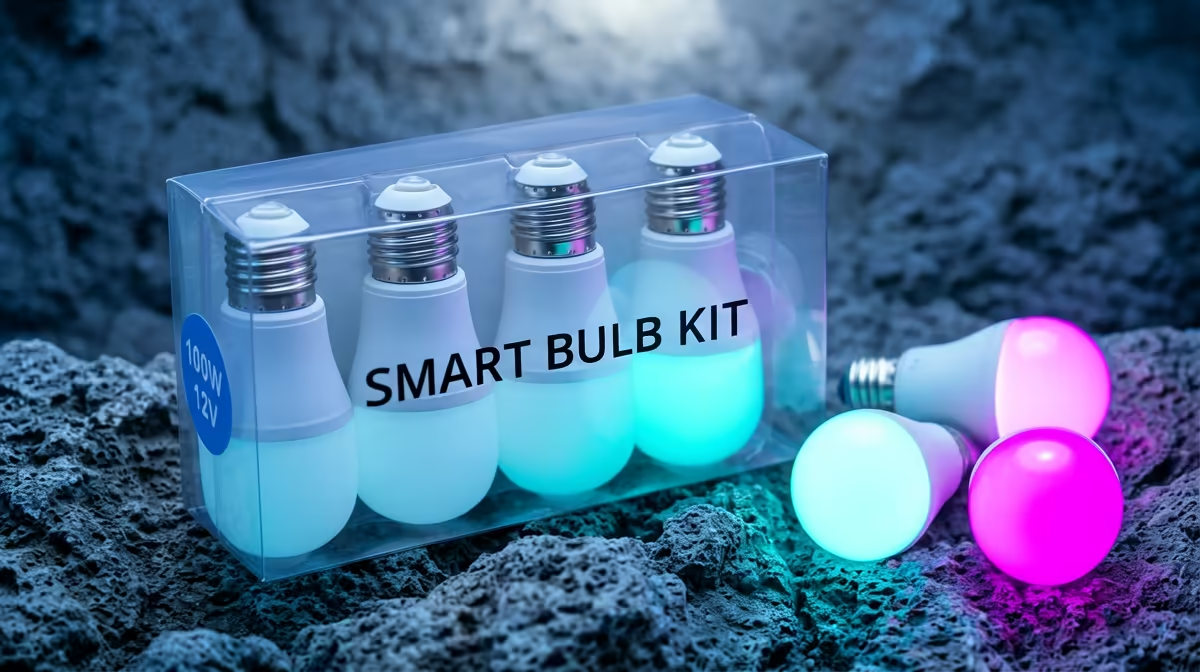
A student should choose a smart light kit from the room rules, study activities and phone ecosystem. Adjustable brightness can help reading, video calls and winding down, but connected bulbs do not replace good desk placement or daylight control. The verified facts contain no smart-light SKU, so source one elsewhere after checking socket type, voltage, app support and privacy.
Light the study surface first
Place a steady task light so the hand does not cast a shadow over notes and glare does not reflect from the screen. Confirm whether a residence permits bulb replacement, adhesive strips or hubs on its network. A smart kit should still provide useful manual control when the internet or phone app is unavailable.
The ASUS ExpertBook P1503 at R9,858 provides verified Core i5-13420H hardware, 8GB memory, 512GB storage and Windows 11 Pro for supported coursework. Keep lighting spending behind the course computer and backup needs.
Protect sleep and account access
Use warm low light near bedtime and brighter neutral light for desk work without aiming it into roommates spaces. Create a strong account password, update firmware and limit unnecessary permissions. Test scheduled scenes for a week before adding more bulbs. If a standard dimmable lamp already solves the problem, connected controls may add setup work without improving study.
Improving a student workspace? > Ask Evetech about verified laptops, monitors and study accessories.