Quick Answer
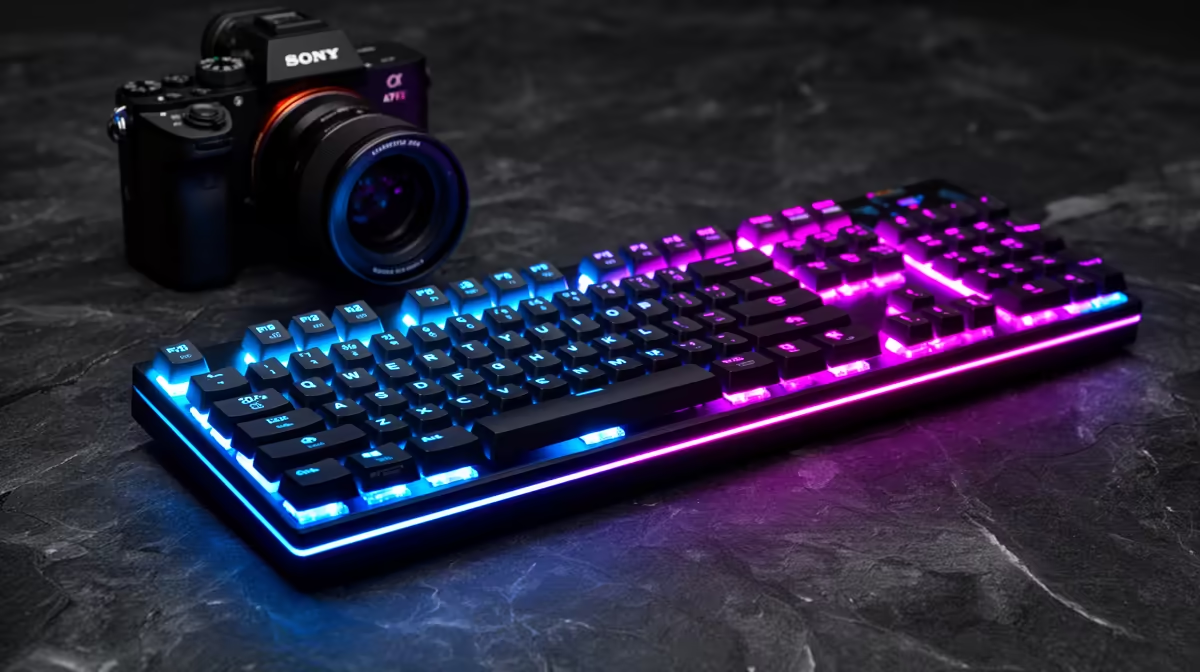
Individually backlit Chroma keys allow per-key RGB colour assignment, making it possible to colour-code specific gaming zones such as WASD, ability keys, and macro rows in distinct colours so you can locate critical keys by colour in complete darkness without breaking game focus. This is practically useful in South African households where late-night gaming in shared accommodation or dimly lit rooms was historically common, and where dark gaming environments remain typical for immersion.
How Per-Key Backlighting Differs From Zone Lighting 🎮
Zone RGB lighting illuminates groups of keys with one colour per zone. Per-key Chroma or individual RGB backlighting assigns a separate RGB LED to each key independently, allowing different colours on adjacent keys. You can set WASD to bright green, ability keys 1 through 5 to blue, and the remaining keys to dim red, creating a visual map your peripheral vision reads during gameplay without conscious attention. Individual LED control also enables profile indicators, flashing a key red during a macro countdown or pulsing blue when Hypershift is active.
Practical Low-Light Use Cases in SA Households 🌙
Late-night gaming is common in South African households where family members share living spaces. A backlit keypad or keyboard allows silent, eyes-forward gaming without desk lamps that disturb others. In student digs in Pretoria or Stellenbosch where four to five students share a common area, a low-brightness per-key backlit setup provides just enough key identification light without creating glare on a flatmate's screen. Brightness adjustment per key or globally, available in software like Razer Synapse, handles this precisely.
Chroma Ecosystem Integration and Software Control 💡
Razer Chroma and similar per-key RGB systems integrate with game titles that support dynamic lighting. Games like Cyberpunk 2077 push in-game events to the keyboard's lighting in real time: health-low states pulse keys red, ability cooldowns dim and relight as they refresh. While cosmetic, this adds genuine peripheral awareness without diverting screen attention. The software overhead for Razer Synapse runs around 200 to 400 MB RAM, acceptable on systems with 16 GB or more.
Set Key Zones to Match Your Game's Ability Layout ⚡
Map your Chroma profile directly to the ability bindings of your most-played game. If Q, E, R, and F are your ability keys in League of Legends or Valorant, set those keys to a bright, distinct colour separate from movement keys. Your peripheral vision learns the colour pattern within a few sessions, and you will naturally move to the correct key by colour rather than by position in low-light conditions.
FAQ
Does per-key RGB significantly increase the price of a gaming keypad or keyboard?
Yes, individual LED backlighting adds roughly R200 to R600 to the cost compared to equivalent zone-lit or non-RGB models. A quality mechanical gaming keypad with full per-key Chroma typically starts at R1,400 to R2,000 in South Africa.
Does RGB lighting affect battery life on wireless gaming peripherals?
Significantly, yes. RGB lighting is one of the largest battery consumers on wireless keyboards and keypads. At full brightness across all keys, expect battery life to drop by 30 to 60 percent compared to lighting-off mode. Most wireless gaming peripherals allow auto-dim timers to balance visibility and battery.
Is Chroma RGB compatible with non-Razer systems and software?
Razer Chroma has an open SDK that some third-party software and games use. However, full Chroma integration works best within the Razer Synapse ecosystem. Other RGB standards like Corsair iCUE and SteelSeries GG use their own protocols and are not cross-compatible without third-party tools like OpenRGB.
Looking for per-key RGB lighting on your gaming peripheral?
Evetech stocks Chroma-enabled gaming keypads and keyboards with individual key backlighting, available with local warranty. Browse the gaming keyboards and keypads range at Evetech.