



Marvel Rivals launch in South Africa
Marvel Rivals launch needs a balanced parts plan, not a random basket. Map the CPU, GPU, RAM, SSD, cooling, and monitor target to the budget so SA builders know where to spend first.
Read moreThree-tier webcam plan for controller-first PC should be shortlisted around the job it must do. South African buyers should compare fit, performance, compatibility, and upgrade room, warranty path, and upgrade room before treating any pick as best.
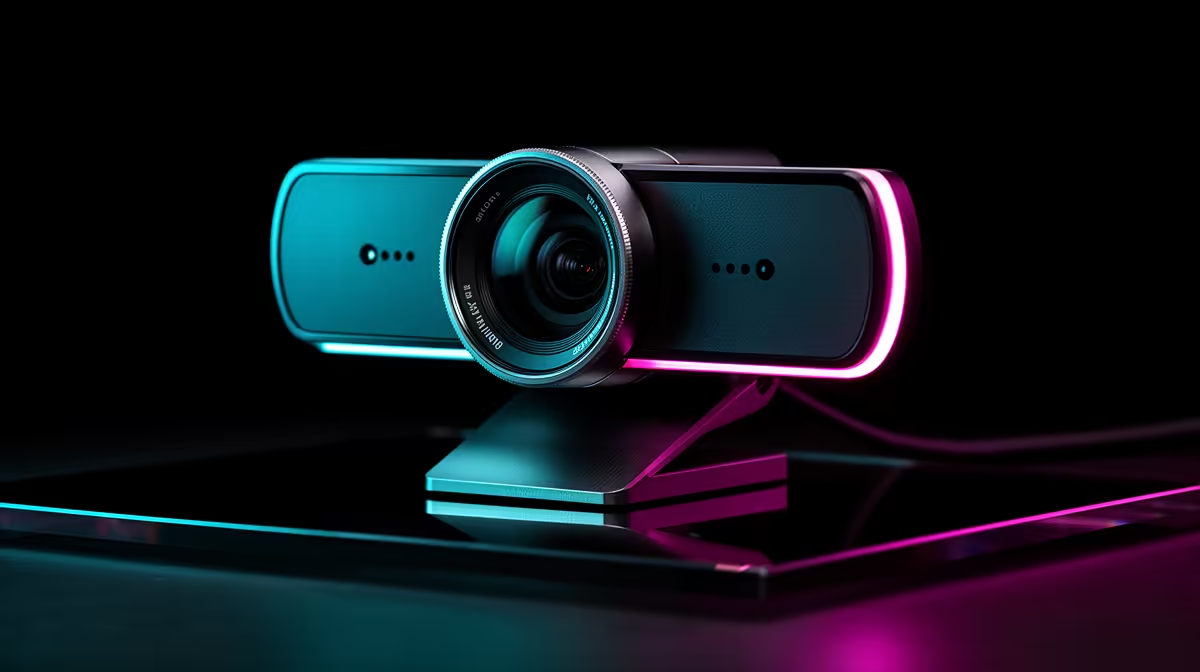
For controller-first PC gaming with a facecam, plan three tiers: a R600 to R1,000 1080p30 cam for casual streams, a R1,200 to R2,500 1080p60 cam for smooth facecam motion, and a R3,000-plus 4K30 cam for crisp, croppable facecam footage. Since you game on a pad, a fixed cam plus good lighting beats fiddly auto-framing you can't adjust mid-game.
A facecam adds personality to a stream, and the tier depends on how much it matters to your channel. A R600 to R1,000 1080p30 cam is fine for casual controller streams. A R1,200 to R2,500 1080p60 cam gives smoother facecam motion, which reads better when you react during play. A R3,000-plus 4K30 cam lets you crop and reframe a sharp facecam in a 1080p scene. Lighting matters as much as the cam: a key light or a bright window improves any facecam dramatically, so budget for both.
Playing on a controller means you lean back and your hands are busy, so you can't fiddle with the cam mid-game. A fixed cam framed once, with steady lighting, gives a reliable facecam without auto-framing that drifts or distracts. Mount the cam on or above the monitor at face height and set it before you start. Plan your scene so the facecam sits in a corner without covering gameplay. For controller-first streaming, the winning combo is a well-framed, well-lit cam at the tier your channel needs, not the fanciest feature set.
A 1080p60 cam gives smooth facecam motion for reactions during play, while 4K lets you crop a sharp facecam in a 1080p scene. For casual controller streams, 1080p30 is enough.
Often, yes. A key light or a bright window improves any facecam dramatically, while a great cam in a dim room still looks poor. Budget for lighting alongside the cam for a clean facecam.
Usually not. With your hands on the pad you can't adjust it mid-game, and auto-framing can drift or distract. A fixed cam framed once with steady lighting is more reliable for controller play.
facecam at face height above the monitor, frame it once before you start, and add a key light so it looks clean while your hands stay on the controller.
Marvel Rivals launch needs a balanced parts plan, not a random basket. Map the CPU, GPU, RAM, SSD, cooling, and monitor target to the budget so SA builders know where to spend first.
Read more
Path of Exile 2 launch needs a balanced parts plan, not a random basket. Map the CPU, GPU, RAM, SSD, cooling, and monitor target to the budget so SA builders know where to spend first.
Read more
Black Myth Wukong launch needs a balanced parts plan, not a random basket. Map the CPU, GPU, RAM, SSD, cooling, and monitor target to the budget so SA builders know where to spend first.
Read more
Hollow Knight PC requirements should be mapped to resolution, settings and upgrade budget before choosing a tier. Verify current requirements, then balance GPU, CPU, RAM and SSD around SA pricing.
Read more
Hollow Knight build planning should focus on the target resolution, settings and total system balance. Treat launch wording as time-sensitive, then verify requirements before choosing SA PC parts.
Read more
Fallout 4 PC requirements should be mapped to resolution, settings and upgrade budget before choosing a tier. Verify current requirements, then balance GPU, CPU, RAM and SSD around SA pricing.
Read more
Wondering if a TKL wireless mechanical keyboard is worth it for everyday productivity? We break down latency, battery life, comfort, and workflow gains for real work. ⚡⌨️

Maximise battery life on a fanless 15-inch laptop using efficiency core architecture. Cut idle drain, tune power profiles, and improve thermals for longer runtime. 🔋⚙️

Learn how to reduce desk clutter with a TKL wireless keyboard using fewer cables, smart placement, and tidy essentials. Get a faster, calmer workspace with better ergonomics. ✅🧼

RGB keyboard lighting too distracting? Learn how to manage backlight modes, set brightness, and reduce distraction for focus and productivity 😌🖱️

Are themed gaming keyboards worth the extra cost? Compare build quality, switch options, features, and resale value to find the best fit for your setup 🎮⌨️

Full-Size vs Tenkeyless mechanical keyboards for gaming: find out if a smaller layout truly improves aim, speed, and comfort. We break down layout, desk space, latency-feel, and keybinds 🎮⌨️

Dedicated media rollers vs function key shortcuts: learn which setup gives you better workflow control, faster media access, and fewer mistakes. 🖱️🎧

Best Mechanical Switch Type for Gaming: Clicky vs Linear vs Tactile. Find your feel, speed, and noise balance with practical guidance for FPS, MOBA, and productivity 😄🎮

Direct mouse answer: Mouse not keeping up with your work? Everything that matters about dual-mode 2.4GHz + BT 5.0: DPI behaviour, channel switching, battery curves and per-app button mapping. Covers when 2.4GHz USB wins (low-latency desk) and when BT 5.0 wins (laptop, d

Plain wireless mouse guide: Mouse not keeping up with your work? Everything that matters about wireless productivity mouse: DPI behaviour, channel switching, battery curves and per-app button mapping. Includes DPI tuning tips, channel switch shortcuts, and ZAR-aware fea

Real productivity numbers: Set up your wireless mouse in this order: everything that matters about wireless productivity mouse: DPI behaviour, channel switching, battery curves and per-app button mapping. Includes DPI tuning tips, channel switch shortcuts, and ZAR-aware

Pen not feeling like paper? Stylus lag and skipping usually trace to old drivers, dirty nibs, or display refresh mismatches, not the pen itself. Covers pressure curve tuning, tilt thresholds, nib swap timing, and SA pricing brackets.