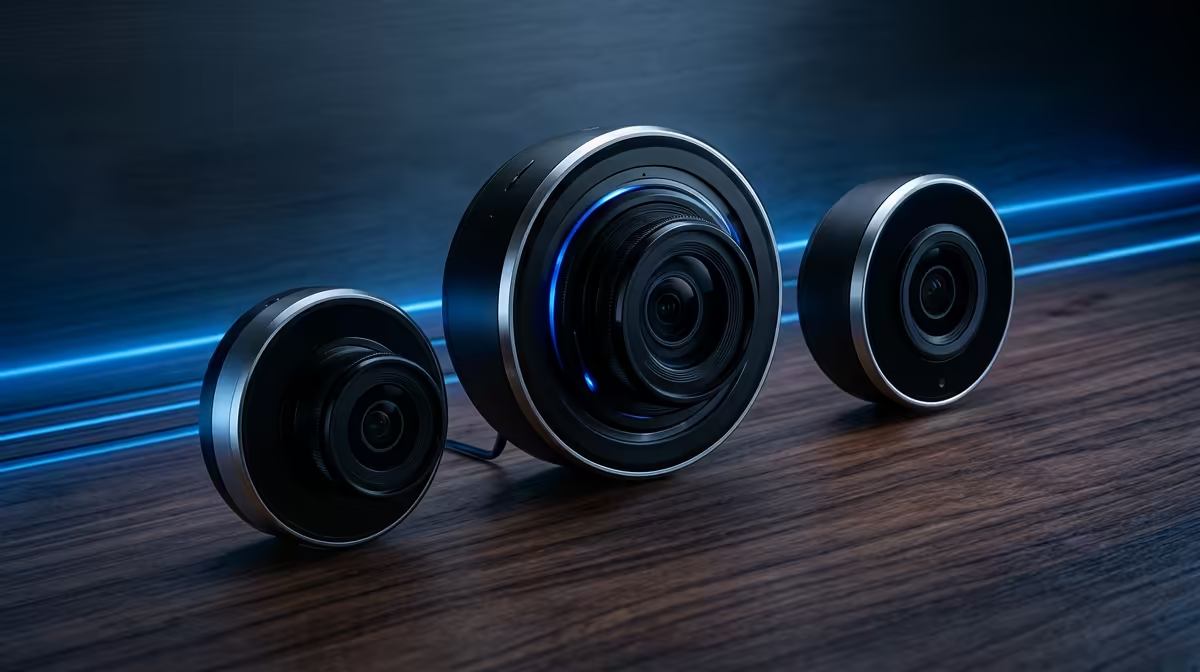
Flight simmers stream and record from a cockpit lit by monitor glare, so the webcam has to expose a face well against bright screens and hold focus during head movement. A three-tier plan matches spend to whether you stream casually or run a polished channel.
Quick Answer
For flight simulation, budget on a 1080p 30fps webcam around R750, balanced on a 1080p 60fps autofocus model near R1,800, and premium on a 1080p 60fps or 1440p camera with manual exposure around R3,500. All three are stocked at Evetech, and 60fps is the real upgrade that smooths head turns.
Budget Tier: Clean 1080p For Recording
A fixed-focus 1080p 30fps webcam (about R650 to R900) is fine for recording flight sessions where you barely move. The catch in a cockpit is exposure: cheap sensors blow out behind a bright instrument panel, so add a small key light rather than chasing a pricier camera first.
Balanced Tier: 60fps And Autofocus
A 1080p 60fps autofocus webcam (roughly R1,600 to R2,200) is the sweet spot for live streaming. 60fps halves motion blur when you glance at rudder pedals or lean into a turn, and autofocus keeps you sharp if you shift in the seat. This tier is where most simmers should land.
Premium Tier: Manual Control For Glare
A premium webcam with manual exposure and white balance (about R3,200 to R4,500) earns its price only when monitor glare is severe. Locking exposure stops the auto system from darkening your face every time a bright daytime scene loads. Some models add 1440p, useful if you upscale to 4K on YouTube.
FAQ
Is 60fps worth it for a flight sim webcam?
Yes if you stream live, because 60fps cuts the motion blur that 30fps leaves during head movement and quick glances. For pure recording where you sit still, 30fps at the R750 tier saves money without a visible penalty.
How do I fix glare from cockpit monitors?
The fix is a webcam with manual or lockable exposure plus a small key light beside the camera. A R250 LED panel often does more for image quality than spending R1,500 extra on the camera body.
Where should I mount the webcam in a cockpit rig?
Mount it on the centre monitor or a short arm at eye level so you face it naturally while flying. Avoid clamping it to a moving yoke or stick, which introduces shake that no autofocus can fully hide.
Pick the 60fps balanced webcam at Evetech for live flight-sim streaming, and add a small key light before spending more on the camera itself.