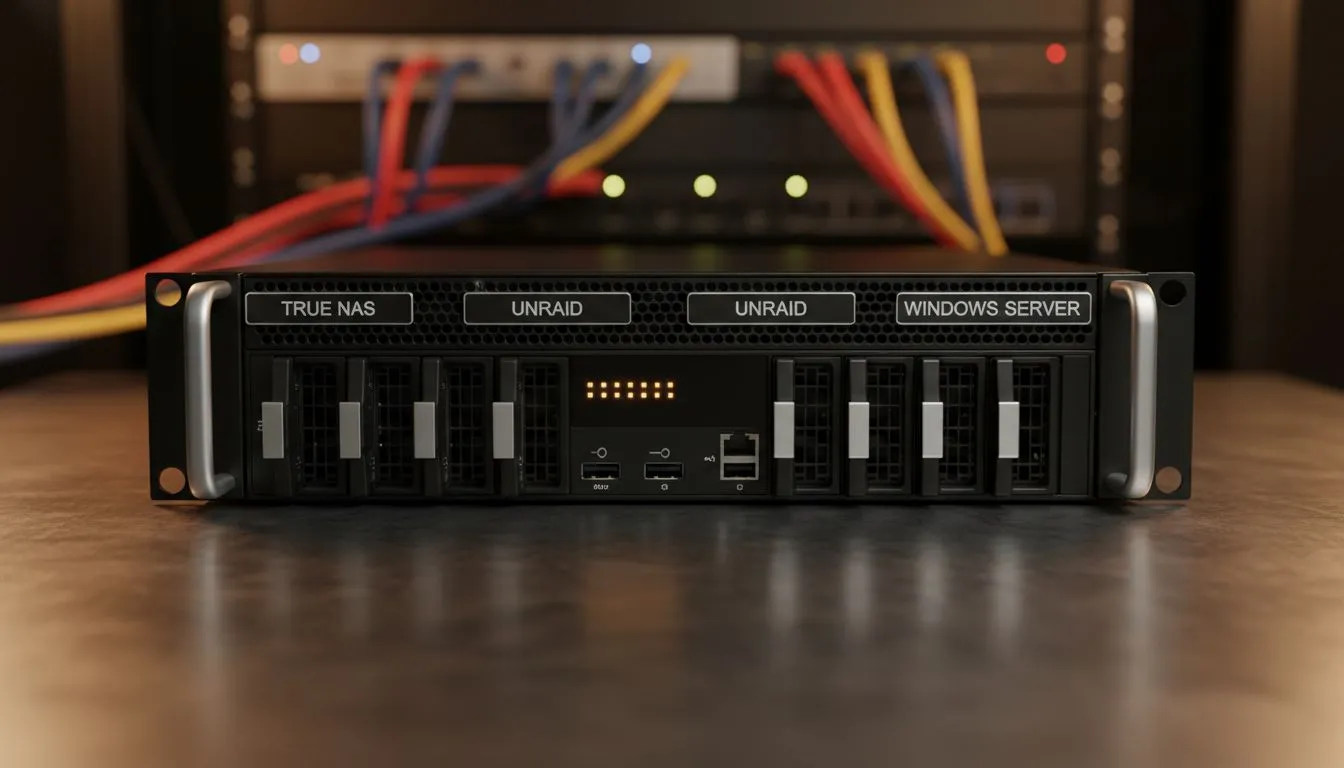
Choosing the Right OS for Your High-End Hardware
You have just spent a significant amount of ZAR on a powerhouse rig from Evetech. Now comes the critical decision of which operating system will manage your data. When comparing TrueNAS vs Unraid vs Windows Server: Best for High-Spec Hardware, the "best" depends entirely on your specific goals. Are you building a bulletproof media vault or a high-performance virtualisation lab? 🔧
TrueNAS: The King of Data Integrity
TrueNAS, specifically the SCALE version, is designed to squeeze every bit of performance out of enterprise-grade components. It relies on the ZFS file system... a technology that prioritises data safety above all else. If you are using high-end ECC RAM and multiple NVMe drives, TrueNAS will utilise that hardware to provide incredible speeds.
Many local enthusiasts start their journey by browsing diskless NAS storage options to find the perfect chassis for their TrueNAS build. ZFS loves RAM. The more you give it, the faster your file transfers become. It is the professional choice for those who never want to lose a single byte of data.
Storage Pro Tip ⚡
When setting up TrueNAS with ZFS, always aim for at least 1GB of RAM for every 1TB of storage. For high-spec hardware, doubling this ratio will significantly improve your metadata caching and overall system responsiveness during heavy file transfers.
Unraid: Flexibility Meets High-Spec Potential
Unraid takes a different approach compared to the rigid structure of TrueNAS. It is famous for allowing you to mix and match different drive sizes. This is perfect if you are slowly upgrading your setup over time. While it might not match the raw throughput of ZFS, its ability to run Docker containers and Virtual Machines is incredibly user-friendly.
If you are looking for external expansion for your Unraid setup, high-quality enclosures from Orico provide a reliable way to add more disks. Unraid boots from a USB flash drive and runs entirely in your system memory... which leaves your SATA and NVMe ports wide open for pure storage tasks. 🚀
Windows Server: Familiarity and Power
Sometimes, the best tool is the one you already know. Windows Server is a beast when it comes to hardware compatibility. If you are running specific South African accounting software or need a dedicated Hyper-V environment, Windows is the logical choice. It handles high-spec components like multi-core Xeon or Threadripper CPUs with ease.
For those who want a compact yet powerful server footprint, the latest units from Minis Forum offer surprisingly high specs that run Windows Server beautifully. You get the familiar NTFS or ReFS file systems and the peace of mind that comes with standard driver support. ✨
Matching Hardware to Your Software Choice
When deciding on TrueNAS vs Unraid vs Windows Server: Best for High-Spec Hardware, look at your drive count first. TrueNAS wants identical drives for its VDEVs. Unraid wants your largest drive as a parity disk. Windows Server just wants plenty of CPU cores to manage its background services. ⚡
No matter which path you choose, high-spec hardware deserves a stable environment. Ensure your cooling is top-notch and your power supply can handle the 24/7 load of a home server.
Ready to Find Your Perfect Match?
The TrueNAS vs Unraid vs Windows Server debate is complex, but for maximum power, choice, and value in South Africa, having the right hardware is the first step. Explore our massive range of storage solutions and find the perfect components to build your ultimate home server.