Quick Answer
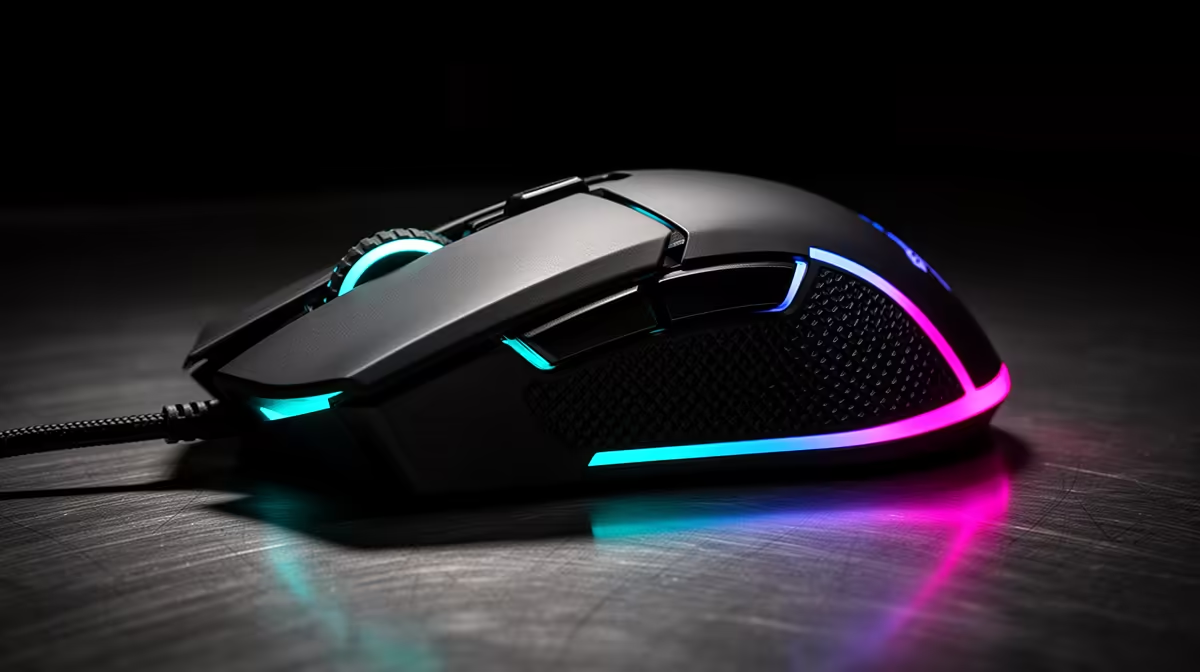
For maximum click lifecycle, prioritise optical switches rated at 90 million-plus clicks over mechanical alternatives. Current top choices in South Africa include mice using Razer Gen-4 optical switches (90 million, wired and wireless from R1,500 to R2,800) or quality mechanical Kailh GM 8.0 switches (80 million) for the R800 to R1,400 tier.
Understanding Switch Lifecycle Ratings 🔢
Click lifecycle ratings tell you how many actuations a switch withstands before electrical characteristics degrade. Most manufacturers use a constant-force automated actuator at room temperature, which is best-case for mechanical switches that degrade faster under variable force and humid conditions. Optical switches are less affected because their mechanism has no metal contact surfaces.
For a direct comparison: an Omron D2FC-F-7N (50 million clicks) in an R800 mouse and a Razer Gen-4 optical switch (90 million clicks) in an R2,500 mouse are the two main tiers of the South African market. Switch rating is a useful tie-breaker when two mice are otherwise similar.
Key Factors That Extend Real-World Switch Life 🛠️
Beyond the rated lifecycle, usage habits affect how long switches last. Clicking with consistent force near the button centre extends mechanical switch life. Humidity and off-centre clicking accelerate wear on mechanical contacts.
For optical switches, the main adversary is contamination: dust particles entering the button housing can settle on the photodiode receiver and reduce beam sensitivity. Periodic cleaning with compressed air keeps optical switches operating indefinitely. Players in drier interior regions like Pretoria and Johannesburg find dust accumulation a more common issue than those in coastal cities.
Building a Long-Lifecycle Mouse Setup 🖱️
Switch longevity is just one component of a lasting setup. Pair a high-lifecycle switch with PTFE glide pads (R80 to R200 locally, lasting 2 to 3 years each) and a cloth mousepad that provides consistent tracking without abrading the base. Wireless mice remove cable fatigue concerns but introduce battery management: keeping lithium batteries between 20 and 80 percent charge extends cell lifespan meaningfully. Purchasing through a local retailer with a warranty path protects the overall investment.
Register Your Mouse After Purchase ⚡
Most major brands (Razer, Logitech, HyperX) offer product registration through their companion software or website that extends or clarifies warranty terms. Registering within 30 days also ensures you receive firmware update notifications that can improve switch response, polling rate performance, and sensor calibration.
FAQ
Which switch type lasts longer in humid SA coastal conditions?
Optical switches are significantly more durable in humid conditions like those in Durban and Cape Town. Humidity accelerates oxidation of metal contact surfaces in mechanical switches, shortening their effective lifecycle below the rated figure. Optical switches have no metal contacts to oxidise and are unaffected by ambient humidity within the ranges encountered in South African homes.
Is there a way to test how close my switch is to failure?
The earliest sign of mechanical switch degradation is intermittent double-clicking. Test by single-clicking on a text field and watching for two characters typed. Software like Mouse Clicker Test can also record whether a single press registers as one or two click events. Optical switches do not exhibit this failure mode.
Do gaming mouse warranties in South Africa cover switch failure?
Yes, within the warranty period (typically 1 to 2 years). Double-clicking caused by switch failure is a recognised manufacturing defect covered by manufacturer warranty and South African consumer protection rights. Evetech's local warranty path handles claims without international shipping.
Find a mouse built to last for years.
Evetech stocks gaming mice across every switch type and lifecycle tier. Browse the full selection at Evetech and choose the durability level that matches your gaming intensity.