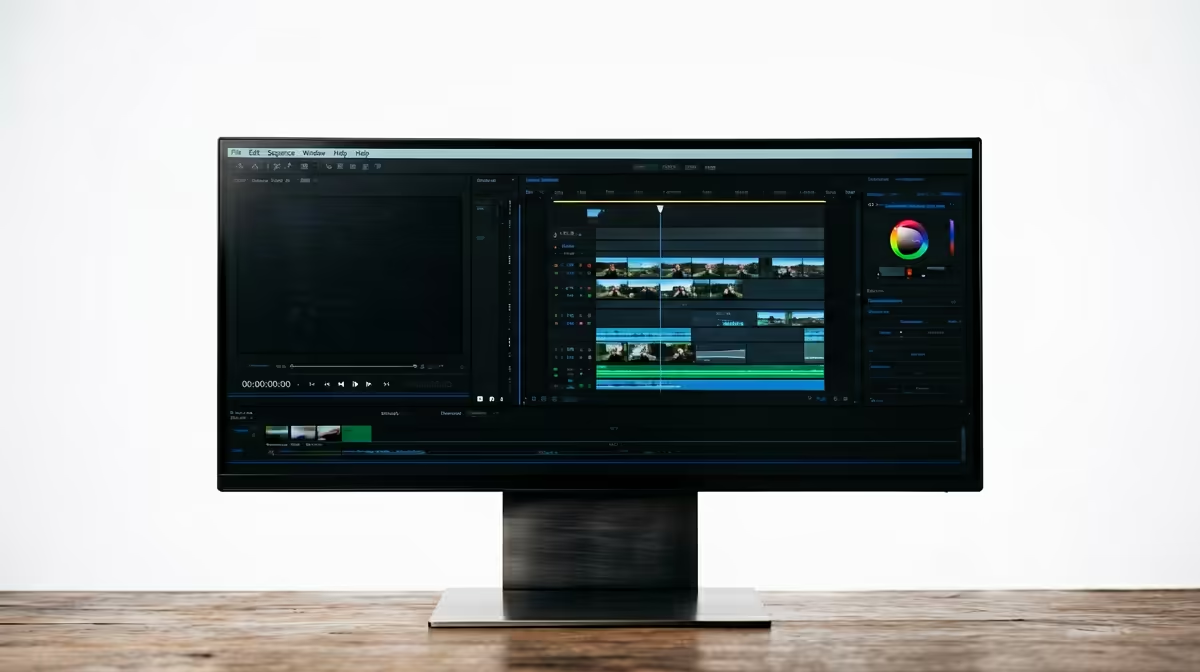
The ASUS TUF VG34WQML5A 34 Inch UWQHD Curved Fast VA LED 21:9 250 Hz Gaming Mo at R7700 suits an SA creator who wants a wide editing timeline, preview space, and fast motion handling on one ultrawide monitor. Its 34 inch UWQHD panel gives you room to keep the timeline, bins, audio tracks, and preview window visible without constantly stacking panels.
Best ultrawide monitor picks for video editing
The ASUS TUF VG34WQML5A at R7700 is the strongest first look because it combines a 34 inch UWQHD curved Fast VA panel with a 21:9 layout and 250 Hz refresh rate. For editing YouTube videos, that width matters more than raw refresh rate, but the fast panel also helps when scrubbing gameplay clips or checking motion-heavy footage.
The Samsung Odyssey (34") QHD 3440 x 1440 pixels UltraWide Gaming Monitor at R7999 is another sensible pick if you want a sharp 3440 x 1440 workspace with a familiar 34 inch class size. That resolution gives the edit view breathing room, especially when you keep a media bin open beside the timeline.
SA creator desk reality
The HP MONITOR OMEN CURVED GAMING 34 INCH WQHD 165HZ 1 YEAR Warranty at R10405 fits a creator desk where one large curved WQHD screen replaces a cramped dual-monitor arrangement. The Arozzi Nova Curved 34" VA, 165Hz - Black at R4100 is the budget-conscious option, with a 34 inch curved VA panel and 165 Hz refresh rate for a wide workspace at a lower price.
Ready to choose the right ultrawide monitor?
Use ASUS TUF VG34WQML5A 34 Inch UWQHD Curved Fast VA LED 21:9 250 Hz Gaming Mo at R7,700 as the creator desk benchmark, then check whether (7 in stock) matches the space, workload, and upgrade path.