Quick Answer
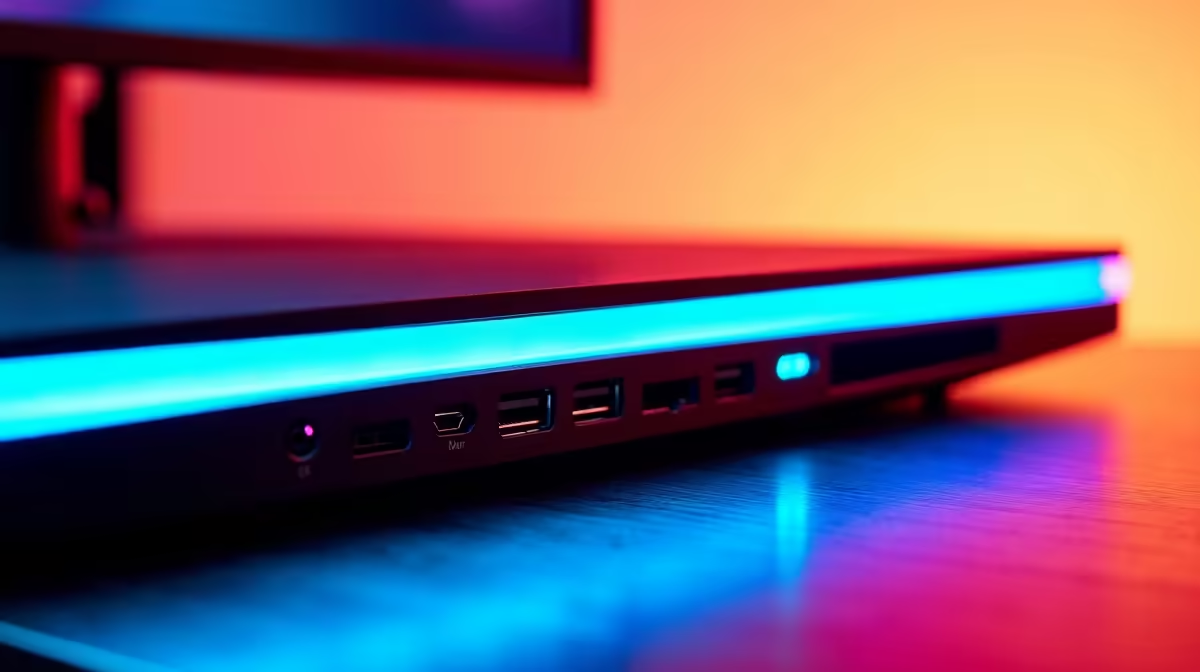
DisplayPort 1.4 supports up to 4K at 144Hz or 1440p at 240Hz using Display Stream Compression. HDMI 2.1 offers 48 Gbps and handles 4K at 144Hz or 8K at 60Hz without compression. USB-C with DisplayPort Alt Mode provides the same signal as DP 1.4 or DP 2.0 depending on the port generation, while also delivering power and USB data through one cable. Match your GPU's output to the monitor's input before buying.
DisplayPort 1.4: The PC Gaming Standard 🔧
DisplayPort 1.4 has a 32.4 Gbps raw bandwidth ceiling. With Display Stream Compression (DSC) it effectively pushes 4K at 144Hz, 1440p at 240Hz, and even 1440p at 360Hz on select implementations. Most graphics cards from the RTX 40-series and RX 7000-series include at least one DP 1.4 output. A certified DP 1.4 cable, which looks identical to older DisplayPort cables but carries the specification rating on the connector shroud, costs between R150 and R400 at local retailers. If your gaming monitor tops out at 144Hz or 165Hz at QHD, DP 1.4 is sufficient for every scenario you will encounter. Higher refresh rates at QHD or 4K need DP 2.0 or DP 2.1, which arrived on RTX 50-series and RX 9000-series GPUs.
HDMI 2.1: Console and High-Bandwidth Gaming 🎮
HDMI 2.1 offers 48 Gbps, enough for 4K at 120Hz uncompressed or 4K at 144Hz with DSC. It is essential for connecting a PlayStation 5 or Xbox Series X to a gaming monitor, since those consoles only output over HDMI. For PC gaming, HDMI 2.1 competes with DP 1.4 but adds the benefit of carrying ARC/eARC audio through the same cable to a soundbar or AV receiver. HDMI 2.1 cables are category-rated: an Ultra High Speed HDMI cable (48 Gbps certified) must be used for the full specification. Lower-grade cables labelled HDMI 2.0 or Premium High Speed cap at 18 Gbps and cannot carry 4K at 120Hz reliably.
USB-C: The Single-Cable Solution 🖥️
USB-C with DisplayPort Alt Mode carries the same video signal as a discrete DisplayPort connection but through the reversible USB-C connector. Generation determines bandwidth: USB-C with DP 1.4 Alt Mode gives 32 Gbps, while USB-C with DP 2.1 (Thunderbolt 4 or 5) gives 40 to 80 Gbps. The practical advantage for SA gamers using a gaming laptop alongside a desktop monitor is eliminating separate power and video cables. One USB-C cable from a Thunderbolt 4 laptop port to a monitor with USB-C PD carries video, charges the laptop at up to 96W (if the monitor supports higher PD wattage), and connects the monitor's USB hub simultaneously.
Always Buy Certified Cables for High Bandwidth ⚡
A generic HDMI or DisplayPort cable that lacks certification branding may work at lower refresh rates but drop signal above 144Hz. Look for the Ultra High Speed HDMI label or a DisplayPort 1.4 or 2.1 logo on the cable packaging before buying. This saves hours of troubleshooting unexplained refresh rate caps.
FAQ
Can I use HDMI 2.0 for a 4K 144Hz monitor?
No. HDMI 2.0 maxes out at 18 Gbps, which supports 4K only at 60Hz. For 4K at 144Hz you need an Ultra High Speed HDMI 2.1 cable and a monitor port that accepts HDMI 2.1 input.
Does DisplayPort 2.1 require a new cable?
Yes. A DisplayPort 2.1 cable rated at 40 Gbps (UHBR10) or 80 Gbps (UHBR20) is needed for the full specification. Older DP 1.4 cables limit the connection to DP 1.4 speeds even if both ends support DP 2.1.
Will my existing GPU work with a new HDMI 2.1 monitor?
If your GPU's HDMI port is version 2.0, it works with HDMI 2.1 monitors at HDMI 2.0 speeds (4K at 60Hz maximum). To use the full HDMI 2.1 specification you need a GPU with an HDMI 2.1 output, which includes RTX 30-series and later from the green camp and RX 6000-series and later.
Upgrading your monitor setup?
Evetech stocks gaming monitors with DisplayPort 2.1, HDMI 2.1, and USB-C connectivity alongside compatible RTX 50-series and RX 9000-series GPUs to ensure your setup runs at its rated specs.