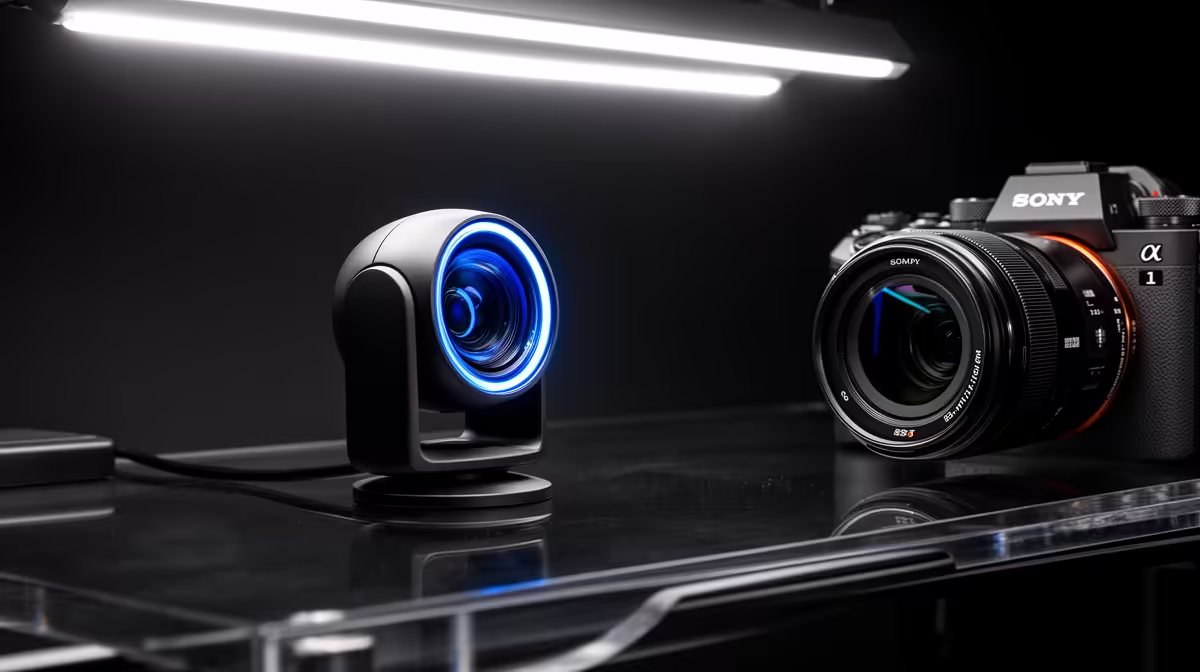
Upgrade your microphone before your webcam when viewers struggle to understand you, room noise overwhelms speech or levels jump as you move. Upgrade the camera first when audio is already clean and the picture is too dark, soft or poorly framed for the content.
Quick Answer
Record a normal five-minute stream segment and listen without watching. If speech is tiring, fix microphone placement, room sound and gain before buying a camera. If the voice holds up, improve lighting before deciding the webcam is the limit.
Compare microphones, lights and mounts in the streaming essentials range, then inspect resolutions, frame rates and controls in the webcam selection. Use named July 2026 prices for the complete upgrade.
Diagnose the Audio First
Wear headphones and listen for hiss, clipping, room echo, keyboard thumps and inconsistent distance. Watch the level meter while speaking softly and laughing or shouting.
Clipping sounds harsh and cannot be repaired after recording. Lower input gain and move the mic closer. A clean voice should peak with headroom rather than touching the top of the meter.
Room echo comes from distance and hard surfaces. Moving a basic mic from the far side of the desk to 10 or 15cm from your mouth can beat buying a premium model left beside the monitor.
Mic Type Must Suit the Room
A USB condenser microphone can capture detail and can capture keyboard, fan and walls with equal enthusiasm. It works well close to you in a controlled quiet room.
A dynamic microphone is often useful in an untreated room because it is used close and can reduce the level of distant sound relative to your voice. It may need more gain, and some models benefit from an audio interface.
Polar pattern is part of placement. A cardioid mic rejects more from the rear than the front, so point its rejection towards the keyboard or PC where practical. Speak into the correct side or end specified by the maker.
Placement Beats the Product Box
Use a boom arm to bring the mic close without blocking the keyboard. Mount it so desk bumps do not travel through the stand. A shock mount can reduce mechanical vibration, while it cannot remove loud key switches arriving through the air.
Keep the microphone slightly off-axis to reduce plosives and breath. Fit a pop filter where needed. Maintain a consistent distance as you turn towards a second monitor.
Route the cable with a service loop so arm movement does not pull the USB port. Avoid running an unbalanced analogue mic cable beside noisy power supplies.
Process Lightly
Set gain at the source first. Add a high-pass filter when low rumble is present, gentle compression to control level and a limiter for rare peaks. Noise suppression should reduce steady background sound without clipping words.
Noise gates can create unnatural openings and cut quiet sentence endings. Expanders are gentler. Record before and after, because monitoring through speakers can hide artefacts.
Keep processing latency and CPU use in view. A complex voice chain that fails after an update is worse than a clean close microphone with two stable filters.
Audio Monitoring Prevents Surprises
Listen to the microphone through direct monitoring where supported. This catches cable noise, clipping and room changes before a stream starts.
Closed-back headphones prevent speaker audio from feeding the microphone. Set monitoring low enough to avoid distraction and check the stream mix separately from your personal game volume.
Record local tracks for voice, game and chat where the platform and workflow allow it. Separate tracks help editing, while the live audience still needs a balanced mix.
Check the Webcam Before Replacing It
Clean the lens with a suitable cloth, raise the camera near eye level and face a soft light. A cheap webcam with good light can look better than an expensive sensor pointed into a dark room.
Lock exposure and white balance if the software allows. Automatic exposure can pump when a bright game fills the monitor. Automatic focus can hunt when your hands enter the frame.
Frame the shot with a little headroom and a tidy background. Avoid a wide angle that shows more room than you want. Digital zoom reduces detail.
Lighting Is Often the Camera Upgrade
Place a soft key light above and to one side of the camera. Reduce harsh overhead or back window light. A white wall can bounce light for a gentle result.
Match colour temperature where possible. Mixed blue daylight and warm lamps create skin tones that are difficult to correct.
Control brightness for comfort. A light that makes you squint through a three-hour stream is not usable. Keep it out of monitor reflections and glasses.
Resolution and Frame Rate Need Context
For a small face camera in a 1080p stream, clean exposure and 1080p 30fps can be enough. Sixty frames per second helps rapid movement and needs more light, USB bandwidth and encoding resources.
4K capture provides cropping room and is often downscaled in the final layout. It does not fix poor focus or lighting. Check whether the webcam can output its advertised mode in your software and port.
Manual field of view and exposure controls can be more useful than a larger resolution number.
Choose From the Content
A podcast, tutorial or talking stream lives on voice, making the microphone first. A maker stream with close hand work may need a sharper or second camera. A VTuber may need reliable tracking and little visible camera image.
Competitive gameplay can run with a small face box, while coaching may need clear speech and high-screen readability. The audience's main information decides the order.
Ask two people to watch the unlisted test on a phone and laptop. Find out what makes them stop understanding or lose attention. Avoid asking whether it looks professional; ask for a specific friction point.
Price the Complete Signal Chain
For a microphone, include arm, pop filter, cable and interface where needed. For a webcam, include light, mount and any USB extension. A cheap device can need expensive support.
Use the approved price pack for any number and state the named product plus "as of July 2026". Accessory-category minimums can be adapters or filters, so they are poor budget anchors.
Compare one complete mic path with one complete camera path. Buy the chain that removes the defect heard or seen in the test.
Run the Same Test Again
Keep game, room, speaking distance and stream settings the same. Record five minutes after the change and compare level, noise, motion and exposure.
Listen on phone speakers and headphones. Watch at a reduced player size. Streaming audiences rarely inspect a full-resolution paused frame.
Save the working settings and photograph placement. Consistency makes the upgrade repeatable after moving the desk.
FAQ
Is a USB condenser mic always best for streaming?
No. A dynamic mic can suit an untreated noisy room, while placement matters for both.
Should I buy a webcam before lighting?
Improve basic light and framing first. They can reveal that the existing camera is sufficient.
How close should the microphone be?
Many desk mics work well around 10 to 15cm away, but follow the model's pattern and gain needs.
Record five minutes, diagnose whether understanding or image clarity fails first and buy the complete microphone or webcam chain that removes that exact defect.