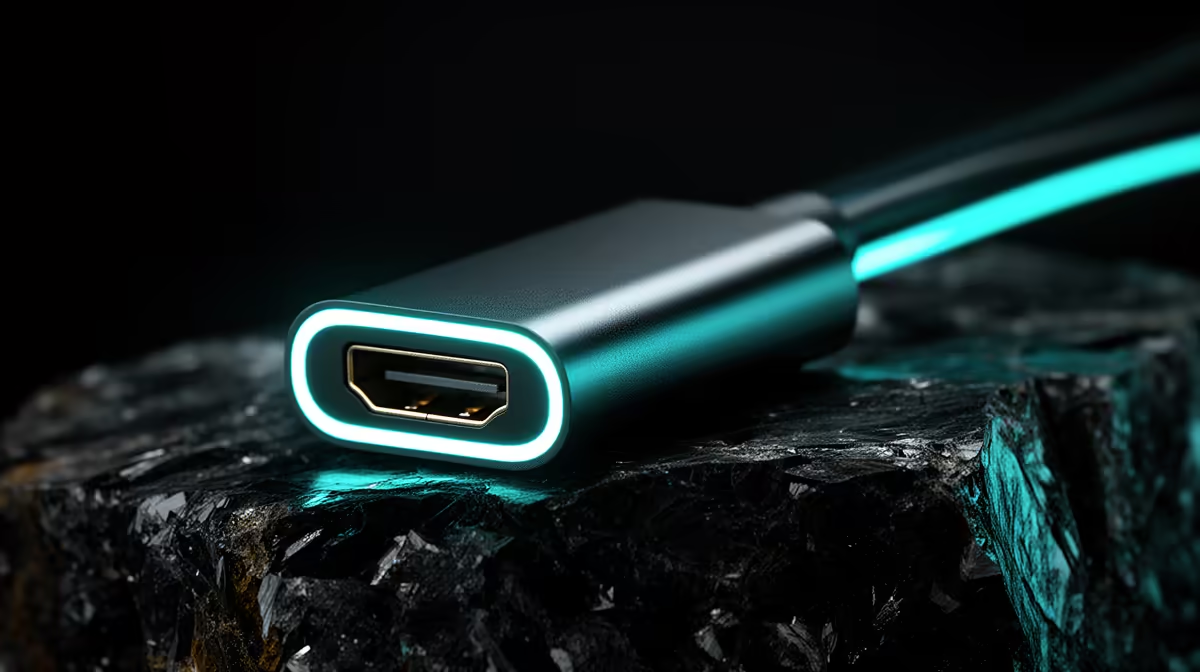
A USB-C to HDMI adapter can connect a modded Minecraft computer to an external display when the host port carries video and the adapter supports the target mode. It does not improve mod loading, memory capacity or frame rate. Treat it as one display link after the PC specification is settled.
Verify the video path
Consult host documentation to confirm DisplayPort Alt Mode or Thunderbolt video output. Set adapter requirements from monitor resolution, desired refresh rate and the chosen HDMI input. A direct graphics output may offer a simpler route. Check whether HDMI moves game audio to the display and whether sleep causes a blank screen.
The factpacks provide no verified USB-C-to-HDMI adapter model or price. Compare current products by video support, host requirements, cable length, HDCP and warranty. A resolution claim without refresh rate gives an incomplete picture. Avoid placing another converter after the adapter where a direct cable works.
Build for the mod list
A current graphics comparison is the Palit RTX 5060 8GB card at a verified R4,800. For the display side, the Dell SE2726H 27-inch Full HD 144Hz IPS monitor provides a verified R1,797 reference. Confirm the modpack processor, memory and graphics needs before choosing either product. Some packs place more demand on memory and CPU than the external display path.
Run the intended modpack with the adapter attached and watch for capped refresh, audio changes or disconnects. Keep it only when the complete display test passes.
Connecting a modded Minecraft setup? > Ask Evetech to verify the PC output, monitor input and hardware requirements.