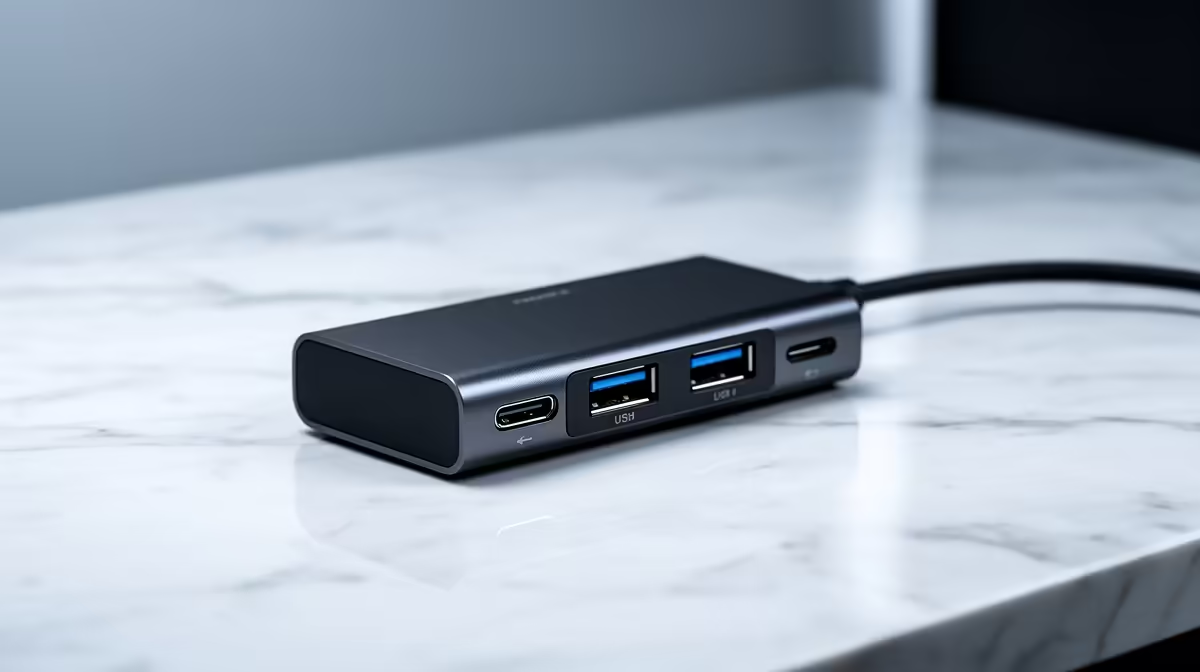
A USB-C hub is worthwhile for online classes when a laptop needs Ethernet, HDMI, a webcam or storage through one port. It cannot add features the host USB-C connection does not support. Buy from the exact devices used during class and keep one simple fallback connection.
Draw the class desk connections
The GAMDIAS Mercury M1-800 USB-C hub costs R91 as a basic verified option. The Promate TransHub-Lite costs R305 for a broader hub reference. Check live listings for port count, HDMI mode, Ethernet, charging pass-through and operating-system support. A low-cost hub may cover files and accessories without supporting a high-resolution display.
Read the laptop manual for video output and charging limits. Connect the webcam, headset and external display, then join a private call. Watch for camera freezes, audio changes and charger warnings. Put the laptop to sleep and confirm every device returns after wake.
Keep the hub ventilated and stop using it if the casing or connector becomes unusually hot. Store assignments in backed-up storage rather than leaving the only copy on a flash drive attached to the hub. Buy when it replaces repeated cable swaps and passes a full lesson without disconnecting. Repeat the lesson after sleep and with every charging device connected at once during the busiest home hour.
Connecting an online-class laptop? > Ask Evetech to compare USB-C hubs against the computer and peripherals.