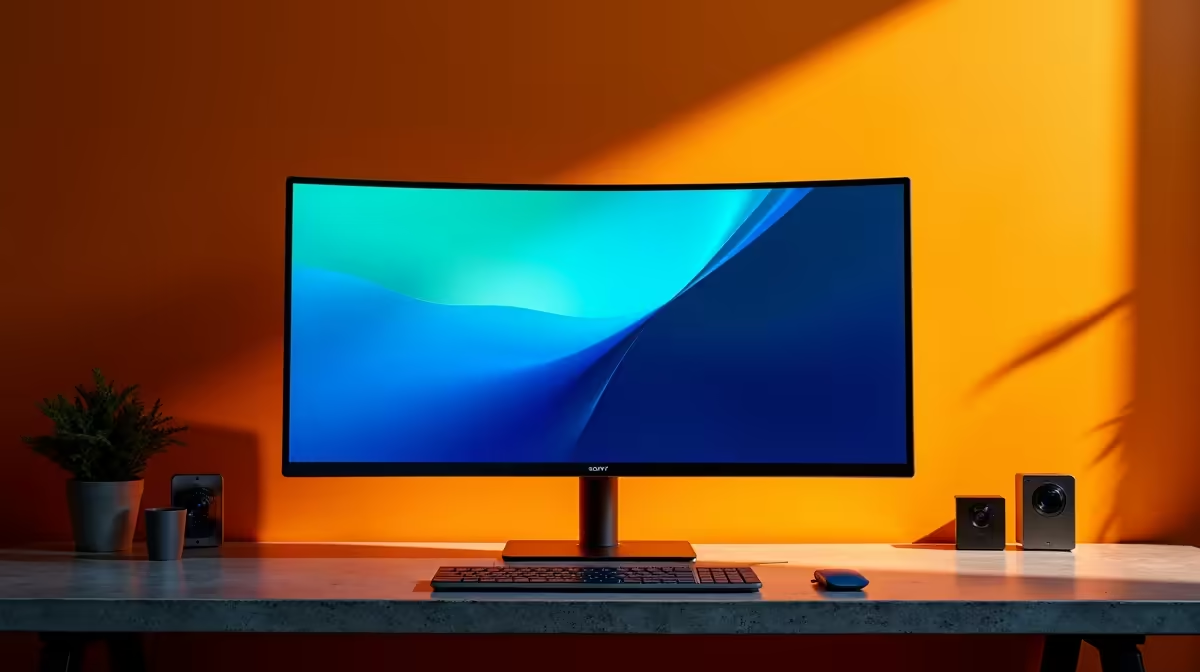
Tired of that tangled mess of cables behind your desk? What if you could connect your display, charge your laptop, and link your peripherals with a single, elegant cable? That's the magic of a USB-C monitor desk setup. For South African tech lovers, it’s a clean, minimalist dream. And if you have a modern Samsung phone, this guide will also unlock a full desktop experience with DeX mode. Let’s untangle your workspace. 🚀
Why a USB-C Monitor Desk Setup is a Must-Have
The core appeal is simplicity. A single USB-C cable handles video (using DisplayPort Alt Mode), data transfer, and power delivery (PD). This means you can plug your laptop or compatible smartphone into your monitor, and it will instantly connect to the display while charging at the same time. No more separate power bricks and HDMI cables cluttering your space.
Many USB-C monitors also act as a hub, featuring extra USB-A ports for your keyboard, mouse, or webcam. It’s the ultimate plug-and-play solution, creating a streamlined and efficient workspace. This single-cable convenience is central to creating a modern, organised desk, and you can explore a huge range of PC monitors that support this technology.
Your Ultimate Samsung DeX Mode Guide ⚡
Imagine your powerful Samsung smartphone powering a full desktop environment. That’s Samsung DeX. It's an incredibly underrated feature that transforms your mobile device into a productivity machine, perfect for when you need a larger screen for work or media. Creating a setup for this is surprisingly simple.
How to Get Started with DeX:
- Check Compatibility: You'll need a compatible Samsung Galaxy device (typically S-series, Note-series, or Fold/Flip models from the last few years).
- The Right Monitor: Your monitor must have a USB-C port that supports video input. For the best experience, choose one that also provides Power Delivery to keep your phone charged. DeX looks absolutely brilliant on the crisp panels of today’s stunning 4K monitors.
- Connect: Use a full-featured USB-C to USB-C cable to connect your phone to the monitor.
- Launch: DeX should launch automatically on the monitor. If not, pull down the notification shade on your phone and tap the DeX notification.
- Add Peripherals: Connect a Bluetooth keyboard and mouse to your phone, and you're ready to go! You now have a familiar desktop interface with windows, a taskbar, and access to all your mobile apps.
Check Your Wattage! 🔧
When choosing a USB-C monitor for a laptop, check its Power Delivery (PD) wattage. A 65W output is great for most ultrabooks, but power-hungry gaming laptops might need 90W or more to charge effectively while in use.
Choosing the Right Gear for Your Setup
The monitor is the heart of your new, clean desk. But other elements complete the picture.
The Perfect Monitor
Your choice depends entirely on your needs. Are you a gamer seeking high refresh rates and total immersion? A set of immersive curved monitors could be perfect. A creative professional needing perfect colour accuracy? Look for an IPS panel with high sRGB coverage. For those constantly on the move, pairing a laptop with one of the latest portable monitors creates the ultimate mobile workstation. The key is to ensure it has that all-important USB-C port.
Essential Accessories
A great setup is more than just a screen. High-quality cables, ergonomic stands, and responsive peripherals make all the difference. Investing in the right monitor accessories ensures your setup is not only clean but also comfortable and reliable for years to come. ✨
A well-optimised USB-C monitor desk setup is more than just a trend; it's a smarter way to work and play. Whether you're a professional aiming for peak productivity, a student needing a versatile study space, or a gamer who values a tidy battle station, this single-cable solution delivers. You can browse all our gaming monitors to find a display that matches your performance needs.
Ready to Build Your Dream Setup?
A clean, powerful, single-cable desk is within reach. Explore the best monitor deals at Evetech and find the perfect centerpiece for your workspace today.