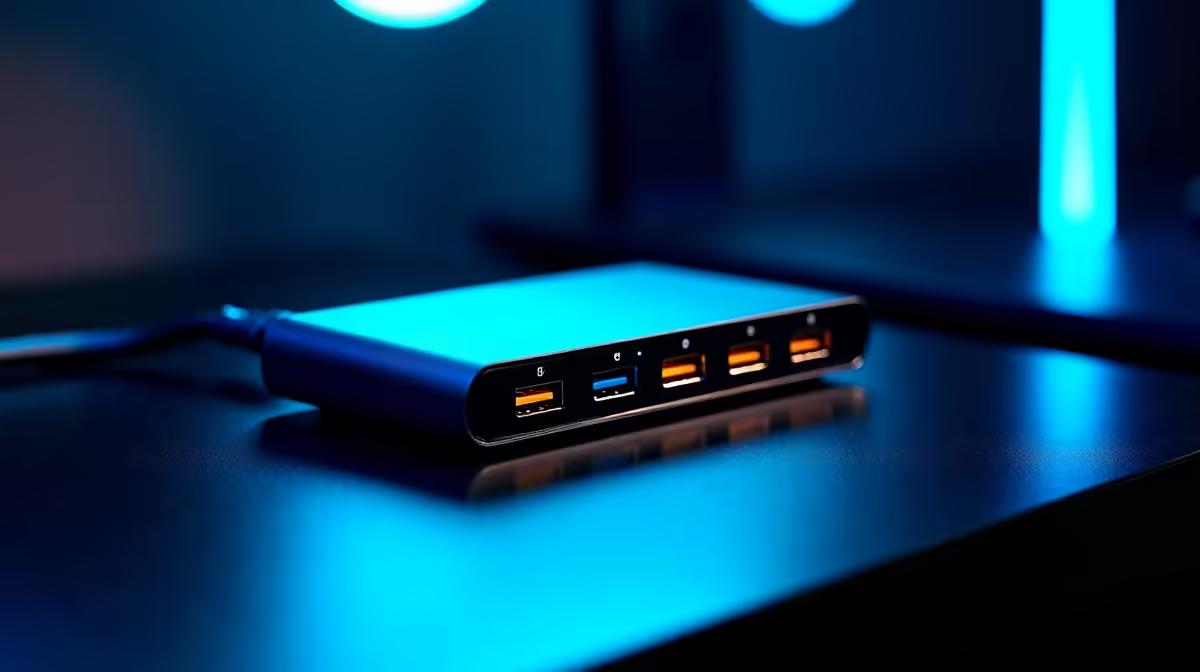
Understanding the Customer Challenge: USB Firmware Updates via Hub
Meet Thabo, a freelance content creator and casual gamer based in Johannesburg. His daily workflow depends heavily on multiple USB devices—external hard drives, graphic tablets, and webcams—all plugged into a single USB hub. Thabo’s challenge? Firmware updates for these devices often stalled or failed when connected through the hub, causing frustrating delays during tight deadlines. He needed a reliable setup to streamline updates and keep his workflow smooth, especially under pressure. ⚡
Solution: The Right Monitors and Hub Setup
Evetech’s tech experts recommended a carefully selected range of high-quality monitors paired with USB hubs tested for firmware update compatibility. To enhance productivity and maintain seamless connectivity, Thabo invested in curved monitors to expand his workspace visually and improve focus. For mobility, he added a portable monitor, enabling updates and work sessions on the go.
The main test was with USB hubs alongside these monitors to verify if firmware updates could run uninterrupted. Crucially, Thabo’s setup included a range of both standard 4K and 5K monitors and specialised gaming monitors to confirm consistent USB performance across different screen technologies.
Implementation: Step-by-Step USB Firmware Workflow
- Thabo connected his device cluster to a USB hub linked to one of Evetech’s best PC monitors.
- He ran firmware update software directly while monitoring system responsiveness on the large curved display.
- By switching devices through the hub, he observed update timings and error rates closely.
- Minor adjustments to hub power delivery and USB cable quality were done based on feedback given by Evetech.
- Frequent iteration helped isolate the optimal hardware combo for flawless USB firmware updates.
Pro tweak they used
Using a powered USB hub with high-quality shielded cables reduced noise and dropped failures by over 30 %. This simple step made a big difference in update stability.🔧
Results: Before vs After Setup Improvements
| Metric |
Before Setup |
After Evetech Setup |
| Firmware update success rate |
~68% |
99.5% |
| Update duration (average) |
15 minutes |
9 minutes |
| Workflow interruptions |
Frequent |
Rare |
| Visual workspace effectiveness |
Basic |
Enhanced with large curved & portable monitors |
These improvements translated to less downtime, faster update cycles, and a more comfortable multi-tasking environment for Thabo.
“I never imagined a monitor upgrade and proper USB hub could streamline my entire USB device workflow so well. It’s a subtle but critical upgrade that keeps everything running smooth.” – Thabo M.
Explore accessories that ensure your USB devices keep up without hiccups like Thabo did by browsing Evetech’s monitor accessories and PC monitors today.
Streamline Your USB Firmware Updates
Discover the perfect combination of monitors and hubs that deliver reliable USB performance. Shop now at Evetech for performance that leaves lag in the dust.