Quick Answer
For typical SA gaming, USB4 and Thunderbolt 4 are close cousins that both run up to 40 Gbps over USB-C and are designed to interoperate. Thunderbolt 4 guarantees a stricter feature set; USB4 minimums can vary by device. Neither affects frame rates, so for gaming either drives fast external drives, capture gear and docks well.
Same Connector, Different Guarantees
USB4 and Thunderbolt 4 both run up to 40 Gbps over the USB-C connector and are designed to interoperate, so a Thunderbolt 4 dock generally works with a USB4 port and vice versa. Thunderbolt 4 enforces a stricter baseline: at least 32 Gbps of PCIe bandwidth, support for two 4K displays or one 8K, and mandatory certification.
USB4 is more flexible, so a given USB4 port might offer 20 Gbps or the full 40 Gbps and varying display support depending on the device. For a typical SA gaming-and-everyday build that has to last several years, both comfortably handle fast external NVMe enclosures, capture cards and monitors.
What SA Buyers Should Check
For gaming specifically, neither standard affects frame rates; they are about peripherals and storage. A 40 Gbps external NVMe enclosure pairs well with either, useful for moving large game and capture files. A 40 Gbps external NVMe enclosure at Evetech typically runs around R1,200-R2,500, and USB4 or Thunderbolt 4 ports appear on premium AM5 and Intel boards and laptops stocked locally.
For a typical SA gaming build, read the exact port spec: confirm the bandwidth, the number of displays it can drive, and whether it carries power delivery. A certified cable, often R250-R700, ensures you get full speed.
FAQ
Can I plug a USB4 SSD into a Thunderbolt 4 port?
Yes, the standards are built to interoperate over USB-C, so a USB4 drive works on a Thunderbolt 4 port and vice versa. For typical SA gaming, a 40 Gbps external NVMe enclosure pairs well with either for moving large files.
Does Thunderbolt 4 need a special cable?
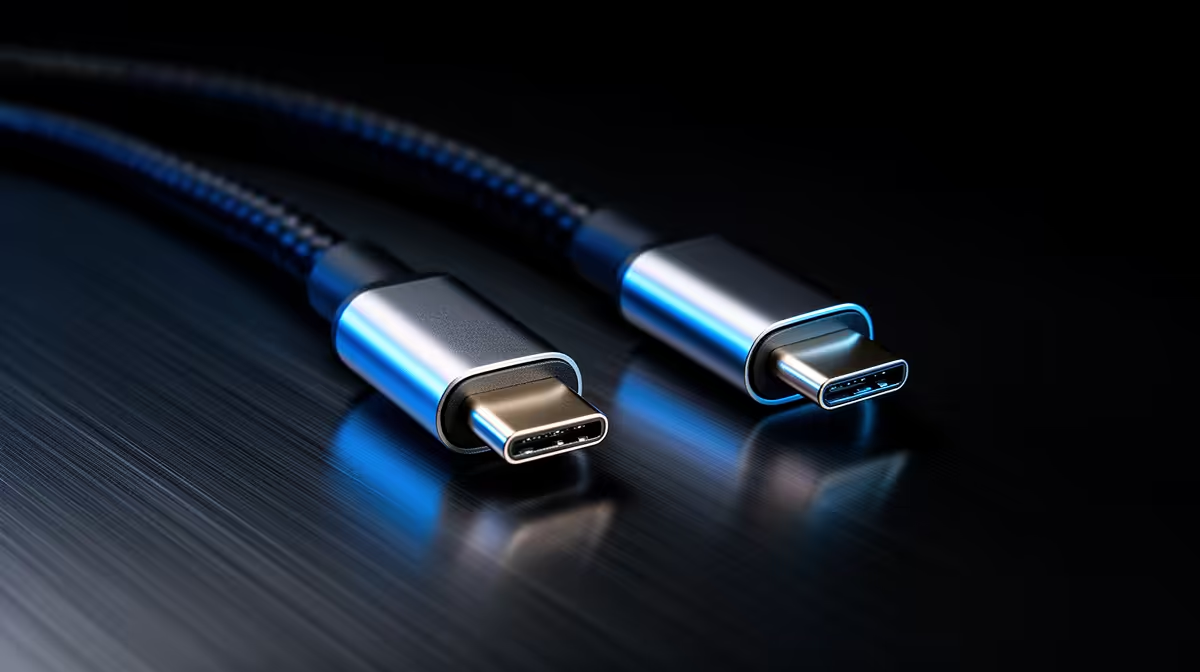
For full 40 Gbps you want a certified Thunderbolt 4 or 40 Gbps USB4 cable; a basic USB-C lead may run slower or only carry power. A certified cable, often R250-R700, guarantees the full speed.
Is either standard relevant to gaming frame rates?
No, both are connectivity standards for external devices, not graphics. They matter for fast SSD enclosures, capture cards and multi-monitor docks, never for in-game performance on your main display.
Buyer Tip
the port's printed spec, not just the logo: confirm it runs the full 40 Gbps and supports the displays you need, then use a certified USB-C cable to actually reach that speed.