



Phone tripod with a ring light: what should you look for?
Choose a phone tripod with a stable base, a firm grip and a dimmable ring light. Check the maximum height and weight rating. Soft, even light matters more than a high lumen number.
Read moreA webcam suits desk streams, while a camcorder suits events, zoom and long sessions. A camcorder needs a clean HDMI or SDI output and a capture path, so check the output before you buy.

The best video camera for live streaming depends on where you sit. A webcam wins on a desk, because it plugs into USB and needs nothing else. A camcorder wins in a hall, church or sports field, because it gives you optical zoom, long battery life and a cleaner picture in poor light, provided it can send clean HDMI or SDI to a capture device.
Choose a webcam for a desk stream, gaming channel or online class: a solid 1080p model costs around R500 to R2,500 and needs no extra gear. Choose a camcorder for events, zoom shots and sessions longer than an hour, but budget for a capture card (roughly R800 to R3,000), a tripod and mains power on top of the camera itself. Check the camera's output spec before you pay.
A webcam is built for one situation: you, sitting at a PC. That narrow focus is also its strength.
The usual weakness is the small sensor. In a dim room a webcam picture turns soft and grainy quickly, which is why a lamp in front of you does more than paying for a higher resolution. Browse the webcams range and look for 1080p at 30 or 60 frames per second, a wide enough field of view for your seat and a sturdy clip.
A camcorder is the better tool once you leave the desk. Three things set it apart:
The catch is getting the picture into your computer. Most camcorders do not behave like a webcam. They send video out through HDMI or SDI, and your PC needs a capture card or a capture dongle to read it.
Many cameras show menus, focus boxes, battery icons and timers on their HDMI output. If the output is not clean, those overlays end up in your stream where viewers can see them.
Before buying, find the words "clean HDMI output" in the camera's specification, ideally with 1080p listed. Then plan the chain: camera, HDMI cable, capture card, PC, streaming software. A USB capture device is the simplest route for a laptop, while a desktop can take an internal card.
Keep cables short and tidy, and use the camera's mains adaptor rather than the battery for anything long. Some cameras also limit continuous recording or run hot, and Gauteng summer heat does not help. Test your exact model for an hour before the real event.
Viewers forgive an average picture faster than bad audio. Whatever camera you pick, plan a separate microphone close to the speaker rather than relying on the camera's built-in mic, which hears the whole room.
Lighting works the same way. Two soft lights placed in front of the subject improve a webcam more than a fancier lens would. Gear such as lights, stands and microphones collects on the streaming essentials shelf, where prices run from roughly R199 into the thousands depending on what you need.
If you stream from South Africa, also check your upload line. A steady 1080p stream needs roughly 4 to 6 Mbps of upload that stays stable through the evening, and busy-hour congestion hits fibre and LTE alike. A stable 1080p picture beats a stuttering 4K one every time.
Ask yourself four questions:
Start small. Many streamers begin with a webcam, learn what they miss, and add a camcorder later only if zoom or low-light performance proves to be the real bottleneck.
For desk streams, yes. Good light matters more than resolution, and a quality 1080p webcam is plug and play with no capture hardware. Most gaming and chat channels run perfectly well on one.
Camcorders offer optical zoom, longer run times and better low-light pictures, which suits events and venues. They need a clean HDMI or SDI output plus a capture card to reach your PC, so the total cost is higher than the camera price alone.
It is an HDMI signal without on-screen menus, focus frames or battery icons. Without it, those overlays appear in your stream. The camera's spec sheet should state it clearly, so check before buying.
Some can, and a Gauteng summer afternoon makes it more likely. Check the maker's recording limits for your exact model, run it on mains power instead of a battery and give it some airflow.
Not usually. Most platforms and typical SA upload speeds suit 1080p, so a solid 1080p camera with good light beats a 4K camera in a dark room. Spend the difference on lighting and sound instead.
Prefer a camcorder with optical zoom, mains power, a capture card and a sturdy tripod. Test the whole chain in the actual hall before the event, including the internet connection you will rely on.
Ready to put a sharper picture on your stream? Start with the Evetech webcams category for desk setups, then add lights and microphones from the streaming essentials shelf to build the full kit.
For desk streams, yes. Good light matters more than resolution, and a quality 1080p webcam is plug and play with no capture hardware. Most gaming and chat channels run perfectly well on one.
Camcorders offer optical zoom, longer run times and better low-light pictures, which suits events and venues. They need a clean HDMI or SDI output plus a capture card to reach your PC, so the total cost is higher than the camera price alone.
It is an HDMI signal without on-screen menus, focus frames or battery icons. Without it, those overlays appear in your stream. The camera's spec sheet should state it clearly, so check before buying.
Some can, and a Gauteng summer afternoon makes it more likely. Check the maker's recording limits for your exact model, run it on mains power instead of a battery and give it some airflow.
Not usually. Most platforms and typical SA upload speeds suit 1080p, so a solid 1080p camera with good light beats a 4K camera in a dark room. Spend the difference on lighting and sound instead.
Prefer a camcorder with optical zoom, mains power, a capture card and a sturdy tripod. Test the whole chain in the actual hall before the event, including the internet connection you will rely on.
Choose a phone tripod with a stable base, a firm grip and a dimmable ring light. Check the maximum height and weight rating. Soft, even light matters more than a high lumen number.
Read more
Pick the chair first: your feet should rest flat, your elbows sit near a right angle and your screen at eye level. Then choose a desk deep enough for a laptop or monitor, and check both fit your room before buying.
Read more
Neither wins by name, because both brands sell old and new chips under the same 7 badge. Pick by generation, socket and the board you will pay for. A recent Ryzen 5 can beat an ageing i7, so compare model numbers before you spend.
Read more
Peripheral loadout for Kingdom Come Deliverance should be shortlisted around the job it must do. South African buyers should compare fit, performance, compatibility, and upgrade room, warranty path, and upgrade room before treating any pick as best.
Read more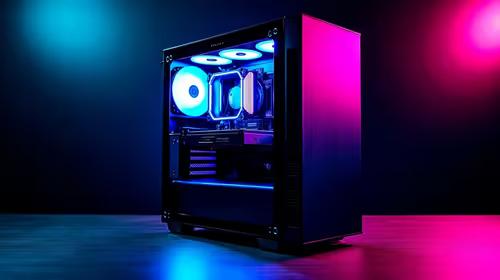
Iziphakamiso ze-i-PC yokudlala ngaphansi kufanele ihambisane nebhajethi nokusetshenziswa kwakho. Qhathanisa ukusebenza, isikrini, amandla, ukupholisa, iwaranti nendlela yokuthuthuka ngaphambi kokukhetha eNingizimu Afrika.
Read more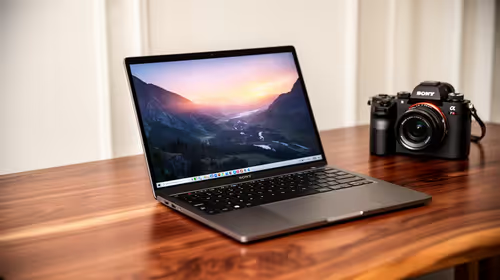
Benoni buyers can treat 16GB RAM, a 512GB SSD and Windows 11 as the baseline, then choose how much screen and build quality they need. Since 78.9% of South Africans are mobile-first, a 16-inch laptop gives more room for work that feels cramped on a phone. The Yoga 7 at R31,999 and Vivobook Go 15 at R7,999 sit at opposite ends of the choice.
Read more
Chrome secure DNS: Encrypted DNS is not a VPN and does not guarantee a working connection. Check browser DNS mode.
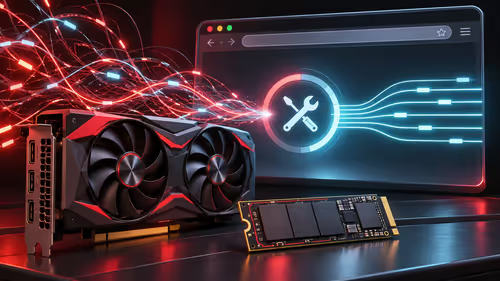
AMD Adrenalin 26.11.1: A fixed-issue entry is not proof that every system has the same cause. Record GPU and driver version.
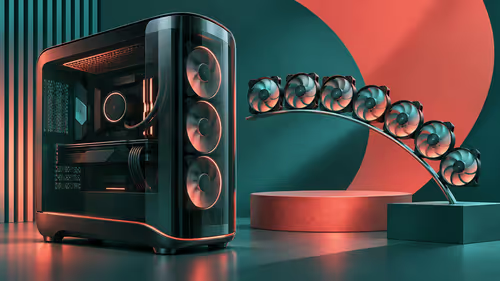
Montech KING 95 3D: Standard and PRO are different packages; fan positions are not included fans. Identify standard or PRO.

Chrome Safety Check reviews browser warnings for updates, saved passwords, extensions and permissions. Act on the precise finding while keeping connection security separate from claims about a website being trustworthy.
Chrome secure DNS: Encrypted DNS is not a VPN and does not guarantee a working connection. Check browser DNS mode.
Chrome Safety Check reviews browser warnings for updates, saved passwords, extensions and permissions. Act on the precise finding while keeping connection security separate from claims about a website being trustworthy.

Chrome delete saved passwords removes a stored login through Google Password Manager. Match the site and username, confirm another working sign-in method and use the individual action instead of deleting every saved credential.
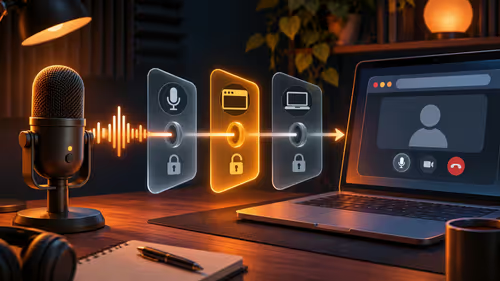
Chrome microphone not working needs separate checks for the selected input, site permission and operating system access. Test the trusted call site after one change before replacing a microphone or granting broader recording permissions.
Chrome secure DNS: Encrypted DNS is not a VPN and does not guarantee a working connection. Check browser DNS mode.
Chrome always use secure connections: An encrypted connection does not establish that a website is trustworthy. Read the full destination.
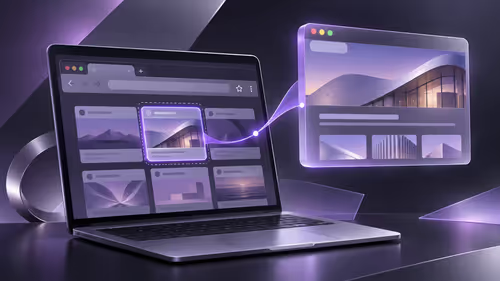
Chrome install web app: A separate app window does not promise offline support or a native desktop program. Confirm the genuine website.
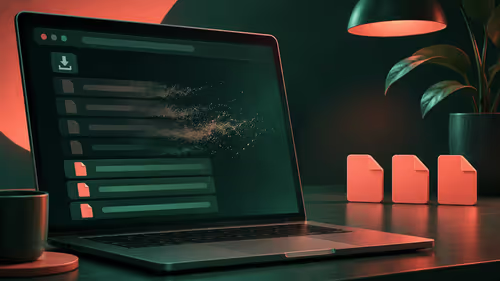
Chrome clear download history: Clearing the browser list does not securely erase the actual downloaded files. Locate important downloaded files.