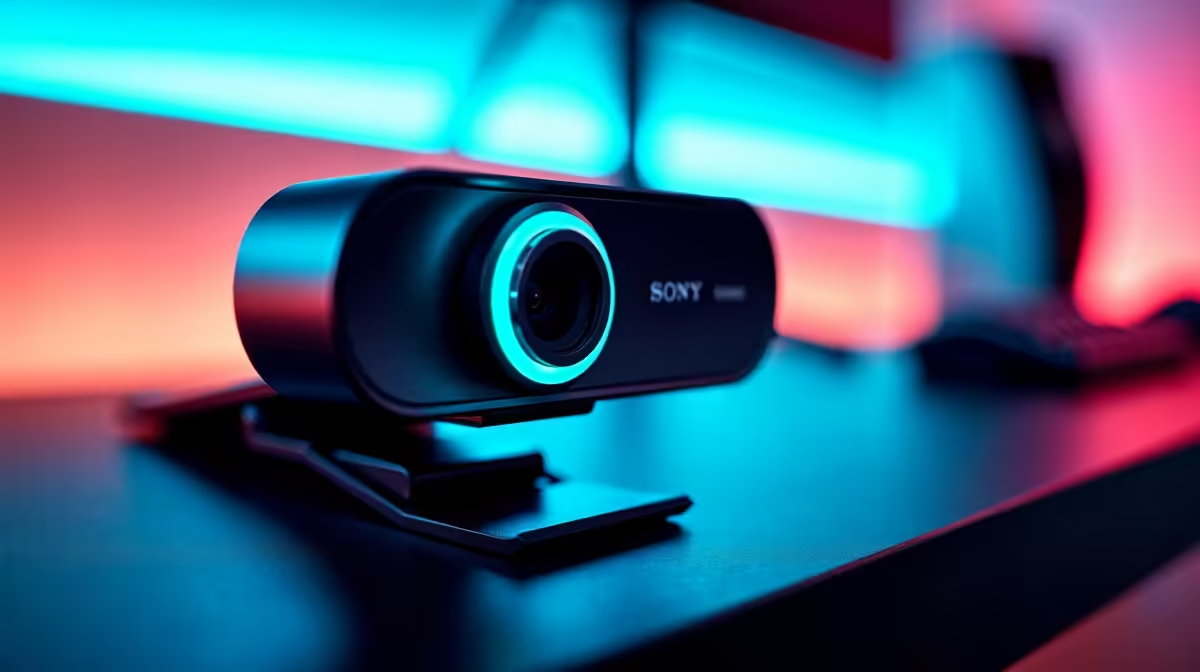
So, you’re ready to share your gameplay with the world. You’ve downloaded OBS, set up your scenes, and you’re itching to hit that "Start Streaming" button. There’s just one problem… your webcam is a nightmare. Fiddly drivers, blurry picture quality, and constant software clashes can kill your streaming dreams before they even begin. Forget the frustration. We’re here to help you find the best webcams for OBS streaming that work straight out of the box.
Why a Hassle-Free Webcam is Crucial for OBS
The last thing you want when you’re live is a technical gremlin. A webcam that requires complex setup or third-party software can introduce lag, conflict with OBS, or simply fail at the worst possible moment. The goal is a "plug-and-play" experience. These devices use universal drivers (UVC, or USB Video Class) that your PC and OBS instantly recognise, making setup as simple as plugging in a USB cable.
The best webcams for OBS streaming are designed for this exact purpose. They prioritise compatibility and performance, ensuring your facecam is crisp, smooth, and perfectly synced with your gameplay without you needing a degree in IT to get it running. 🚀
Key Features for a Flawless Streaming Experience
When browsing for a webcam, a few key specs make a massive difference to your stream's quality. It’s not just about resolution; it's about creating a professional-looking broadcast with minimal effort.
Resolution and Framerate
For most streamers, 1080p (Full HD) is the gold standard. It provides a sharp, clear image for your facecam without demanding excessive bandwidth. Pairing it with 60 frames per second (fps) results in incredibly smooth motion, which looks far more professional than the standard 30fps.
Autofocus and Low-Light Correction
Gaming sessions often happen in less-than-ideal lighting. A webcam with snappy autofocus and good low-light correction ensures you stay sharp and well-lit, even when the only light source is your monitor's glow. It automatically adjusts to keep you looking your best, so you can focus on the game. ✨
Lighting is Everything!
pro tip from us: great lighting is more important than an expensive camera. A simple ring light can make an affordable webcam look incredible. Position the light behind your camera, facing you, to eliminate harsh shadows and create a clean, professional look.
The Best Webcam Picks for Every Budget
You don't need to break the bank to get a fantastic streaming webcam. Whether you're just starting or looking to upgrade, there's a hassle-free option for your budget.
The Starter Streamer (Under R1000)
Getting into streaming shouldn't cost a fortune. For under R1000, you can get a reliable 1080p webcam that offers a massive upgrade over any built-in laptop camera. These are perfect for finding your feet and building an audience. Browse our selection of budget-friendly webcams that deliver great quality for the price.
The Sweet Spot (Under R2000)
This is where quality and value meet. In this price range, you'll find webcams with superior sensors, faster autofocus, and often that buttery-smooth 60fps capability. If you're serious about streaming, this is your sweet spot. Take a look at these high-performance webcams under R2000 for a noticeable upgrade.
The Pro-Level Pick (Under R3000)
For streamers who demand the absolute best image quality, the premium tier is the way to go. These webcams often feature glass lenses, exceptional low-light performance, and sometimes even 4K resolution. This is how you create a truly polished stream that stands out from the crowd. Explore our top-tier webcams under R3000 for the ultimate setup. 🔧
Find Your Perfect Plug-and-Play Webcam
Stop wrestling with settings and start creating content. We've got the best webcams for OBS streaming that are ready to go live, right out of the box. Shop our full webcam range at Evetech and get performance that lets you stream with confidence.