



Hot-Swappable PCB Architecture in Modern Keyboards: Guide
Learn hot-swappable PCB architecture in modern keyboards—what it is, how sockets and traces work, and how to pick the right board. Speed up swaps, reduce risk, and upgrade faster 🔧⚡
Read moreRGB sync issues come from mismatched 5V and 12V headers, daisy-chain order swaps, or outdated motherboard firmware, all of which prevent Aura Sync from controlling ARGB fans together cleanly. Match specs to your build and use case before you commit to the upgrade.
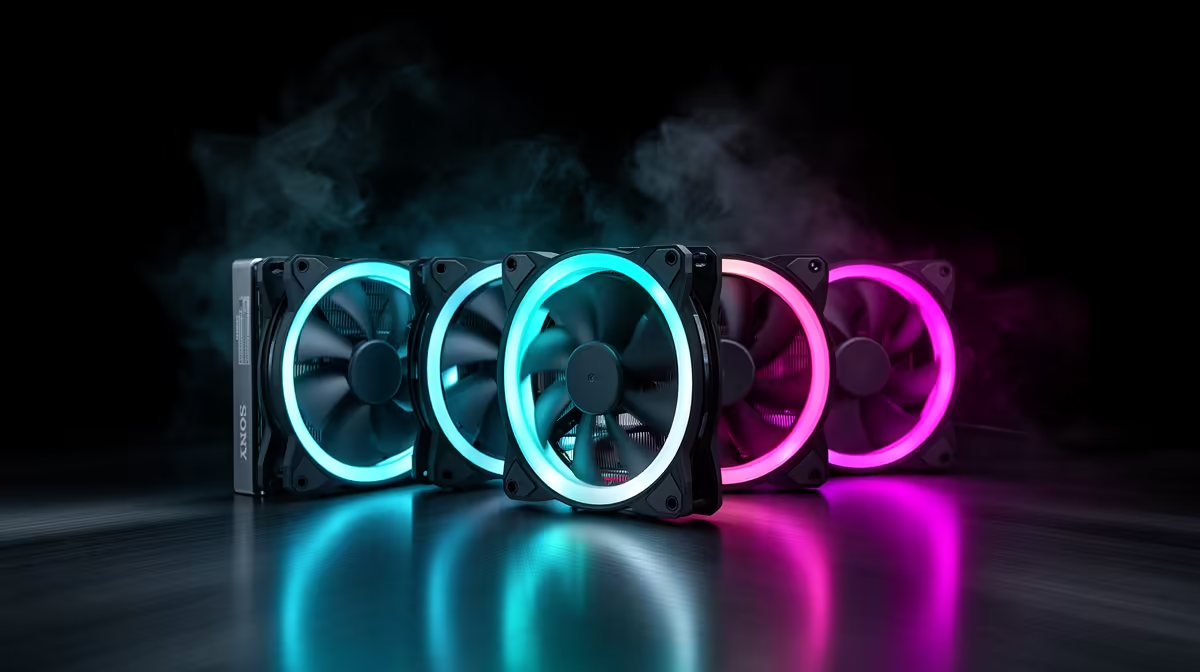
RGB sync issues with ARGB fans and Aura Sync arise from four main causes: mixed 3-pin 5V ARGB and 4-pin 12V RGB headers being confused, conflicting software simultaneously writing to the same hardware, mismatched LED counts between the fan controller's expected device profile and the actual fan, and outdated Armoury Crate or fan controller firmware. Identifying which cause applies to your system determines the fix.
The most common hardware-level mistake is connecting a 3-pin 5V ARGB fan to a 4-pin 12V RGB header or vice versa.
The most frequent software-level cause of sync failures is two programs attempting to control the same hardware simultaneously. If ASUS Armoury Crate is running alongside Corsair iCUE, MSI Center, or a generic fan controller utility, they may write conflicting lighting commands to shared devices (particularly if the fan hub connects via USB). The solution is to designate one software suite as the primary lighting controller and disable lighting control in all others. In Armoury Crate, this is managed under the Device section; turn off control for any non-ASUS devices you are managing through another application. A system restart after making these changes ensures the software priority is applied correctly.
Some ARGB controllers and motherboard lighting engines track how many LEDs are in the connected chain. If you add or remove fans from a daisy-chain without updating the device profile in your software, the lighting controller may misfire effects past the last physical LED in the chain, causing random colour glitches or unresponsive zones. Update Armoury Crate's device scan after any fan change. Outdated firmware is a separate issue: ASUS releases Armoury Crate updates that fix known sync bugs with specific fan models. Checking for software updates is the first troubleshooting step before any hardware diagnosis.
If Aura Sync continues to misbehave after updating, use ASUS's Armoury Crate Uninstall Tool (available on the ASUS support site) rather than the standard Windows uninstaller. This removes all residual registry entries and device profiles that a standard uninstall leaves behind. After a clean reinstall, let Armoury Crate rescan and rebuild its device list before applying any lighting profiles.
The most likely cause is that the fans are connected to a standalone controller rather than directly to the motherboard's ARGB header. Standalone controllers have their own firmware and may not respond to Armoury Crate's commands. Check whether your controller has a USB connection to the motherboard; without it, Armoury Crate cannot communicate with the controller.
Mixed-brand setups work if all fans use the standard 3-pin 5V ARGB protocol and connect via a hub that is recognised by Armoury Crate. Some proprietary fan ecosystems use non-standard data protocols, in which case synchronisation with Aura Sync is not possible without the brand's own software.
Solid white on ARGB fans typically indicates the data line on the ARGB header is either disconnected or receiving no signal. Check that the 3-pin connector is fully seated (not just partially plugged in), and confirm the header is enabled in Armoury Crate's device list.
Upgrading your ARGB fan setup? Evetech stocks ARGB fans, controllers, and extension cables compatible with Aura Sync and other major lighting platforms, with full product specs available before you buy.
Learn hot-swappable PCB architecture in modern keyboards—what it is, how sockets and traces work, and how to pick the right board. Speed up swaps, reduce risk, and upgrade faster 🔧⚡
Read more
Mechanical switch lifespan explained—what the 50 million keystroke rating really means, plus tips to extend switch life and reduce double-press issues 🔧⌨️
Read more
60-percent vs full-size mechanical keyboard layouts—learn what each layout includes, who it suits, and how to choose the right fit 🧩⌨️ for typing, gaming, and productivity.
Read more
Double injection keycaps last far longer than standard printed keycaps in most setups. Learn typical lifespan ranges, what shortens them, and how to maximize durability for smoother daily typing and gaming 😊⌨️
Read more
Full-key anti-ghosting: does it stop missed inputs during fast-paced gaming? We break down latency, polling, and key matrix limits so you can buy smarter 🎮⚡
Read more
Protect mechanical keyboard switches from South African dust and summer humidity with practical cleaning and storage habits. Keep your switches smooth, reduce failures, and extend lifespan. 🌬️💧
Read more
Wondering if a TKL wireless mechanical keyboard is worth it for everyday productivity? We break down latency, battery life, comfort, and workflow gains for real work. ⚡⌨️

Maximise battery life on a fanless 15-inch laptop using efficiency core architecture. Cut idle drain, tune power profiles, and improve thermals for longer runtime. 🔋⚙️

Learn how to reduce desk clutter with a TKL wireless keyboard using fewer cables, smart placement, and tidy essentials. Get a faster, calmer workspace with better ergonomics. ✅🧼

RGB keyboard lighting too distracting? Learn how to manage backlight modes, set brightness, and reduce distraction for focus and productivity 😌🖱️

Are themed gaming keyboards worth the extra cost? Compare build quality, switch options, features, and resale value to find the best fit for your setup 🎮⌨️

Full-Size vs Tenkeyless mechanical keyboards for gaming: find out if a smaller layout truly improves aim, speed, and comfort. We break down layout, desk space, latency-feel, and keybinds 🎮⌨️

Dedicated media rollers vs function key shortcuts: learn which setup gives you better workflow control, faster media access, and fewer mistakes. 🖱️🎧

Best Mechanical Switch Type for Gaming: Clicky vs Linear vs Tactile. Find your feel, speed, and noise balance with practical guidance for FPS, MOBA, and productivity 😄🎮

Direct mouse answer: Mouse not keeping up with your work? Everything that matters about dual-mode 2.4GHz + BT 5.0: DPI behaviour, channel switching, battery curves and per-app button mapping. Covers when 2.4GHz USB wins (low-latency desk) and when BT 5.0 wins (laptop, d

Plain wireless mouse guide: Mouse not keeping up with your work? Everything that matters about wireless productivity mouse: DPI behaviour, channel switching, battery curves and per-app button mapping. Includes DPI tuning tips, channel switch shortcuts, and ZAR-aware fea

Real productivity numbers: Set up your wireless mouse in this order: everything that matters about wireless productivity mouse: DPI behaviour, channel switching, battery curves and per-app button mapping. Includes DPI tuning tips, channel switch shortcuts, and ZAR-aware

Pen not feeling like paper? Stylus lag and skipping usually trace to old drivers, dirty nibs, or display refresh mismatches, not the pen itself. Covers pressure curve tuning, tilt thresholds, nib swap timing, and SA pricing brackets.