Quick Answer
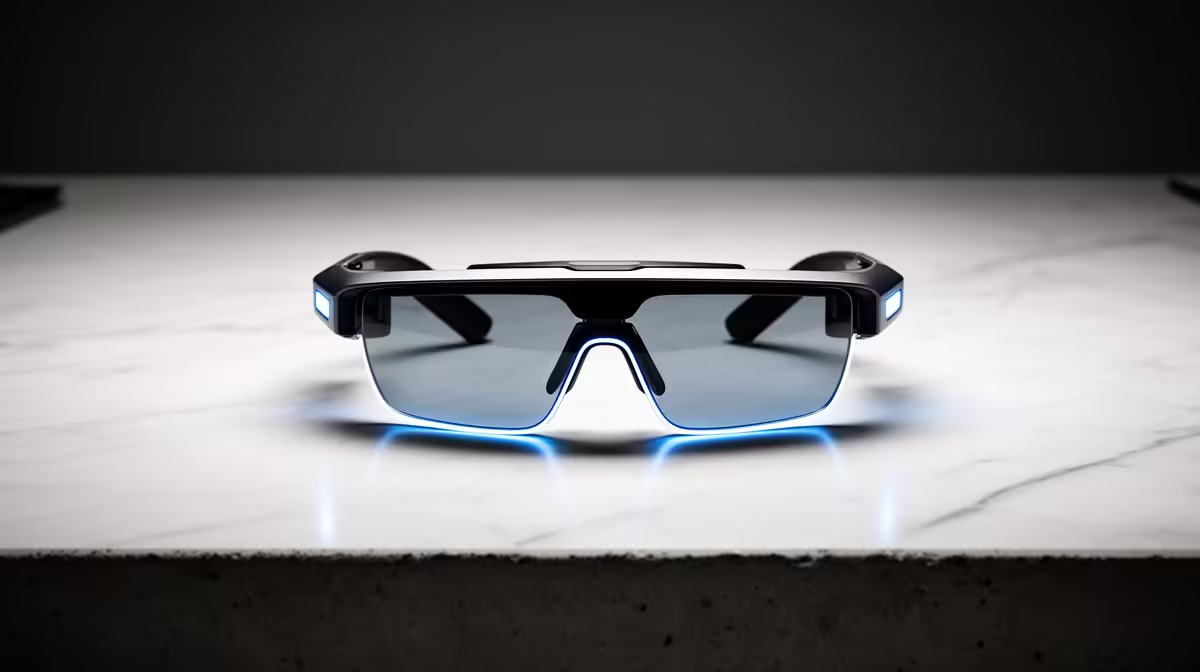
The easiest AR glasses upgrade for architecture portfolio work is a plug-and-play pair like an XREAL Air 2 or a Viture Pro, around R6,000 to R9,000 at Evetech, used as a large virtual second display. They connect over USB-C DisplayPort Alt mode, so confirm your laptop supports video-out over USB-C before buying; without it, the glasses will not display.
DisplayPort Alt mode is the key check
AR glasses like the XREAL Air 2 or Viture Pro act as a portable display that carries video over a single USB-C cable, but only if your laptop's USB-C port supports DisplayPort Alt mode. Many do, but some budget laptops route only data over USB-C. Confirm this first, since it determines whether the glasses work plug-and-play or need a separate adapter or beam accessory. This is the single most important compatibility check.
How they help portfolio work
For architecture portfolio work in Revit, AutoCAD or a layout app, the glasses give a large virtual screen anywhere, useful for reviewing renders and sheets on a laptop without a monitor, such as on campus or travelling. They mirror or extend the laptop display at 1080p per eye, so they are a portable second screen rather than a 3D CAD tool. The work still runs on the laptop; the glasses just enlarge the view.
Setting expectations and SA notes
AR glasses are a display, not a GPU, so CAD performance still depends on the laptop's hardware. They suit reviewing and presenting a portfolio more than heavy modelling. Buy locally for warranty support, and confirm your laptop's USB-C DisplayPort Alt mode before ordering. For portfolio review on the move, they are the easiest upgrade; for serious modelling, a proper monitor and a capable laptop matter more.
FAQ
What AR glasses suit architecture portfolio work?
A plug-and-play pair like an XREAL Air 2 or Viture Pro around R6,000 to R9,000, used as a large virtual second display for reviewing renders and sheets. Confirm your laptop supports USB-C DisplayPort Alt mode first.
Do AR glasses replace a monitor for CAD?
They act as a portable second screen at 1080p per eye, good for reviewing and presenting a portfolio, but they are a display, not a GPU. Serious modelling still depends on the laptop's hardware and a proper monitor.
What do I need to check before buying AR glasses?
That your laptop's USB-C port supports DisplayPort Alt mode, since the glasses carry video over USB-C. Without it they will not display, and you would need a separate adapter or beam accessory.
laptop's USB-C port supports DisplayPort Alt mode before buying AR glasses, or they will not display video without a separate adapter.