Quick Answer
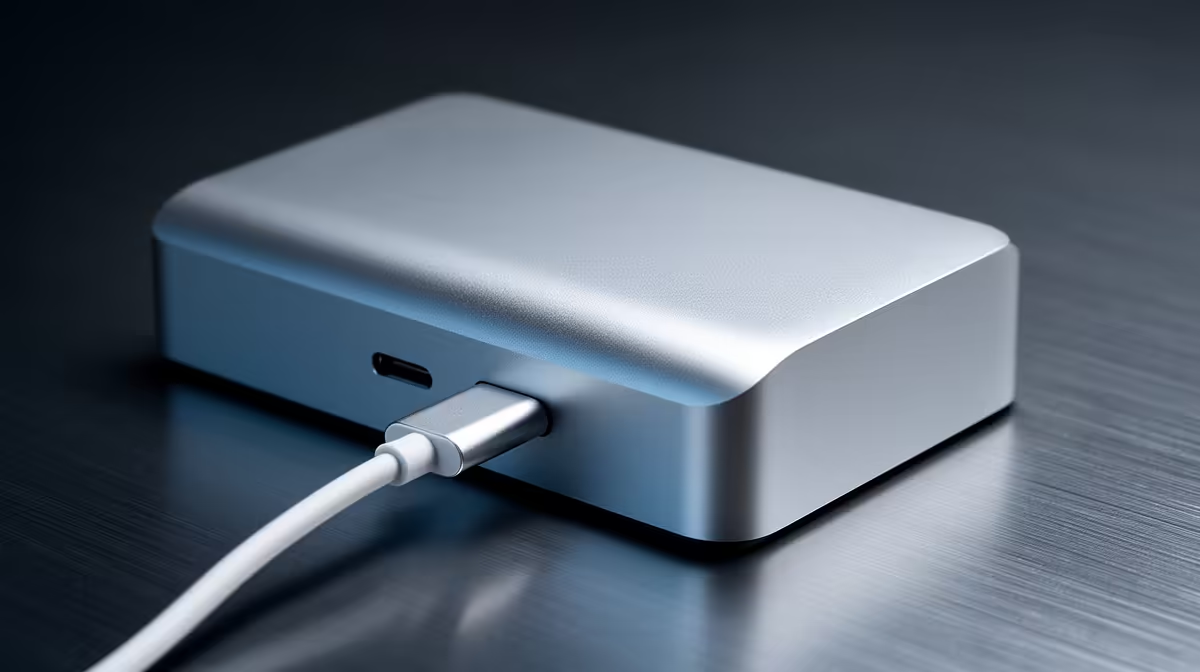
The easiest docking-station upgrade for a clean setup is a single USB-C dock with 100W power delivery that replaces every loose adapter and the laptop's power brick with one cable. A R1,500 to R3,500 dock with the display outputs you need turns a tangle of cables into one host connection, which is the simplest tidiness win.
One dock, one cable: the simplest win
If your desk is a mess of separate adapters, a display cable, a power brick and a couple of dongles, the easiest fix is consolidating them into one USB-C dock. With 100W power delivery the dock charges the laptop, drives your monitors and connects peripherals over a single host cable. A R1,500 to R3,500 dock with the right outputs (native DisplayPort 1.4 or HDMI 2.1 for high-refresh or 4K screens) removes the add-on adapters that create clutter. It's the lowest-effort, highest-impact tidiness upgrade.
Finish with placement, not more hardware
Once the dock is doing everything, mount it under or behind the desk and route cables through a tray or sleeve so only the host cable shows. Choose USB-C or Thunderbolt based on need: USB-C (10Gbps) suits most setups, while Thunderbolt 4 (40Gbps) only matters for fast external storage. Confirm the dock's display outputs natively match your monitor's resolution and refresh, so you avoid a DisplayLink output that's both slower and fussier. The easy upgrade is one capable dock plus clean placement, no second hub required.
FAQ
What's the simplest dock upgrade for a tidy desk?
A single USB-C dock with 100W power delivery that replaces all your loose adapters and the laptop's power brick with one host cable. It's the lowest-effort way to remove desk clutter.
USB-C or Thunderbolt for a clean setup?
USB-C (10Gbps) suits most setups and is cheaper. Thunderbolt 4 (40Gbps) only matters if you use fast external storage, so choose it based on need, not just for the higher number.
Do I still need cable management with a dock?
Yes, but less. Mount the dock behind the desk and route cables through a tray so only the host cable shows. The dock removes adapters; placement removes the remaining visible mess.
loose adapters and power brick for one 100W USB-C dock, then mount it behind the desk so a single host cable powers and connects everything.