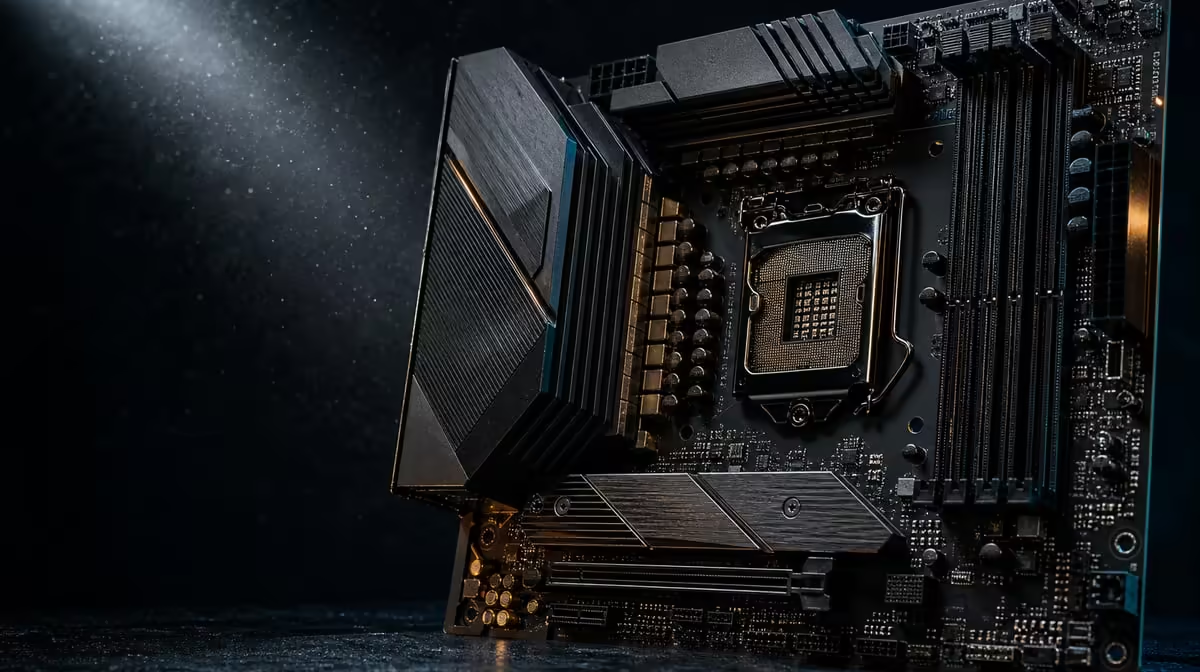
An AI label on a motherboard matters only when it points to a useful task. The AI-ready motherboard should still be selected for processor support, memory, storage and expansion first, then judged on whether its automated tools improve setup or daily control. ASUS names two such tools on the ROG Crosshair X870E Extreme: AI Overclocking and AI Networking.
Quick Answer
An AI-ready board is worth buying when its automation addresses a task the owner would otherwise tune or monitor manually, and when the underlying platform already fits the build. At R24,899, the X870E Extreme combines AI Overclocking and AI Networking with AM5, DDR5, PCIe 5.0, five M.2 positions and advanced network interfaces; the AI name alone does not guarantee faster games or applications.
?? Translate labels into actions
AI Overclocking belongs to the tuning side of the platform, while AI Networking concerns network management. These are specific functions, not a claim that the motherboard performs the application's AI workload. The processor, graphics hardware, memory and software remain responsible for the work the PC runs.
Write down what the automation will change or help observe, and what result would make that useful. A builder interested in easier guided tuning has a clearer case than one expecting a general performance uplift simply because "AI" appears on the box.
Before valuing either tool, establish the processor pairing. Evetech's AMD CPU selection can support a shortlist, followed by an exact compatibility and firmware check for the chosen board.
?? Treat automated tuning as a measured change
Begin from a stable, correctly cooled system. Record the starting configuration and observe temperatures, behaviour and performance in representative tasks. If an automated tuning function is used, change nothing else until the same checks have been repeated.
An automatic recommendation is still a system change. It should be evaluated for stability, heat, noise and useful performance rather than accepted because the process required fewer manual steps. Stop and return to a known-safe configuration if behaviour becomes abnormal.
Preserve the baseline
Save enough information to identify the original state. A screenshot or written record of key settings, firmware version and test conditions gives the builder a comparison point. Without it, a good result cannot be attributed confidently and a poor one becomes harder to reverse.
Do not use an overclocking feature to compensate for inadequate cooling or an unstable assembly. Power, memory installation and thermal conditions need to be sound before tuning begins.
?? Give network automation a real environment
AI Networking can only operate within the network path available to the PC. The Extreme supplies Wi-Fi 7, 5G LAN and 10G LAN, but router, switch, cabling, wireless conditions, remote endpoint and internet service still shape outcomes.
Define the problem first: competing household traffic, uncertain interface choice or a need to observe network behaviour. Then measure a representative game session, download or local transfer before and after any automated assistance.
The AMD X870 motherboard range provides context for alternative high-end boards. Compare their complete networking and expansion designs, not merely whether an AI term appears.
Avoid attributing every delay to the board
Online latency can arise beyond the local PC. Local transfer speed can be limited by storage at either endpoint. Wireless performance can change with distance and interference. Keep these paths separate when assessing whether network automation adds value.
?? Decide whether the bundle earns R24,899
The Extreme is an E-ATX flagship whose price covers much more than AI tools. Five M.2 positions, PCIe 5.0, USB4 Type-C, Wi-Fi 7 and two multi-gig wired interfaces form a broad platform.
A buyer who needs several of those capabilities and also values guided tuning can build a coherent case. Someone interested only in the AI wording should compare Evetech's wider AMD motherboard category and fund the components that directly serve the workload.
Score each feature after setup
Create a simple scorecard: task addressed, time saved, measurable change, stability and ease of reversal. Use it after a week of normal work, not only during the excitement of initial assembly.
If the automation is never opened, it should carry little value in the next buying decision. If it simplifies a recurring task without weakening stability, it becomes evidence rather than marketing language.
Keep compatibility ahead of convenience
No automated feature fixes an unsuitable CPU, incorrect memory or incompatible chassis. The Extreme uses AM5, DDR5 and E-ATX, so those platform choices remain mandatory checks. Five M.2 positions also require a deliberate storage map if several drives are planned.
Distinguish assistance from autonomy
The owner remains responsible for deciding whether a change is appropriate. Automation can reduce the number of manual steps or organise information, but it cannot know every priority in the build. A quiet workstation, for example, may prefer different tuning choices from a machine focused on short peak tests.
Set limits before using assistance: acceptable noise, temperature behaviour, stability and the workloads that must remain reliable. Judge the result against those limits. If an automated recommendation improves one metric while weakening an important constraint, it has not solved the user's problem.
Test network decisions with competing traffic
Run a normal household scenario rather than an empty-network demonstration. Include the game, call, transfer or stream that matters, and observe whether the tool makes behaviour more consistent. Repeat without the assisted configuration under similar conditions.
Keep the local interface constant during each comparison. Switching between Wi-Fi, 5G and 10G while changing network management makes the result impossible to attribute. Once a useful baseline exists, evaluate the interfaces separately.
Consider support over the ownership period
Automated features live inside a broader firmware and software experience. Builders should be comfortable maintaining the platform, reviewing changes after updates and returning to a known configuration when necessary. Record what was enabled instead of assuming the system will always behave identically.
The most persuasive case is therefore cumulative: correct platform fit, several useful flagship connections and automation that improves a recurring task. If one of those layers is missing, lower-cost alternatives deserve another look.
Audit the human workload
Measure how much time the owner actually spends changing settings, investigating network traffic or recovering from an unsuccessful experiment. Automation has greater value when it repeatedly simplifies those tasks without reducing control.
Some builders will use a stable default configuration and never need guided tuning. Others maintain several workloads and benefit from a structured recommendation. The board price should reflect the user's behaviour rather than a general claim that automation is always desirable.
After a month, compare saved time with the effort required to understand, test and document the tool. Convenience that cannot be explained or reversed is weak long-term value.
Frequently Asked Questions
Which AI functions are named on the X870E Extreme'
ASUS identifies AI Overclocking and AI Networking. They address tuning and network-management tasks rather than supplying application compute.
Does an AI-ready board automatically raise frame rates'
No. Any change must be measured in the complete system and workload. The label by itself is not a performance result.
Who is most likely to value AI Overclocking'
A user who wants guided assistance with a defined tuning task and is prepared to test stability, temperature and noise may find it useful.
Can AI Networking exceed the internet service limit'
No. The external service and broader route still impose limits. Evaluate local network behaviour and internet performance separately.
Should AI capability outrank CPU compatibility'
Never. Exact processor support, DDR5, case fit and required connections are foundational; convenience functions come later.
How should automated changes be tested'
Record a stable baseline, alter one element, repeat the same workload and retain a clear route back to the original configuration.
Ready to assess motherboard automation properly'
Compare Evetech's AMD motherboard range by platform fit first, then give AI tuning and networking value only where they improve a measured task.