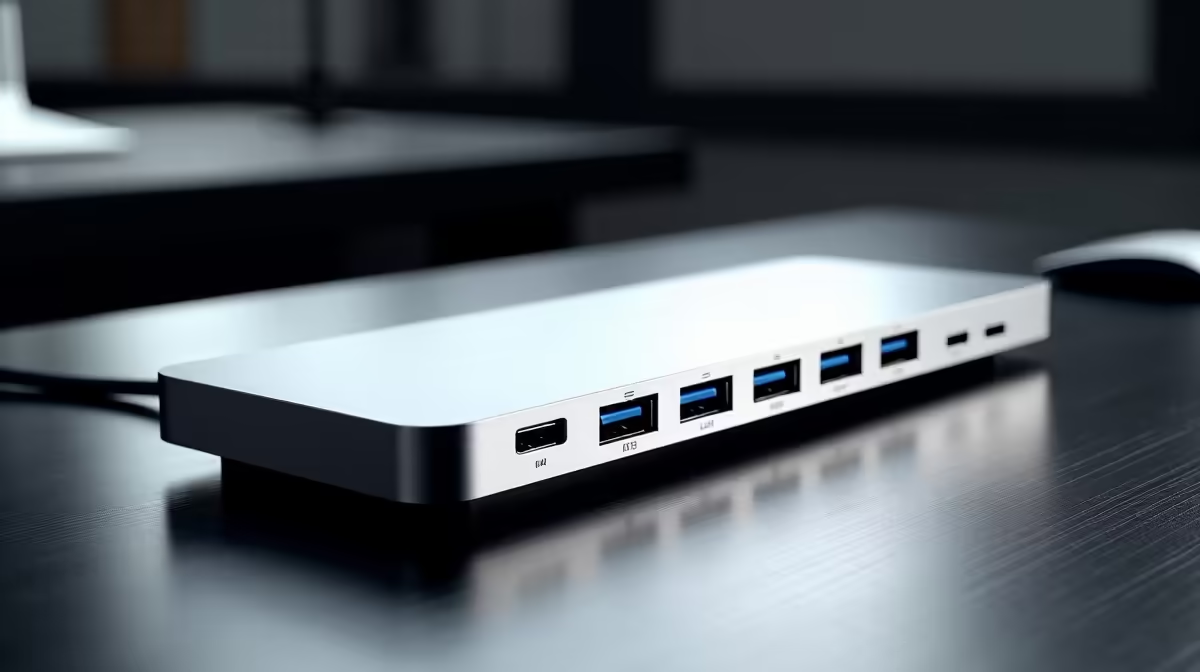
Tired of that chaotic mess of cables snaking across your desk? You’re not alone. For many South African gamers and remote workers, connecting a laptop to a full-size monitor, keyboard, and mouse means a daily ritual of plugging and unplugging. This is where a docking station transforms your setup from cluttered to clean. But with so many options, the process of buying a dock that perfectly suits your needs can feel overwhelming. Let's simplify it.
Key Factors to Consider Before Buying a Dock
Choosing the right dock isn't about getting the one with the most ports; it's about getting the one with the right ports for you. Before you commit, think about your daily workflow. What do you connect most often? Answering this question is the first step in finding a hub that truly serves you.
### Port Selection: Your Digital Lifeline 🔌
The number and type of ports are the most critical factors. A good starting point is to list all the devices you want to connect simultaneously.
- USB-A: Still essential for keyboards, mice, webcams, and older flash drives.
- USB-C: For modern peripherals, fast data transfer, and sometimes video output.
- HDMI/DisplayPort: Crucial for connecting external monitors. Check the version to ensure it supports your desired resolution and refresh rate.
- Ethernet: For a stable, faster internet connection than Wi-Fi—a must for competitive gaming and large downloads.
- SD/MicroSD Card Readers: A lifesaver for photographers and content creators.
Trusted brands like Promate offer a wide range of hubs with various port combinations to match any setup.
Check Your Laptop's Power Needs
Look for the wattage (W) on your laptop's original power adapter. Your dock's Power Delivery (PD) rating should meet or exceed this number to charge your device effectively while in use. A 65W laptop needs a dock with at least 65W PD.
### Power Delivery (PD): One Cable to Rule Them All
Power Delivery via USB-C is a massive quality-of-life improvement. It allows a single USB-C cable to transmit data, video, and power from the dock to your laptop. This means you can leave your bulky laptop charger in your bag. When buying a dock, check the PD wattage. A higher wattage ensures it can power more demanding laptops without issue.
### Display Support for Multi-Monitor Setups 🖥️
Do you plan on running one, two, or even three external monitors? This is a vital detail. Pay close attention to the dock's specifications:
- Resolution & Refresh Rate: Can it handle 4K at a smooth 60Hz, or is it limited to 30Hz? For gamers and video editors, 60Hz is non-negotiable for a fluid experience.
- Number of Displays: Some docks support a single 4K monitor, while others can drive two or more displays at lower resolutions.
Finding a dock with strong display capabilities is essential for productivity, and you can find excellent multi-monitor-ready options for under R2000 that deliver serious performance.
Finding the Right Dock for Your Budget
You don't always need to spend a fortune to get a great result. The key is to balance features with cost. If you only need to connect a mouse, keyboard, and a single 1080p monitor, a simpler, more affordable dock will do the job perfectly. There are many high-quality, budget-friendly docks available for under R1000 that cover all the essentials. Prioritise what you truly need, and you'll find what to look for in a dock without overspending.