




IPS vs VA for Strategy and Sim Games in SA
IPS vs VA for strategy and sim games should be judged by fit, not a single winner. Compare compatibility, latency, capacity, upgrade path, cost planning, and South African setup needs.
Read moreMemory size, sustained cooling, storage speed and port bandwidth decide this, in that order. A machine like the R33,599 Mac Mini M5 Pro answers all four with a 24GB memory pool, fast internal storage and Thunderbolt 5 at 80Gbps.
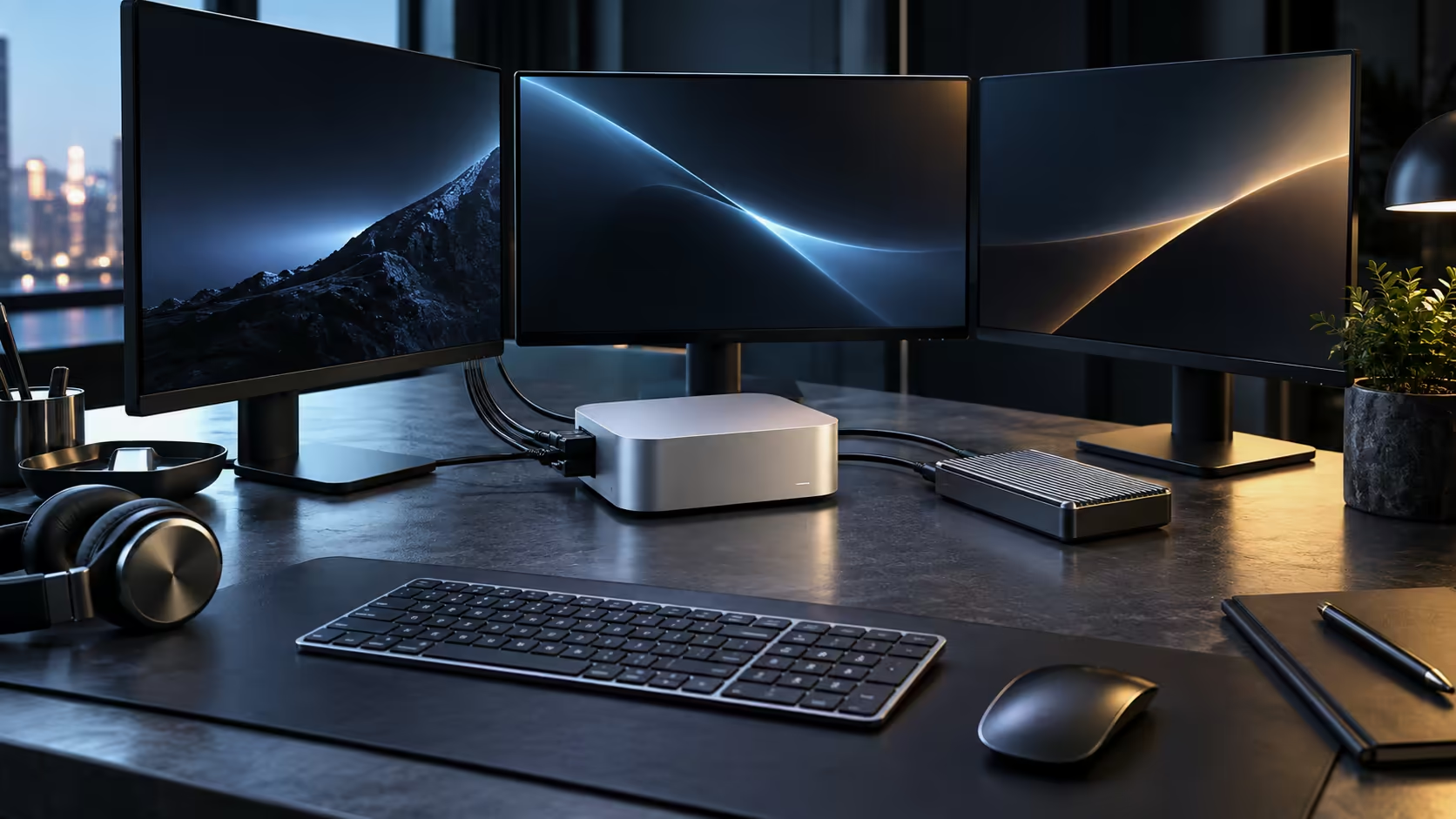
Memory size, sustained cooling, storage speed and port bandwidth together all decide whether a compact desktop actually handles local AI work and video editing well, roughly in that stated order of importance, well ahead of raw core count on whatever direct comparison you happen to actually be running between any two candidate machines placed side by side.
Prioritise unified memory capacity first, well above every other spec on the sheet, since it directly caps both the AI model size you can realistically load at once and how complex an editing timeline can get before it visibly starts to stutter. Then check whether the case can sustain performance under a long export rather than throttling. Storage speed and port bandwidth come next, mattering most once real files and real accessories are moving through the machine rather than in a synthetic benchmark run. A machine like the R33,599 Mac Mini M5 Pro answers all four with a 24GB memory pool, fast internal storage and Thunderbolt 5 at up to 80Gbps.
Both local AI models and video timelines are fundamentally memory-bound before they are anything else at all, a fact that gets lost the moment a spec sheet leads with a flashy headline core count instead of the number that actually matters. A model that does not fit inside a 24GB pool simply does not run at all, no matter how fast the processor underneath happens to be, and a timeline carrying too many layers for the available memory starts dropping frames or flatly refusing to preview smoothly. Any other spec on the sheet matters less until this number is settled for your actual workload.
A benchmark number measured over a few seconds tells you almost nothing about an export running 2 hours or more. Check whether reviews and real-world tests describe sustained performance under load, not just a single peak figure, because a compact case that throttles after 10 minutes will feel slower in daily use than a slightly less powerful machine that holds its pace.
Video editing streams large files continuously from disk, and loading a local AI model reads a large file from storage every time it starts. A fast internal SSD reduces stutter during editing and cuts the wait before an AI tool is ready to use, and a 512GB drive fills quickly under either workload, so plan for an external drive from the start rather than as an afterthought.
Thunderbolt bandwidth decides how well an external drive, a second monitor and a dock can all run at once without competing for the same allocation. A machine with only basic USB-C, without Thunderbolt support, forces a choice between fast storage and a good display rather than allowing both simultaneously.
Marketing material almost always leads with peak figures because they are the most flattering, so a genuinely useful review states sustained clock speeds or export times after 20 minutes or more of continuous work, not the number in the first five seconds. When comparing two compact desktops, look specifically for a sustained benchmark or a real render time on a file size close to your own, rather than a single headline score.
A compact desktop's small size does limit long-term upgradeability meaningfully; with no internal expansion slots, the configuration bought at purchase is effectively permanent, which makes getting memory and storage right upfront more important than on an upgradeable tower.
A machine advertised as "AI-ready" or "creator-focused" says nothing on its own about memory capacity or sustained cooling, and marketing language should never substitute for checking the actual unified memory figure and the cooling design directly. Two machines carrying similar labels can differ meaningfully on both fronts once you look past the branding.
Where a workload regularly exceeds what a compact case can sustain, a full workstation is the honest step up from something like the Mac Mini. For other compact configurations at a similar size, mini PC is the wider category to browse.
No. Memory decides whether a model or a project fits at all; core count then decides how quickly it processes once it does.
Look for reviews that measure sustained performance over 20 minutes or more, rather than a single short benchmark run.
Less so with a single monitor; it matters most once a fast external drive and a display are both connected and competing for bandwidth at the same time.
Treat them as a starting point rather than a conclusion; independent reviews measuring sustained performance under real workloads are far more reliable than a manufacturer's own headline figures.
Yes, once a workload consistently needs more memory or graphics headroom than any compact configuration offers, a full tower or workstation becomes the more honest choice.
Not inherently; capability comes from the chip, memory and cooling design, not the physical size, though size does limit how much cooling hardware can be fitted.
Roughly once a year, or immediately after taking on a noticeably heavier type of project, is a reasonable point to reassess whether the current configuration still fits.
Each generation of chip has meaningfully increased both memory ceilings and accelerator capability, so a compact desktop bought today handles workloads that would have needed a full tower only a few years ago.
Reviews published soon after a chip's global launch are useful for raw capability, but check for anything specific to the local configuration, since memory and storage options sold locally can differ from the global lineup.
Ready to check whether a compact desktop actually suits your workflow? Prioritise memory and sustained cooling over headline benchmark numbers before you decide.
No. Memory decides whether a model or a project fits at all; core count then decides how quickly it processes once it does.
Look for reviews that measure sustained performance over 20 minutes or more, rather than a single short benchmark run.
Less so with a single monitor; it matters most once a fast external drive and a display are both connected and competing for bandwidth at the same time.
Treat them as a starting point rather than a conclusion; independent reviews measuring sustained performance under real workloads are far more reliable than a manufacturer's own headline figures.
Yes, once a workload consistently needs more memory or graphics headroom than any compact configuration offers, a full tower or workstation becomes the more honest choice.
Not inherently; capability comes from the chip, memory and cooling design, not the physical size, though size does limit how much cooling hardware can be fitted.
Roughly once a year, or immediately after taking on a noticeably heavier type of project, is a reasonable point to reassess whether the current configuration still fits.
Each generation of chip has meaningfully increased both memory ceilings and accelerator capability, so a compact desktop bought today handles workloads that would have needed a full tower only a few years ago.
Reviews published soon after a chip's global launch are useful for raw capability, but check for anything specific to the local configuration, since memory and storage options sold locally can differ from the global lineup.
IPS vs VA for strategy and sim games should be judged by fit, not a single winner. Compare compatibility, latency, capacity, upgrade path, cost planning, and South African setup needs.
Read more
Gen 5 NVMe SSD guide for Bloemfontein gamers should be shortlisted around the job it must do. South African buyers should compare capacity, speed, thermals, and motherboard support, warranty path, and upgrade room before treating any pick as best.
Read more
Skip the RTX 5070 if your first-time builder budget needs better balance. Better SA picks can free room for the right CPU, PSU, case, monitor, storage, and cooling while still giving a strong first gaming PC experience this year in South Africa.
Read more
RTX 5080: weighing the pros and cons for SA should be shortlisted around the job it must do. South African buyers should compare GPU tier, VRAM, cooling, and PSU headroom, warranty path, and upgrade room before treating any pick as best.
Read more
Core i5-13400F gives South African PC builders a capable mid-range CPU choice with clear limits. Check its gaming fit, discrete GPU requirement, LGA1700 platform costs, and upgrade path before locking in your parts list.
Read more
Pros and cons of the Wi-Fi 7 routers for SA should be shortlisted around the job it must do. South African buyers should compare WiFi standard, coverage, latency, and device support, warranty path, and upgrade room before treating any pick as best.
Read more
Steam content servers unreachable needs a download-path check, not an immediate reinstall of every game. Restart the client, inspect download settings and compare another connection when practical. Clearing the download cache is separate from deleting installed games.

Keychron G6 HE has built-in and swappable battery versions with different weights. The product brief lists 42g and 46g respectively, each with a 3g tolerance. Choose by grip and battery preference before treating one headline weight as universal.

Corsair HS80 v2 MAX supports 2.4GHz wireless and Bluetooth. Its maximum battery figures use RGB-off conditions and differ by connection. Check microphone routing, comfort and the exact device support before assuming every wireless mode behaves alike.

Windows taskbar notification badges can be shown or hidden in Taskbar behaviours. This changes the small app indicators, not the underlying messages. Choose a calmer desktop while keeping a deliberate routine for checking important conversations and app updates.
Windows taskbar notification badges can be shown or hidden in Taskbar behaviours. This changes the small app indicators, not the underlying messages. Choose a calmer desktop while keeping a deliberate routine for checking important conversations and app updates.

Windows USB device in use can mean a program still has the drive open. Finish transfers and close files before retrying ejection. Better performance caching requires safe removal; a replacement drive is not the first fix for an open-file warning.

Windows Nearby Sharing not working starts with feature, Bluetooth and visibility checks on both PCs. My devices only depends on matching Microsoft accounts. Test a small harmless file before buying networking hardware or changing your home router.

Windows hardware reserved RAM is different from memory used by applications. Compare installed memory with firmware detection and the usable amount before buying modules. Reservations and reporting limits vary by system; no universal setting restores every byte.

Windows title bar window shake can minimise other open windows when you shake the active window by its title bar. Inspect the Multitasking setting and switch it off if that gesture interrupts your work. The preference costs R0 and does not require new hardware.

Windows Print Screen opens Snipping Tool when its keyboard preference is enabled. Change the option under Accessibility, Keyboard to choose another workflow. Test whether you need a clipboard image or a saved file.

Windows desktop icons missing may be a visibility setting. Right-click the desktop, choose View and inspect Show desktop icons. If only system icons are absent, use Desktop icon settings. Check the Desktop folder before assuming files were deleted.

Windows set time zone automatically greyed out calls for a location and device-policy check. Automatic time-zone selection relies on location services. A manual time-zone choice is separate from synchronising the clock; check both before replacing hardware.