Quick Answer
The practical Roodepoort shortlist starts with stocked Evetech options in the R800 to R3,500+ band, then narrows by layout before lighting. Do not chase the loudest listing first; buy by layout and switch feel first; a TKL board is the safe gaming size, while full-size is better if you need a numpad every day.
Shortlist The Right Tier
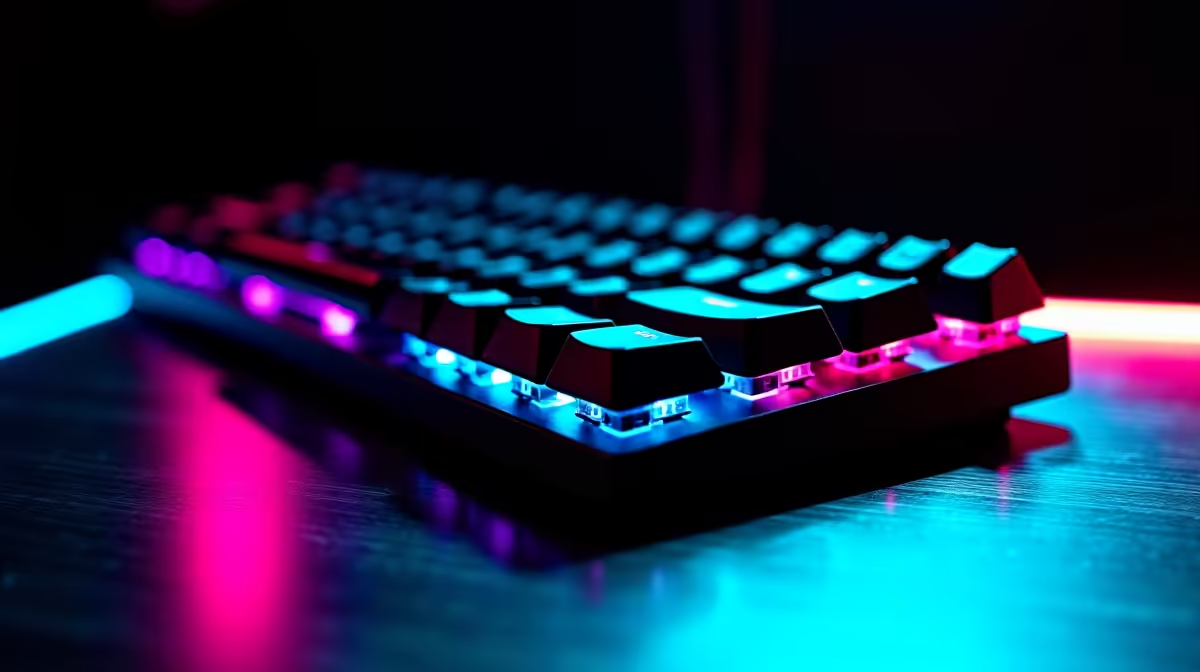
Useful examples to compare include Redragon mechanical boards, Keychron K-series, Razer BlackWidow, Corsair K-series, and Logitech G mechanical keyboards. Red switches feel light and quiet for gaming, brown switches add a soft tactile bump, and blue switches are loud. Hot-swap support helps if you want to tune feel later. Stock changes quickly, so make the shortlist from categories and specs first, then confirm the exact item on the product grid.
Specs That Actually Change The Result
The key spec checks are red, brown, or blue switches, hot-swap sockets, 60%, TKL, or full-size layouts, and USB-C or 2.4GHz wireless. Match those numbers to your current PC, console, desk, room, or study setup. Prioritise the first real bottleneck: clarity for recording, fps for displays, stable power for builds, comfort for chairs, or latency for wireless gear.
Local Buying Notes For Roodepoort
Roodepoort buyers should factor in west-JHB courier timing and whether the item must fit a smaller home-office or gaming desk. Keep the live Evetech listing as the final source for exact stock and current pricing, because availability can shift between sizes, colours, bundles, and regional courier timing.
FAQ
What keyboard size is best for gaming?
TKL is the safe middle ground because it keeps arrows while freeing mouse space. A 60% board is cleaner but needs shortcut habits.
Which switch should I choose?
Choose red for fast light presses, brown for mixed typing and gaming, and blue only if noise is not a problem. Feel matters more than marketing names.
Is wireless mechanical okay?
Yes, 2.4GHz wireless is fine for most gaming. Use wired or low-latency wireless if you play competitive titles and want the cleanest response.
Practical check
Before checkout, confirm layout before lighting plus any required cable, mount, dock, adapter, or size-specific accessory.