Quick Answer
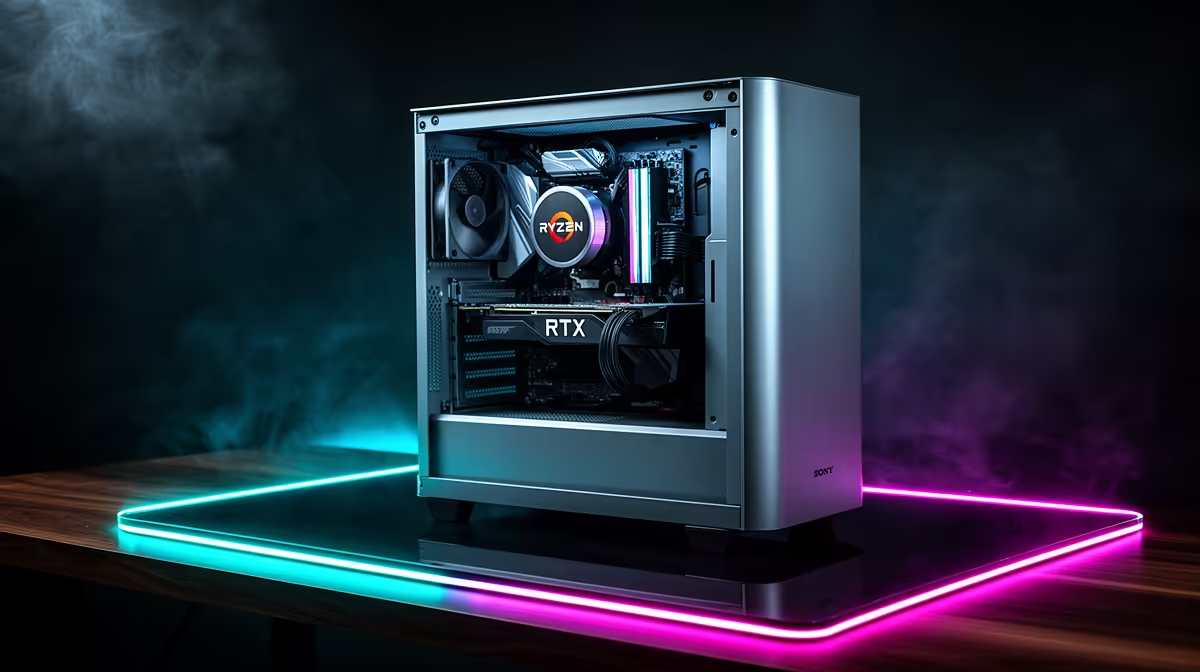
A Ryzen 7 paired with an RTX 5060 is one of the most capable all-rounder combinations available locally right now. It handles university assignments, video calls, content creation, and 1080p to 1440p gaming without needing a second machine.
Why This Combo Works for SA Students and Professionals 🎓
South African students and young professionals often share a single desk and a single budget. Buying one well-specced desktop PC instead of a separate work machine and a gaming rig saves between R5,000 and R12,000 depending on what you would otherwise spend on each device. The Ryzen 7 8700F is a strong example: eight cores and sixteen threads mean it can run Microsoft 365, a browser with thirty tabs, and a video call simultaneously without breaking a sweat. Switch to your game after hours and the RTX 5060's GDDR7 memory bandwidth keeps frame times smooth at 1080p and competent at 1440p on most current titles.
Handling University and Remote Work Loads 📚
A multi-threaded Ryzen 7 chip handles tasks like video rendering in DaVinci Resolve, large spreadsheets in Excel, and Python or Java compilation far better than entry-level quad-core options. Students at institutions like UCT, Wits, and UP increasingly submit video assignments and run data science notebooks locally, so processing headroom matters. Pair the CPU with 32GB of DDR5 RAM and you will rarely hit a wall. For storage, a 1TB NVMe SSD keeps Windows boot times under fifteen seconds and gives applications near-instant load speeds, which adds up across a full study day.
Gaming Performance After Hours 🎮
The RTX 5060 with GDDR7 delivers roughly 80 to 100fps in demanding titles at 1080p on high settings, and holds 60fps-plus at 1440p in most current releases. DLSS 4 with Multi Frame Generation pushes effective frame rates even higher, making the GPU punch above its price bracket. In South Africa, where a pre-built Ryzen 7 RTX 5060 system typically lands between R18,000 and R25,000, that performance-per-rand ratio is difficult to beat with competing hardware at the same price. Online gaming on South African servers via Vumatel or Openserve fibre stays low-latency provided your router is wired to the PC.
Storage Split for Study and Gaming ⚡
Install your operating system and productivity apps on one NVMe partition and keep game installs on a secondary drive or a large second partition. This keeps Windows lean and prevents game updates from crowding out your assignment files at the worst possible time. A 500GB OS drive plus a 2TB game drive is a practical local budget setup.
FAQ
Can one PC really handle both Zoom lectures and gaming without slowdowns?
Yes. A Ryzen 7 with sixteen threads and 32GB of RAM has more than enough headroom to run communication apps, a browser, and background tasks simultaneously. Just close heavy background processes before launching a demanding game to keep frame rates consistent.
What monitor resolution should I target with an RTX 5060 for this build?
1080p gives you the highest and most consistent frame rates, making it ideal for competitive gaming. 1440p is very playable in most single-player titles. For a dual-purpose desk setup, a 27-inch 1440p 165Hz monitor is a popular local choice that suits both productivity and gaming.
Is 16GB of RAM enough or should I go to 32GB?
16GB is the minimum for comfortable multitasking, but if you run virtual machines, large datasets, or keep many browser tabs open alongside your game, 32GB eliminates most bottlenecks. DDR5 kits are available locally at prices that make the upgrade worthwhile at build time.
Ready to build your all-in-one work, study, and gaming PC?
Evetech stocks a range of Ryzen 7 RTX 5060 pre-built systems and individual components. Browse the gaming PC category to find the right configuration for your budget and workflow.