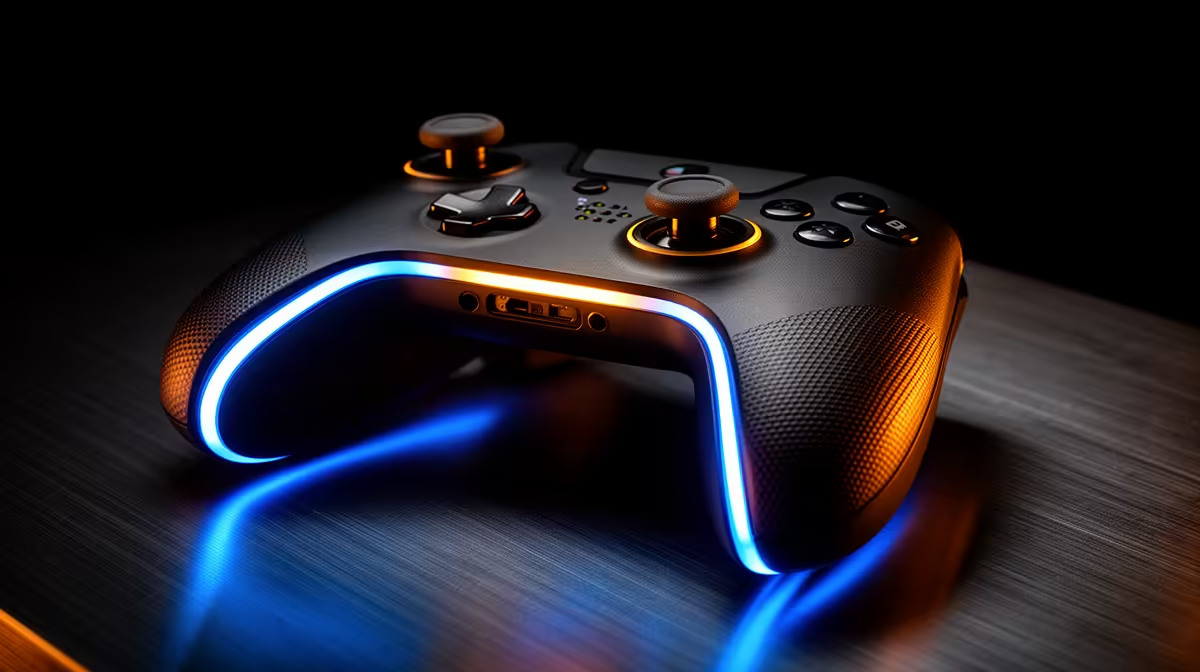
One pad speaks Windows' familiar language; the other brings features that only some games understand. Choosing an Xbox controller or DualSense for PC comes down to broad compatibility, supported effects and the feel in your hands.
Quick Answer
Choose an Xbox Wireless Controller for the broadest out-of-box compatibility with Windows games and familiar Xbox button prompts. Choose DualSense when you prefer its symmetrical sticks and want adaptive triggers or advanced haptics in PC games that support them. Both can work over USB and Bluetooth, but the exact Xbox model may also use Microsoft's wireless adapter. DualSense feature support varies by game and connection. There is no universal winner for your hands, so test grip, stick position and the games you play before choosing.
Why Xbox feels native on Windows
Many Windows games are designed around XInput, the controller interface associated with Xbox pads. Connect a current Xbox controller and the game often recognises it without a mapping layer. On-screen prompts match the physical ABXY layout, and menus expect the same button names.
That compatibility reaches old and new games, though no controller works in every title. Very old PC games may need manual mapping. Some competitive games block controller aim assistance or separate input pools.
You can connect over USB-C for a steady wired link, use Bluetooth on a compatible PC or pair through an Xbox Wireless Adapter. The adapter can offer a dedicated connection and support features that vary under Bluetooth. Confirm the exact controller revision, because older pads use different USB connectors and some lack Bluetooth.
What DualSense brings
DualSense uses symmetrical analogue sticks, a touchpad, gyro, built-in speaker, microphone, detailed haptics and adaptive triggers. On PS5, developers can target that complete feature set. On PC, each game's Windows version decides what it implements.
Supported games can make triggers resist as a weapon fires or a pedal bites. Haptics can convey surfaces and impacts with more texture than standard rumble. Other games see only ordinary buttons and sticks. Some need USB for rich features, while newer releases may support more over Bluetooth.
Steam Input can translate DualSense into an Xbox-style device for broader compatibility. That helps games built around XInput, but it can hide native detection and remove special features. Switch the translation per game rather than leaving one setting for the whole library.
Shape and button layout
Xbox places the left stick high and the D-pad lower. DualSense keeps both sticks low and parallel. Neither arrangement is objectively more ergonomic. Thumb length, grip style and the games you play decide.
The Xbox controller is compact and familiar to many PC players. DualSense is wider and heavier, with fuller handles. Hold each for fifteen minutes. Reach bumpers, press stick clicks and use the D-pad without changing your grip.
Button prompts matter when you switch often. A PC game showing Xbox letters while you hold DualSense can slow a quick-time event until the positions become familiar. Games with PlayStation glyph options remove that friction.
Power and connection routine
Current standard Xbox controllers use replaceable AA batteries unless you add a compatible rechargeable pack. That lets you swap cells and continue. DualSense has a built-in rechargeable battery and charges over USB-C.
One approach is not universally greener or cheaper. Rechargeable AA cells can serve other devices, while a built-in pack reduces loose parts. Battery age and replacement route matter over several years.
For a desk, a USB cable offers low fuss and no battery interruption. Check that it carries data. For a lounge PC, wireless range and antenna placement matter. A desktop with built-in Bluetooth still needs its external antenna attached for a stable connection.
Features competitive players should value
Reliable input, comfortable sticks and a stable connection matter before haptics. Many competitive players disable vibration to reduce distraction and preserve battery. A controller with back buttons can add value, but neither standard Xbox Wireless Controller nor standard DualSense provides a full set of rear paddles.
Check dead zones and response curves in the game. Software can correct a small preference, while physical drift or a loose trigger needs service. Tournament rules may restrict remapping or macro functions.
PC setup and support
Xbox Accessories on Windows handles supported Xbox controller updates and mapping. Sony's PlayStation Accessories app can update DualSense firmware without a PS5. Steam offers per-game layouts for both.
If the controller misbehaves, test wired, close duplicate mapping software and check the game-controller panel. Two translation layers can create double inputs. A wireless fault can also be an antenna or radio problem rather than the pad.
The controller works with a broad range of PCs. Browse gaming PC deals and popular complete PC systems when the pad is part of a new couch or desk build.
The approved July 2026 snapshot does not include a named Xbox Wireless Controller or DualSense price, so compare live local quotes for the exact revision and bundle. Check whether a cable, batteries or charging pack is included. A small price gap can disappear when one setup needs another accessory.
Using the controller beyond one PC
Xbox Wireless Controller can move between compatible Xbox and Windows devices, while DualSense can return to PS5 and pair with supported phones or tablets. The switching routine differs, and Bluetooth devices may need to be paired again.
If one pad will serve a console and PC, practise switching before a weekend trip. Keep the right data cable in the bag and label any wireless receiver. A controller that works across two systems is useful only when reconnection takes less time than finding the spare pad.
Headset support can also change by connection. A headset plugged into the controller may work on its native console and lose audio over PC Bluetooth. Test chat, microphone and game sound on the exact link you plan to use.
Long-term wear
Both controllers contain sticks, triggers, springs and USB ports that can wear. Keep proof of purchase and check the local accessory support route. Clean around sticks with the controller off and avoid pouring cleaner into the shell.
If drift appears, confirm it in the Windows controller test before changing dead zones. A software adjustment can hide a small input at the cost of fine control; it cannot repair a worn part.
Choose from your library
List five controller games. Mark native DualSense feature support, button prompts and whether you play through Steam or another launcher. If none uses the special features, comfort and XInput reliability should lead. If two favourite games use haptics and adaptive triggers well, DualSense has a concrete reason to win.
FAQ
Which controller does Windows recognise more easily?
Xbox controllers align with the XInput standard used by many PC games, so they tend to need less translation.
Does DualSense require extra software?
Native games can see it directly. Steam Input or another mapper helps when a title expects an Xbox-style controller.
Do both work over Bluetooth?
Current versions do, subject to the PC adapter and model. USB remains the cleanest troubleshooting connection.
Compare gaming PCs for your setup and choose the controller whose layout and supported features fit your actual game list.