


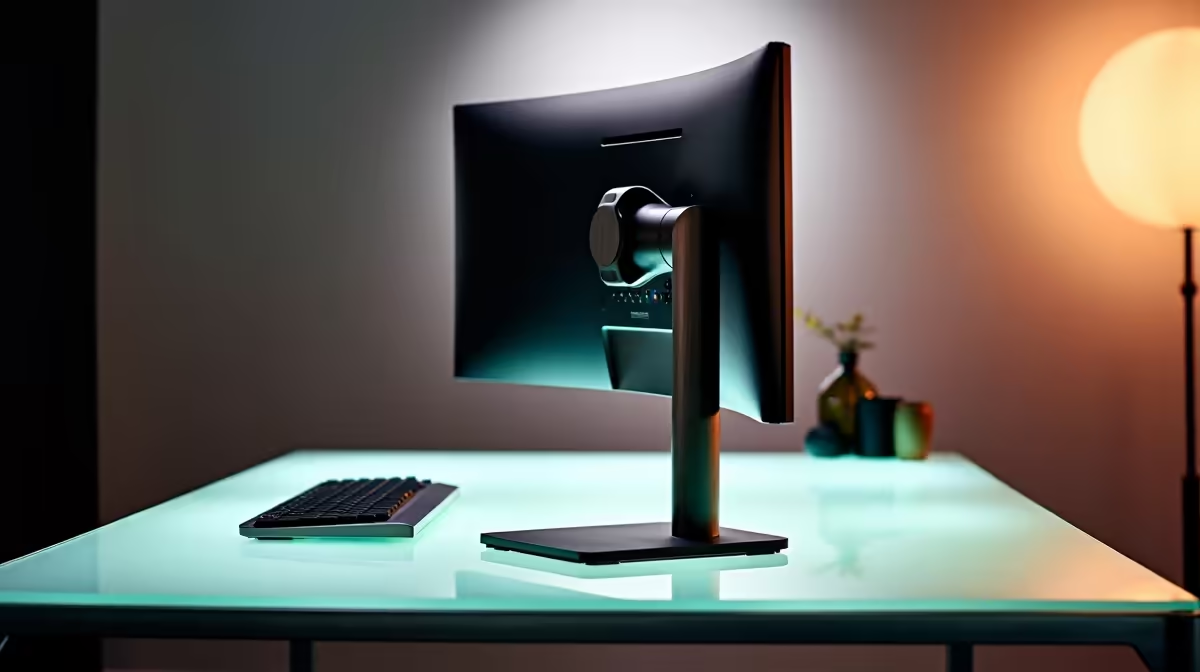
Staring at your screen, feeling that familiar crick in your neck after a marathon gaming session? You're not alone. Most PC monitors in South Africa ship with basic, uninspired stands that force you into a slouch. An ergonomic monitor stand isn't just a nice-to-have; it's a critical upgrade for your comfort and focus. It’s time to find your perfect tilt and swivel and reclaim your posture. Let's get your setup sorted. ✨
Why Your Default Stand is Sabotaging Your Setup
The stand that comes in the box is designed to do one thing: hold the screen up. That's it. It rarely offers the height, tilt, or swivel adjustments needed for long hours of work or play. This one-size-fits-none approach is the direct cause of hunching, neck strain, and eye fatigue. Over time, this poor posture can impact not just your comfort but your in-game performance too.
While many modern PC monitors boast incredible display technology, their full potential is locked behind a subpar stand. Upgrading to a proper ergonomic monitor stand is the key to unlocking a healthier and more immersive experience.
Unlocking Peak Performance with Perfect Positioning
So, what does "finding your perfect tilt and swivel" actually mean? It’s about customising your viewing angle for any situation. A quality ergonomic monitor stand gives you complete freedom.
- Height Adjustment: Align the top of your monitor with your eye level to maintain a neutral spine position. No more hunching!
- Tilt Control: Angle the screen up or down to eliminate annoying glare from windows or lights, ensuring perfect colour accuracy.
- Swivel Functionality: Easily turn your screen to show a teammate a strategy or collaborate on a project without shuffling the entire setup.
- Rotation (Pivot): Spin your monitor 90 degrees into portrait mode. This is fantastic for coders, streamers managing chat, or anyone working with long documents.
This level of control is vital. Whether you're trying to gain a competitive edge with one of the latest gaming monitors or getting lost in the world of a cinematic title on a curved monitor, the right positioning makes all the difference.
The Ergonomic Sweet Spot 📏
Position your monitor so the top edge is at or slightly below your eye level. Your eyes should look slightly downwards towards the centre of the screen, and you should be about an arm's length away. This simple adjustment can drastically reduce neck and eye strain over long periods.
More Than Comfort: Reclaim Your Desk Space
One of the best, yet often overlooked, benefits of an arm-style ergonomic monitor stand is the huge amount of desk real estate it frees up. By clamping to the back of your desk, the stand lifts your monitor completely off the surface, leaving you with valuable space underneath for your speakers, keyboard, or other gear. 🔧
This clean, organised space is a massive plus for creators who need pixel-perfect focus when working on high-resolution 4K and 5K monitors. It even works wonders for a secondary display, like one of the versatile portable monitors you might use for Discord or OBS. Better cable management is just the cherry on top.
How to Choose the Right Stand for Your Rig
Ready to make the switch? Here’s what to look for:
- VESA Compatibility: Check if your monitor has a VESA mounting pattern on the back (usually 75x75mm or 100x100mm). Most do, but it's crucial to confirm.
- Weight & Size Limit: Ensure the stand can safely support your monitor's weight and screen size.
- Mounting Type: Choose between a desk clamp (most common), a grommet mount (requires a hole in the desk for a cleaner look), or a freestanding base.
Before you buy, double-check your monitor's specs. You can browse our full range of monitor accessories to find a compatible solution. And if you're looking to upgrade your screen at the same time, keep an eye on the best PC monitor deals in SA to grab a fantastic bundle.
Ready to Perfect Your Battlestation? Aches and pains shouldn't be part of your gaming or work-from-home experience. An ergonomic monitor stand is a small investment for a massive upgrade in comfort and performance. Explore our massive range of PC monitors and accessories to build the perfect setup today.









