


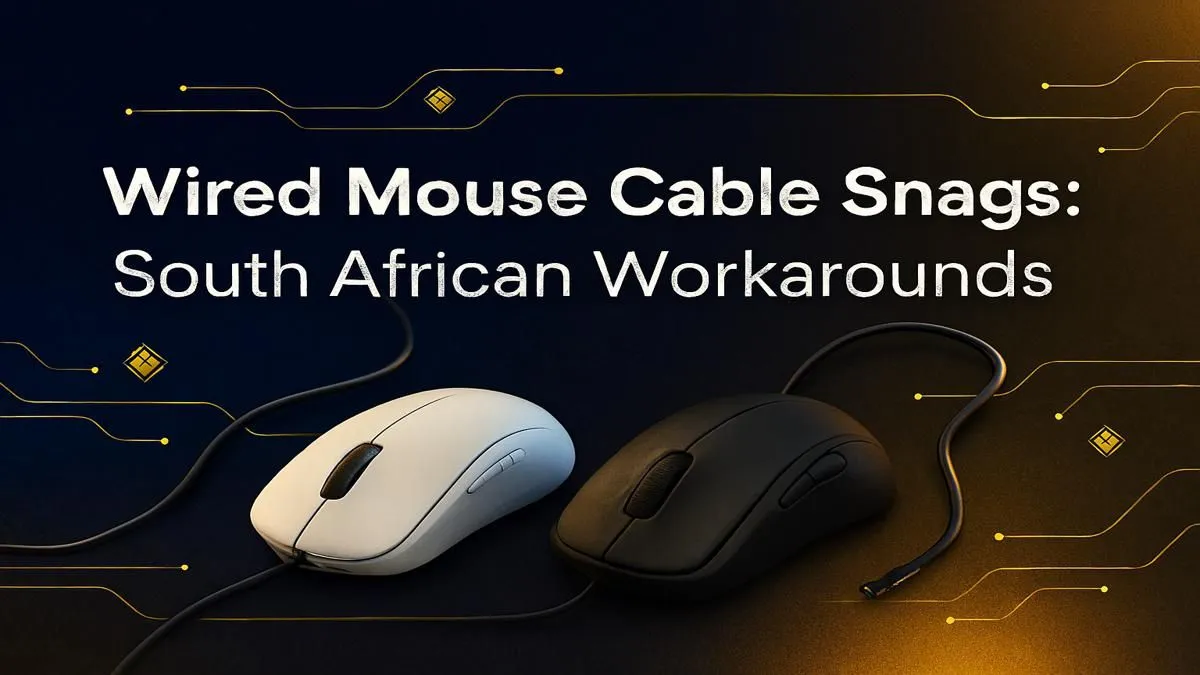
We've all been there. You're lining up a perfect shot in Warzone, the final circle is closing in... and your mouse cable snags on the edge of your desk. Jirre, it’s frustrating! That split-second of resistance costs you the round. But what if you could get that wireless freedom without ditching your favourite wired mouse? Effective mouse cable management is the key, and we've got the best South African tips to sort it out for good. 🚀
Why Proper Mouse Cable Management Matters
It's more than just a tidy desk. Solid mouse cable management directly impacts your gameplay. A snagging cable creates inconsistent friction and drag, throwing off your muscle memory and making precise movements difficult. It's the difference between a flick shot that connects and one that hits the wall. Good cable care also prevents fraying and internal damage, extending the life of your gear. In short, managing your mouse cable is a simple fix for better performance.
Top Techniques to Stop Mouse Cable Snags
You don't need a massive budget to achieve a smooth, unrestricted glide. Here are a few proven methods that South African gamers swear by.
The Champion's Choice: The Mouse Bungee
This is the gold standard for a reason. A mouse bungee is a small device with a flexible arm that holds your mouse cable up off the desk. It provides just enough slack for big, sweeping movements without letting the cord drag or bunch up. It’s the closest you can get to a wireless feel with a wired mouse, making it a top-tier solution for any serious player.
DIY & Budget Fixes 🔧
Not ready for a bungee? No problem. A classic local fix is using a piece of strong tape or Prestik to secure the cable to the back of your monitor or the wall behind your desk. Leave enough slack for your full range of motion, and you've created a simple, effective anchor point. This is a great starting point for better mouse cable management without spending a cent.
Desk Setup Pro Tip ✨
a truly clean look, route your mouse cable under your keyboard if there's space. This keeps it completely out of the way and works brilliantly with a bungee. Pair this with a comfortable [ergonomic wrist rest](https: www.evetech.co.za buy-wrist-rest x 1586) to reduce strain during those long gaming sessions.
Elevate Your Entire Game Desk Setup
Great mouse cable management is just one piece of the puzzle. A truly optimised setup enhances comfort, speed, and immersion. Once your mouse is gliding freely, what's next?
Consider personalising your primary tool. Upgrading your keyboard with custom vibrant keycaps or swapping to different mechanical keyboard switches can completely change the feel and sound of your typing and gaming, making the experience uniquely yours.
If your current gear has seen better days, a full refresh might be in order. You don't have to break the bank; Evetech always has some of the best gaming keyboard deals available. Often, looking at a complete keyboard and mouse combo deal provides excellent value and ensures your peripherals have a matching aesthetic. For those on a tight budget, you can still find the cheapest gaming keyboard in South Africa without sacrificing core performance.
Ready to Perfect Your Battle Station? Great mouse cable management is just the start. An elite setup is about comfort, speed, and a winning edge. Explore our massive range of gaming peripherals and build the desk that'll help you dominate the competition.










