


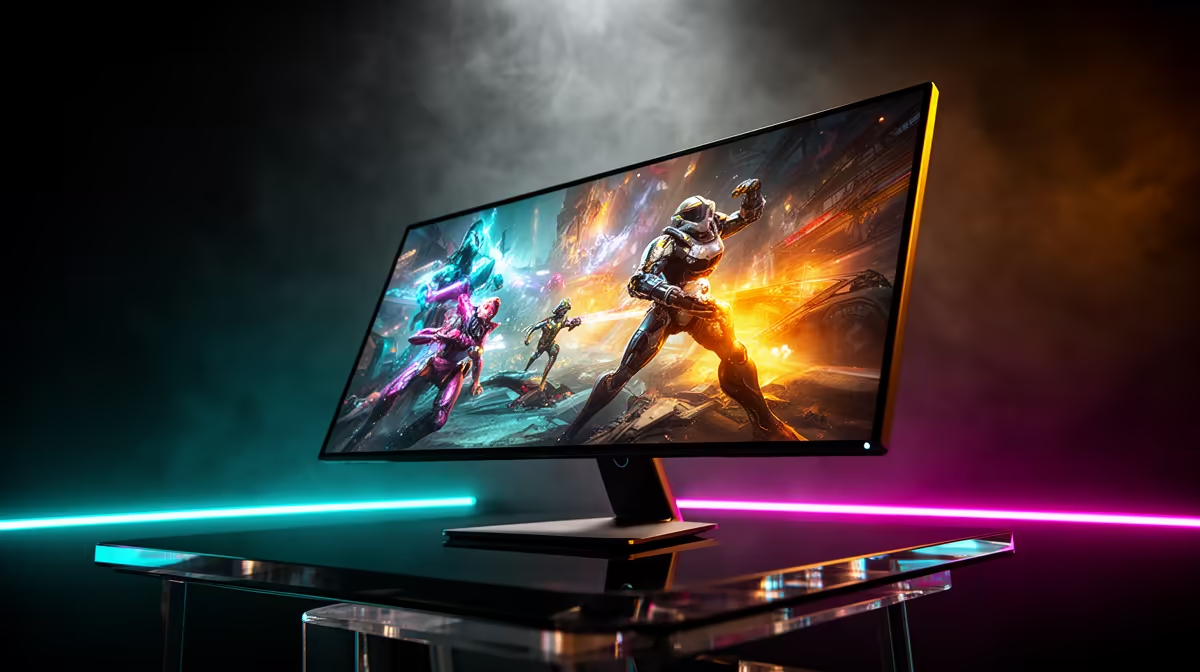
Tired of murky shadows and washed-out colours ruining your immersion? In South Africa, where a perfect gaming night is a precious thing, your display is everything. An OLED gaming setup isn't just an upgrade; it's a complete transformation. Imagine perfect blacks, colours that pop off the screen, and response times so fast they feel psychic. It's time to see what you've been missing and build the ultimate visual experience. 🚀
What Makes an OLED Gaming Setup So Special?
Unlike traditional LCD or LED screens that use a backlight, each individual pixel in an OLED (Organic Light Emitting Diode) panel creates its own light. When a pixel needs to be black, it simply switches off completely. This per-pixel control is the key.
The result? True, absolute black. This creates an "infinite" contrast ratio that makes every other colour look richer and more vibrant. In a dark scene in Alan Wake 2 or a space battle in Starfield, the difference is night and day. You're not just looking at a screen; you're looking through a window. This fundamental advantage is why OLED technology is leading the charge across our entire range of PC monitors.
Choosing the Perfect Screen for Your OLED Setup
Building your dream OLED gaming setup starts with the centrepiece: the monitor. The choice can seem daunting, but it boils down to a few key factors that match your gaming style and your rig's power.
Resolution and Size
Do you crave razor-sharp detail? Pushing pixels on a glorious 4K monitor provides incredible clarity, but it demands a powerful graphics card to maintain high frame rates. For many competitive gamers, a 27-inch or 32-inch 1440p (QHD) OLED offers the perfect balance of visual fidelity and buttery-smooth performance.
Refresh Rate and Response Time
OLEDs are naturally lightning-fast. With near-instantaneous pixel response times (often 0.03ms), ghosting and motion blur become a thing of the past. Pair that with a high refresh rate—144Hz, 240Hz, or even higher—and you get a level of responsiveness that gives you a real competitive edge. You'll also need to decide if the deep immersion of curved monitors is the right fit for your desk space and play style.
OLED Care 101: Preventing Burn-In ⚡
OLED burn-in is much less of a concern on modern panels, but good habits help. Set your PC to use a black or dynamic screensaver after a few minutes of inactivity. On Windows, set the taskbar to auto-hide. Most importantly, avoid leaving a static image (like a browser window or game HUD) on-screen at maximum brightness for hours on end. Modern monitors have built-in tools like Pixel Orbiting to protect your investment!
Completing Your Ultimate Visual Experience ✨
An elite display deserves an elite environment. Your OLED gaming setup is more than just the panel itself. Consider your GPU—is it ready to power this visual feast?
Also, think about your physical space. Ambient lighting behind the monitor (known as bias lighting) can reduce eye strain during those long sessions and make the on-screen colours appear even richer. For streamers or multitaskers, a high-quality portable monitor can be a fantastic secondary display for Discord or OBS, keeping your main screen dedicated to the game.
Finally, building the ultimate setup doesn't have to empty your wallet. By keeping an eye on the best PC monitor deals, you can snag premium tech at a price that makes sense for your budget.
Ready to Build Your Ultimate Visual Experience? An OLED gaming setup is the pinnacle of visual fidelity. From inky blacks to explosive colours, it's an investment in pure immersion. Explore our massive range of gaming monitors and find the perfect OLED screen to bring your games to life.










