


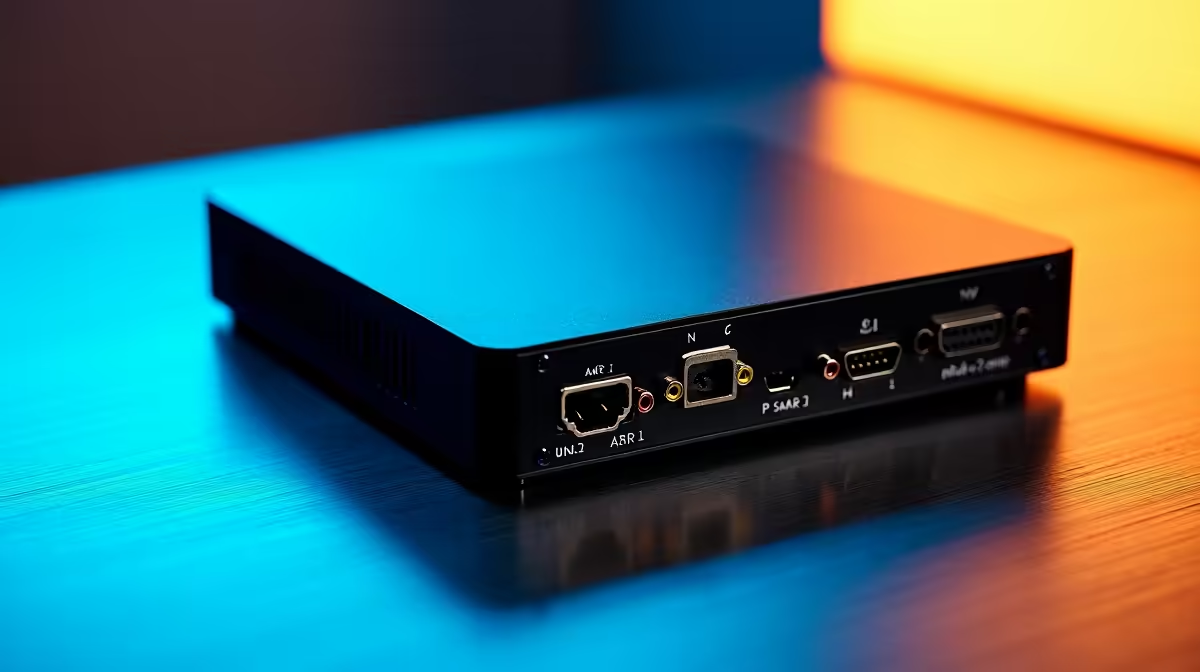
Dreaming of hitting 'Go Live' and sharing your epic Warzone wins or Elden Ring runs with South Africa? Awesome. But then reality hits: your game starts lagging, frames drop, and your stream looks more like a slideshow. What gives? For many aspiring local streamers, the secret weapon to a smooth, professional broadcast is a capture card. This guide explains exactly what a capture card is and if you need one for your setup.
So, What is a Capture Card?
Think of a capture card as a dedicated middleman for your video. Its one job is to grab the gameplay footage from your gaming machine (whether it's a PC, PlayStation, or Xbox) and convert it into a format that your computer can process for streaming or recording. 🔴
By offloading this heavy lifting, it frees up your gaming PC's processor (CPU) and graphics card (GPU) to do what they do best: run your game at the highest possible settings. This is the key to achieving that buttery-smooth gameplay for you, and a crystal-clear, high-quality stream for your viewers.
How Does a Capture Card Actually Work?
A capture card essentially intercepts the video signal on its way to your monitor. It takes a copy of that signal and sends it to your streaming software (like OBS or Streamlabs) without interrupting what you see on your screen. This is thanks to a feature called "passthrough," which ensures you play with zero added lag.
There are two main types you'll find in South Africa:
Internal Capture Cards (PCIe)
These cards plug directly into a PCIe slot on your computer's motherboard, just like a graphics card. They offer the absolute best performance with the lowest possible latency, making them the choice for serious streamers with a dedicated dual-PC setup. A powerful gaming rig, perhaps one from our range of AMD Ryzen PC deals, is perfect for housing one of these.
External Capture Cards (USB)
These are small, portable boxes that connect to your computer via a USB cable. They are incredibly easy to set up and are perfect for streaming from a console (like a PS5 or Xbox Series X) or for those who use a laptop for streaming. Their convenience is unmatched, though they might have a tiny bit more latency than their internal counterparts.
Do You Really Need One for Your Stream?
This is the big question. With modern hardware, you might not need one right away. Let's break it down.
For Single-PC Streaming: If you're gaming and streaming from the same machine, modern GPUs from NVIDIA (using the NVENC encoder) and AMD are incredibly efficient. For many starting out, a powerful PC is enough to produce a great-looking 1080p stream. If you're looking for a solid foundation, these PCs under R20,000 offer fantastic value for getting started.
For Dual-PC Streaming: This is where a capture card becomes non-negotiable. A dual-PC setup involves one powerful PC for gaming and a second PC dedicated entirely to encoding and streaming. A capture card is the essential bridge between them, ensuring zero performance impact on your gaming rig. This pro-level setup is where you can truly max out both your game settings and stream quality, often powered by top-tier components found in our Intel PC deals.
For Console Streaming: Want to stream your PS5 or Xbox gameplay with custom overlays, alerts, and scenes from OBS? A capture card is a must-have. It's the only way to get your console's video output onto your PC for that professional broadcast touch.
Audio Pro Tip 🔧
One of the trickiest parts of using a capture card is managing audio. To avoid echoes or missing sound, use software like Voicemeeter Banana or OBS's built-in audio monitoring features. This lets you route your game audio, mic, and Discord chat to both your headset and the stream separately, giving you full control.
Making the Right Choice
When you decide to buy, the main specs to consider are the capture resolution and frame rate (e.g., 1080p at 60fps or 4K at 60fps). Your goal should be to match the capture card's capabilities with your gaming monitor and your streaming goals. There's no need to spend extra on a 4K card if you only plan to stream at 1080p.
Ultimately, a capture card is a specialised piece of hardware that solves a very specific problem. While not essential for every beginner, it's a vital tool for anyone serious about console streaming or building a professional dual-PC setup. It empowers you to deliver the best possible quality to your audience without compromising your own gaming experience. For a hassle-free start, exploring pre-built PC deals can give you a rig that's ready for a capture card upgrade right out of the box. ✨
Ready to Build Your Streaming Empire? 🚀 Getting the right gear is the first step to a successful stream. Stop worrying about dropped frames and focus on your content. Explore our range of PCs built for gaming and streaming and find the perfect machine to launch your career.











