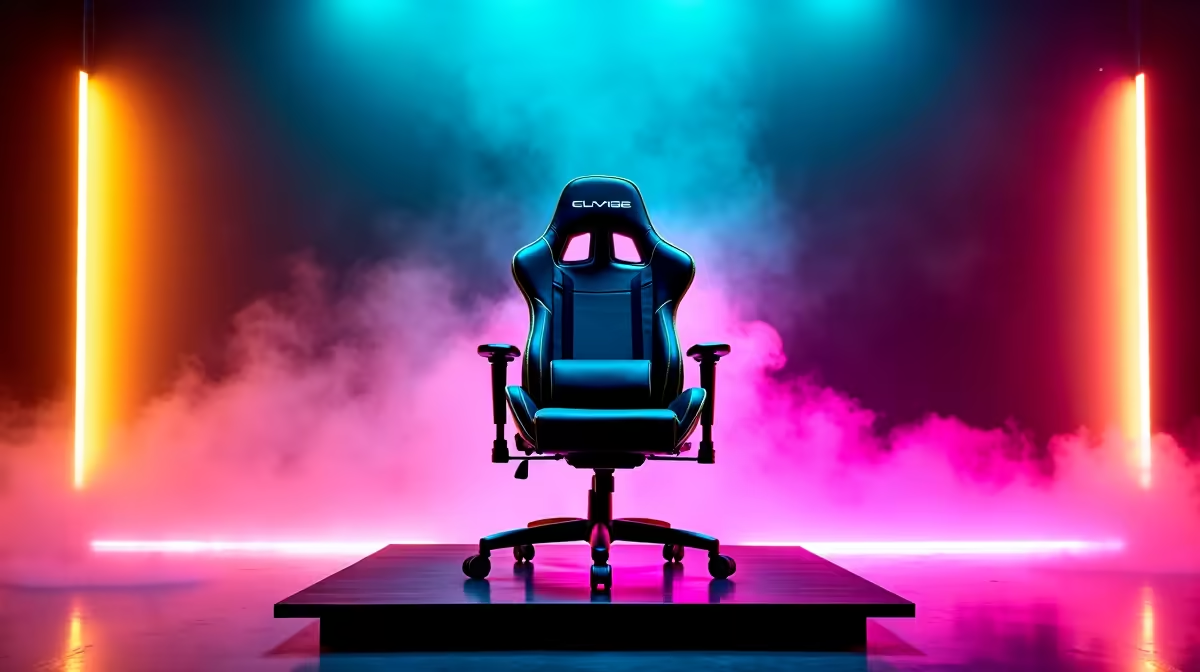
Finding a gaming chair in South Africa that offers solid ergonomics and slick RGB lighting without costing a fortune can feel like a tough quest. Many gamers assume they have to choose between a chair that’s good for their back or one that looks good on stream. We followed a local gamer who managed to find that sweet spot, proving you can get both comfort and colour on a student budget. This is how he did it.
The Challenge: A Sore Back and a Dull Background
Let's meet JP, a competitive Valorant player and part-time streamer from Pretoria. Like many South African gamers, his setup was solid, but his seating was a major weak point. He was using a standard, worn-out office chair that offered zero support. After any session longer than an hour, nagging lower back pain would set in, affecting his focus. Furthermore, his stream background lacked personality, something an RGB chair could fix instantly.
The challenge was clear: find a chair that provided real ergonomic support for long gaming sessions and offered vibrant RGB lighting to boost his stream's aesthetic… all while sticking to a tight budget.
The Solution: Smart Shopping for an Affordable Upgrade
After doing his homework, JP realised he didn't need to spend over R10,000 to get what he needed. While premium options from high-end brands like Vertagear offer incredible features, his budget pointed him towards a more focused solution. He landed on the perfect middle ground: one of the stylish and ergonomic Enova gaming chairs, which balanced great features with an affordable price tag.
To complete the aesthetic on a shoestring, he also grabbed an affordable Deepcool RGB accessory to add some extra synced lighting around his desk. ✨
Implementation Steps
- Assembly and Setup: The chair arrived flat-packed and took JP about 25 minutes to assemble using the included tools and instructions.
- Ergonomic Tuning: He spent 10 minutes adjusting the chair to fit his body and desk. He positioned the lumbar pillow to support the small of his back and set the armrest and seat height so his feet were flat on the floor and his arms were level with his desk.
- Lighting Connection: He connected the chair's RGB lighting strip via its USB-A cable, completing the visual overhaul of his gaming corner.
Pro tweak they used
Instead of plugging the chair's RGB USB into his PC, JP used a standard 5V USB wall adapter. This keeps the lights on for a great ambient vibe, even when his PC is off, without needing any software.
The Results: Better Performance, Zero Pain
The upgrade was immediately noticeable. The proper ergonomic support eliminated the back pain, allowing for longer, more focused gaming and streaming sessions. His viewers instantly commented on the improved look of his stream, making it feel more professional and engaging.
| Metric |
Before (Old Office Chair) |
After (Enova RGB Chair) |
| Max Comfortable Session |
~1.5 hours |
4+ hours |
| Post-Session Discomfort |
Frequent lower back ache |
None reported |
| Stream Background Vibe |
Dull and uninteresting |
Dynamic and colourful |
| Viewer Comments on Setup |
None |
Frequent positive comments |
“Honestly, I didn’t think an affordable chair could make this much difference. The back support is legit, and my stream has never looked better. It's a proper upgrade.” – JP, Pretoria Streamer
Level Up Your Comfort and Style
You don’t need to break the bank to get an ergonomic and stylish upgrade. Check out our wide range of gaming chairs under R5000 and find the perfect throne for your setup.