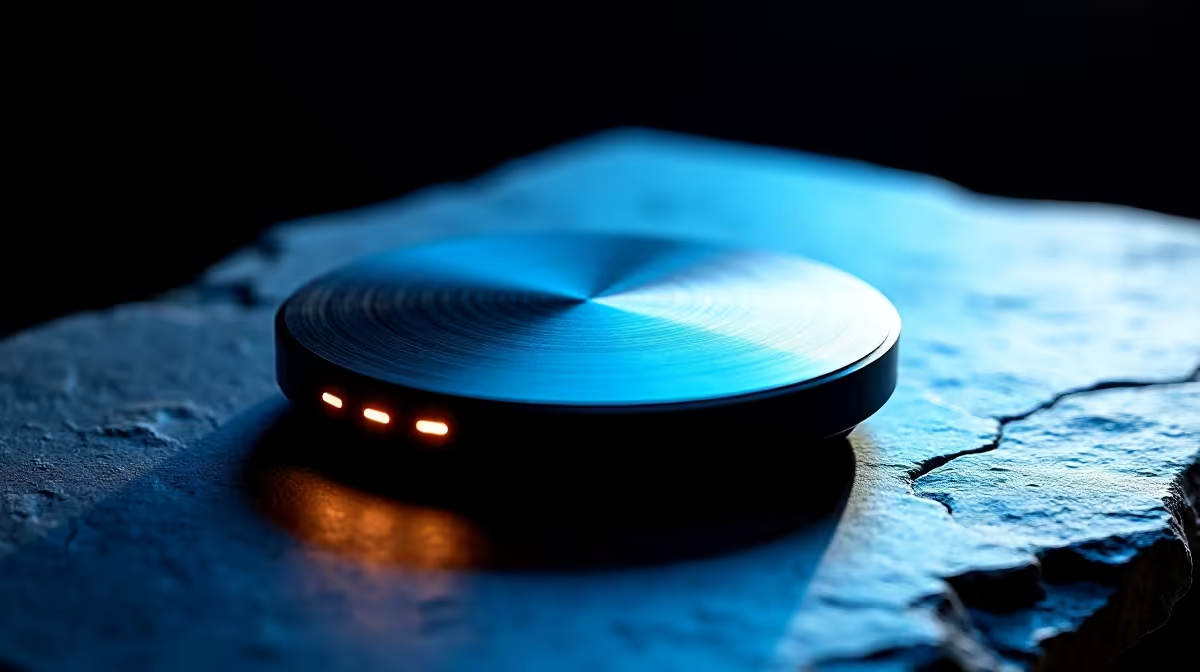
Tired of fumbling through your monitor’s on-screen display (OSD) while a client in Cape Town waits on the line? We’ve all been there. Those tiny buttons... the endless menus... it’s a creative workflow killer. But what if you could change colour spaces, adjust brightness, and switch inputs with a satisfying twist and click? Enter the BenQ Hotkey Puck, a small device with a massive impact on productivity. Let's get hands-on.
What is the BenQ Hotkey Puck?
Think of the BenQ Hotkey Puck as a dedicated remote control for your creative command centre. It’s a sleek, puck-shaped controller that sits on your desk, giving you instant, tactile access to your monitor's most-used settings. Instead of reaching for fiddly buttons under the bezel, you get a central dial and three customisable keys right at your fingertips. ⚡
This nifty tool is bundled with BenQ’s professional DesignVue (PD series) and PhotoVue (SW series) PC monitors, designed for pros who demand precision and speed. It’s all about removing friction between you and your work.
A Hands-On Demo: Feel and Functionality
From the moment you unbox it, the Hotkey Puck feels premium. It has a reassuring weight and the central dial rotates with a smooth, satisfying click. Setting it up is plug-and-play; just connect it to your compatible BenQ monitor and you’re good to go.
The real magic happens when you start using it. The default setup is intuitive: the three hotkeys are typically mapped to switch between colour modes (like sRGB, Adobe RGB, and DCI-P3), while the dial controls brightness or volume. This immediate access is a lifesaver when you're working on projects that require stunning visual fidelity, often best viewed on the latest high-resolution 4K monitors. No more interrupting your creative flow to navigate a clunky OSD.
Customise Your Workflow Like a Pro 🔧
This is where the BenQ Hotkey Puck truly shines. Using BenQ’s Display Pilot software, you can remap the keys to virtually any OSD function. Imagine this: you’re editing a promotional video. With a single press, you can switch from your editing colour space to a Rec. 709 preview. Another press could activate the KVM switch to control a second PC. It's that simple.
For designers working with vast digital canvases, pairing this tool with immersive curved monitors creates an incredibly efficient workspace. Even if you're a creative on the move using portable monitors as part of a larger setup, having a centralised controller streamlines everything.
Premiere Pro Power Tip
Customise one of your Hotkey Puck buttons to quickly switch to sRGB mode. This lets you instantly preview how your video's colours will look on the web, saving you from nasty surprises after you export.
Is the BenQ Hotkey Puck for You?
So, is this little puck worth it for your Mzansi studio? If you’re a photographer, video editor, graphic designer, or any creative professional who spends hours in front of a screen, the answer is a resounding yes. The seconds it saves on every single adjustment add up to hours of reclaimed creative time over a project's life.