


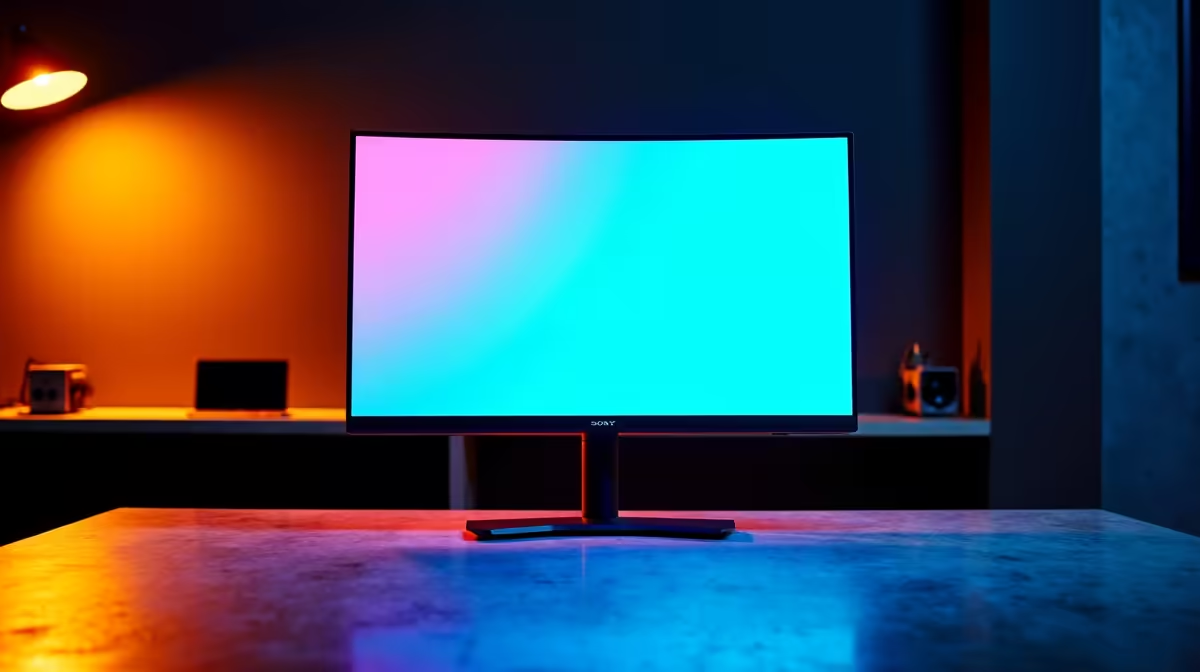
Is your trusty 27-inch monitor starting to feel a bit… cramped? You’re not alone. For years, it was the gold standard for PC gaming and productivity. But as games get more detailed and our workflows demand more space, South African power users are looking up. Enter the best 32-inch 4K monitors of 2025—the new desktop standard that offers a transformative leap in immersion and clarity. It’s not just bigger; it’s better. ✨
Why a 32-Inch 4K Monitor is the New Sweet Spot
For years, the debate raged: is 4K wasted on a small screen? On a 27-inch panel, you often need to use Windows scaling to make text readable, which can sometimes defeat the purpose of the extra resolution. But at 32 inches, you hit the pixel density sweet spot.
With a resolution of 3840x2160 spread across a larger canvas, you get a pixel density of around 140 PPI (Pixels Per Inch). This is crisp enough to make text razor-sharp without scaling, giving you the full benefit of that massive 4K real estate. Imagine having a full-screen game running alongside a Discord window and a browser tab, all perfectly legible and without compromise. For content creators, it’s a revelation, allowing for a full 4K video preview with room for your timeline and tools. This combination of size and clarity is why the 32-inch 4K monitor is rapidly becoming the new desktop standard for enthusiasts. Browsing the latest PC monitors shows this trend is only growing.
Key Features in the Best 32-Inch 4K Monitors of 2025
Navigating the specs sheet can feel like decoding a secret language. Let’s break down the most important features you need to look for when choosing your next display.
Panel Technology: IPS vs. VA vs. OLED
The panel is the heart of your monitor, and the technology it uses dictates its performance.
- IPS (In-Plane Switching): The king of colour accuracy and viewing angles. If you’re a creative professional who needs perfect colour reproduction or a gamer who values vibrant worlds, an IPS panel is a fantastic choice.
- VA (Vertical Alignment): Known for its superior contrast ratios. VA panels produce deep, inky blacks that make dark scenes in games and movies incredibly immersive. They offer a great middle-ground between the colour of IPS and the performance of older TN panels.
- OLED (Organic Light Emitting Diode): The premium option. OLEDs offer per-pixel lighting, resulting in perfect blacks, infinite contrast, and near-instantaneous response times. While they often come with a higher price tag in ZAR, the visual quality is simply unmatched.
Refresh Rate & Response Time: The Speed You Need ⚡
A 4K resolution is great for detail, but for smooth gameplay, you need a high refresh rate.
- Refresh Rate (Hz): This is how many times per second the screen updates the image. While 60Hz was once acceptable, the standard for a great gaming experience in 2025 is 120Hz or higher. A 144Hz or 165Hz 32-inch 4K monitor provides buttery-smooth motion that makes fast-paced games feel incredibly responsive.
- Response Time (ms): This measures how quickly a pixel can change colour. A low response time (ideally 1ms GtG) is crucial for eliminating motion blur and ghosting, ensuring your aim is true in competitive shooters.
Calibrate for Perfection 🎨
Your new monitor looks great out of the box, but for true colour accuracy, a quick calibration is key. Windows has a built-in "Calibrate display color" tool (just search for it in the Start Menu). It walks you through adjusting gamma, brightness, contrast, and colour balance, ensuring what you see is what you get—perfect for editing photos or just making your games pop.
Adaptive Sync: The End of Screen Tearing
There’s nothing worse than a beautiful game being ruined by ugly screen tearing. This happens when your graphics card’s frame rate doesn’t match your monitor’s refresh rate. Adaptive Sync technology solves this.
- NVIDIA G-Sync & AMD FreeSync: Both technologies synchronise your monitor's refresh rate to your GPU's output, resulting in a perfectly smooth, tear-free experience. Most modern displays support a general Adaptive Sync standard, but it’s worth checking for specific compatibility. If you have a GeForce GPU, look for NVIDIA G-Sync certified displays, while Radeon users should check out AMD FreeSync models for guaranteed performance.
Finding Your Perfect Match in South Africa
With so many options, choosing the best 32-inch 4K monitor can seem daunting. The good news is that top brands are delivering incredible technology at competitive prices right here in South Africa.
Value-packed monitors from AOC often provide high-end gaming features without the premium price tag. For those who need professional-grade colour accuracy for creative work alongside great gaming performance, the premium displays from HP are tough to beat. And if you're looking for a solid, no-fuss workhorse that delivers quality visuals, it's worth checking out the reliable options from Dahua.
Ultimately, the best monitor for you depends on your primary use case—be it competitive gaming, immersive single-player adventures, or demanding creative work. But one thing is clear: the jump to a 32-inch 4K screen is one of the most significant upgrades you can make to your PC setup in 2025. 🚀
Ready to Find Your Perfect Match? Choosing the right screen is a big decision, but upgrading to a 32-inch 4K monitor is one of the most impactful changes you can make to your setup. Explore our massive range of PC monitors and find the perfect display to conquer your world.










