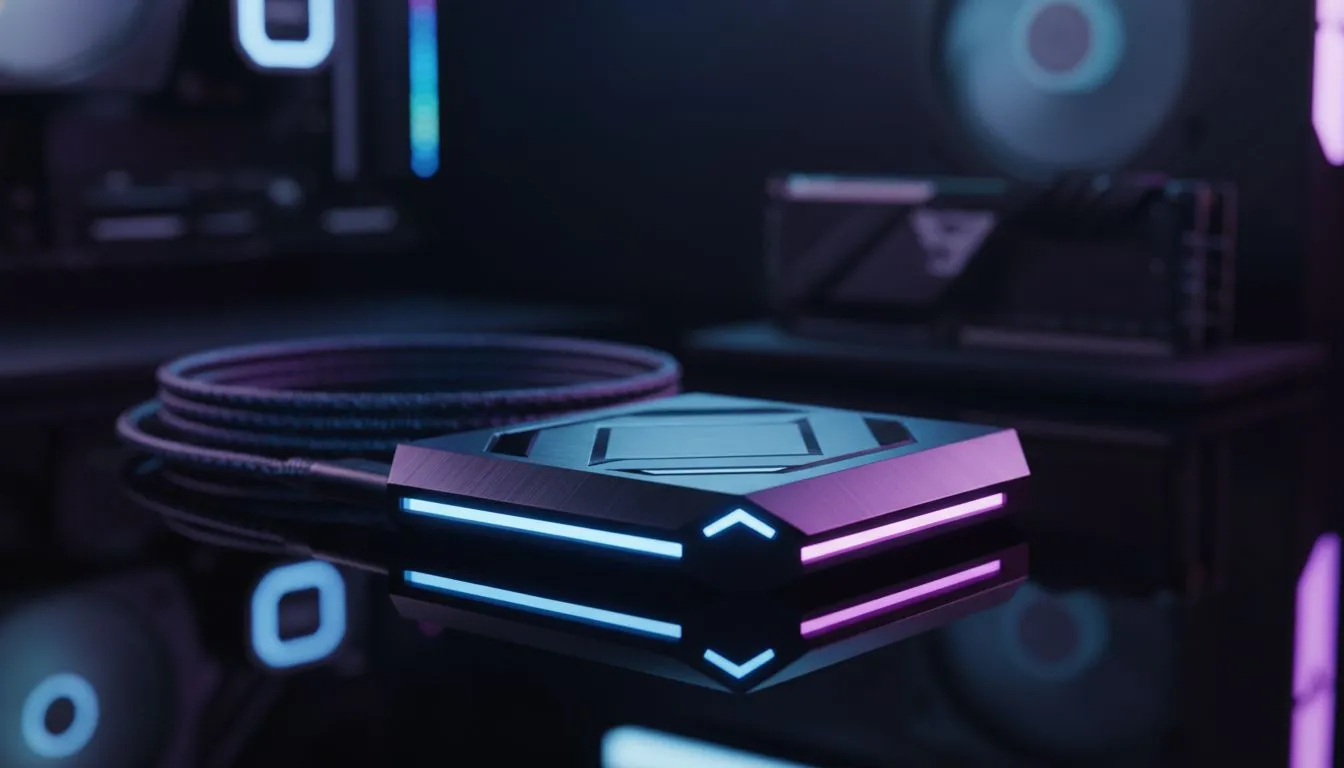
Tired of watching that download bar crawl for hours just to install Warzone on a friend's PC? Your Steam library is bursting, but your main drive is full. For South African gamers, juggling massive game files is a real pain. The solution isn't another slow hard drive... it's finding the best external SSD for gaming. This guide will show you how to choose the right drive to take your favourite titles anywhere, hassle-free. 🚀
Why an External SSD for Gaming is a Smart Move
Let's be honest, game install sizes are getting out of hand. A single AAA title can easily chew up over 150GB of space. An external SSD isn't just extra storage; it's a ticket to freedom and speed.
Instead of re-downloading games every time you switch machines or visit a mate's place for a LAN party (especially when an unexpected outage occurs), you can simply plug in and play. Modern external SSDs are fast enough to run games directly from the drive, with loading times that often rival internal SATA SSDs. This frees up precious space on your primary drive for your operating system and most-played titles, keeping your main rig lean and snappy.
Key Features of the Best External SSD for Gaming
Not all portable drives are created equal. When you're looking for the best external SSD for gaming, a few key specifications make all the difference between smooth gameplay and frustrating lag.
Speed: The Heart of the Drive ⚡
The single most important factor is speed. This is determined by the internal drive technology and the connection interface.
- Internal Tech: The fastest external SSDs use the same blazing-fast NVMe SSDs found inside high-end gaming PCs, just packaged in a portable enclosure. These are significantly quicker than older SATA-based models.
- Connection: Look for USB 3.2 Gen 2 (10Gbps), USB 3.2 Gen 2x2 (20Gbps), or Thunderbolt 3/4 (40Gbps) for the best performance. A faster connection ensures you're not bottlenecking the speedy drive inside.
Capacity: How Big Should You Go?
A 500GB drive might seem tempting for the price, but it will fill up fast. With games like Baldur's Gate 3 and Starfield demanding huge amounts of space, a 1TB drive is a great starting point. For serious collectors who want to transfer games between PCs regularly, a 2TB or even 4TB model offers fantastic long-term value and convenience.
Pro Tip: Moving Your Steam Library Pain-Free ✨
You can easily move Steam games to your new external SSD. In Steam, go to Settings > Storage. Click the '+' icon to add your external drive as a new Steam Library folder. Then, right-click any installed game in your library, go to Properties > Installed Files, and select 'Move Install Folder...' to transfer it to your new drive. No re-downloads needed!
Getting the Best Value in South Africa
Speed is awesome, but budget is a reality for most of us. The good news is that you don't always need the absolute peak performer to have a great experience. A solid USB 3.2 Gen 2 NVMe external SSD will deliver incredible performance for most gaming scenarios.
Keep an eye on price-per-gigabyte to find the sweet spot. Often, the 2TB models offer better value than the 1TB versions. Before you pull the trigger, it's always worth it to check out the latest SSD deals, as you can often find top-tier drives at a lekker discount. Remember, all modern solid-state drives are a huge leap from traditional hard drives.
Ultimately, the best external SSD for gaming is the one that fits your library and your wallet. By focusing on a fast NVMe core, a modern USB connection, and at least 1TB of space, you're setting yourself up for a portable gaming future. Stop waiting and start playing... wherever you are. Investing in quality storage is one of the most practical upgrades you can make, right alongside other core SSDs.
Ready to Unleash Your Game Library?
Stop waiting for downloads and start playing. An external SSD is the ultimate upgrade for any serious South African gamer looking for speed and convenience. Explore our huge range of external SSDs and find the perfect drive to carry your games anywhere.