


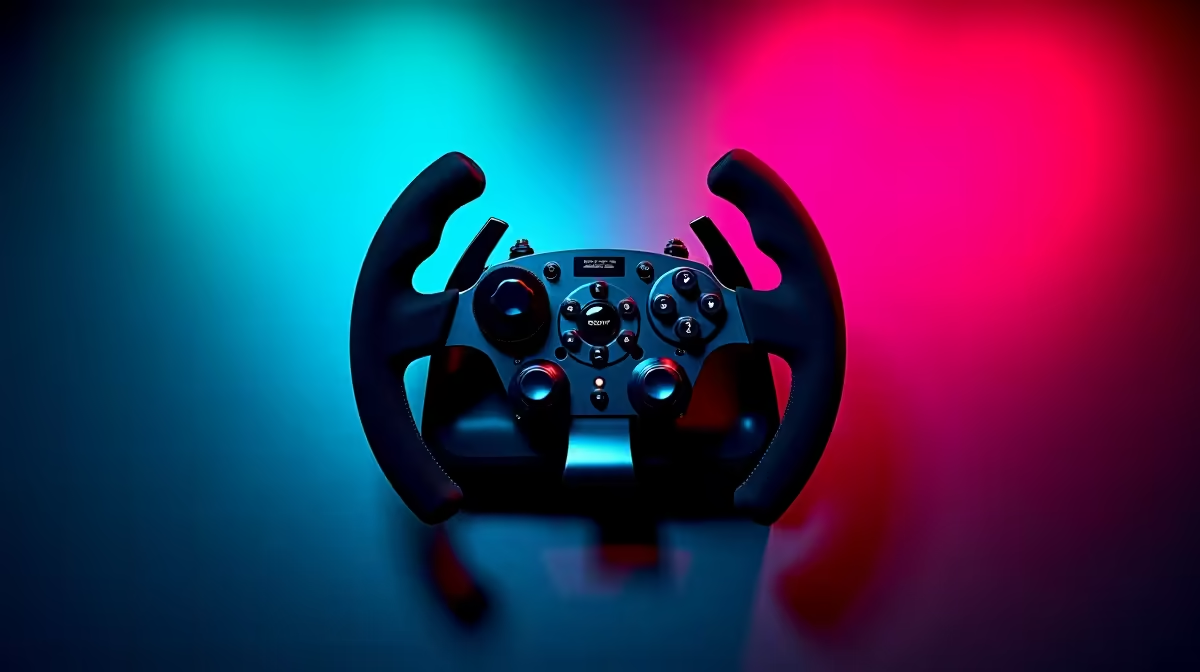
Dreaming of a perfect approach into Cape Town International? For many South African sim pilots, that dream feels just out of reach with a basic joystick. The secret to true immersion isn't just software; it's the hardware connecting you to the virtual skies. The best flight sim yokes and throttles for 2026 are designed to bridge that gap, turning your desk into a cockpit. Let's get you cleared for takeoff. ✈️
Why Your Joystick Isn't Enough for True Simulation
While a joystick is great for arcade dogfights, it lacks the finesse required for piloting a virtual airliner or a Cessna. A dedicated yoke and throttle system offers a completely different level of control and realism. The smooth, precise inputs of a yoke allow for gentle banking and pitch adjustments that are simply impossible with a twitchy stick. This tactile feedback is what separates playing a game from experiencing a simulation.
For those serious about their hobby, investing in one of the best flight sim yokes and throttles is the single most important upgrade you can make. It fundamentally changes how you interact with the aircraft, making every flight more believable and rewarding.
Choosing the Best Flight Sim Yoke for Your Setup
When you start browsing for a yoke, you'll encounter a few key specifications. Build quality is paramount; look for metal construction in the shaft and internal mechanisms for durability. The yoke's rotation angle is also crucial—a 180-degree rotation offers far more precision than a standard 90-degree one.
Modern yokes often use contactless Hall effect sensors instead of traditional potentiometers. These magnetic sensors don't wear down over time, ensuring your controls remain pinpoint accurate for years. This technology is a hallmark of high-quality simulation gear and is a must-have for any serious virtual pilot in 2026.
Calibration is Key 🔧
Before your first flight, always calibrate your new yoke and throttle in both Windows and your flight simulator (like MSFS 2020 or X-Plane). This ensures the full range of motion is detected and eliminates "dead zones" right out of the box. Check for the latest drivers and firmware from the manufacturer's website for the best performance and compatibility.
The Power of a Dedicated Throttle Quadrant
A good yoke is only half the equation. A separate throttle quadrant gives you independent control over your engines, flaps, spoilers, and landing gear. This is essential for flying multi-engine aircraft, where you need to manage thrust for each engine individually.
Many throttle quadrants are modular, allowing you to customise the levers for different aircraft types. Whether you're managing the twin engines of an Airbus A320 or the single prop of a bush plane, a dedicated quadrant provides an unmatched level of control. You'll find that top-tier brands like Thrustmaster offer robust options that are built to last, providing that satisfying, heavy feel you'd expect from a real cockpit.
Building the Ultimate Immersive Cockpit 🚀
Once you have your core controls, you can start building out the rest of your dream setup. Rudder pedals are the next logical step, giving you independent control of the rudder for taxiing, crosswind landings, and coordinated turns.
To truly tie it all together, consider your physical environment. Mounting your flight sim yoke and throttle to your desk is a good start, but for ultimate stability and ergonomics, nothing beats a proper simulation seat. A dedicated rig ensures your controls are in the perfect position every time, letting you focus entirely on the flight. This solid foundation makes a world of difference, especially during long-haul journeys.
Finding the right flight sim yoke and throttle combo is the key that unlocks a new level of realism, turning your PC into a gateway to the skies.
Ready to Build Your Dream Cockpit? From your first yoke to a full motion rig, the right gear makes all the difference. Stop flying your desk and start piloting your aircraft. Explore our massive range of PC gaming accessories and find the perfect controls to elevate your simulation experience today.










