


Staring at a screen with a stiff neck? Is your desk a chaotic mess of cables and a clunky monitor stand? You're not alone. A quality monitor arm is one of the most impactful upgrades you can make, transforming your posture, reclaiming precious desk space, and creating a setup that just feels right. This guide will help you find the best monitor arm in South Africa for your specific gaming or work-from-home battlestation. 🚀
Why a Monitor Arm is a Non-Negotiable Upgrade
Before we dive into models, let's be clear: this isn't just about looking cool (though it definitely helps). A good monitor arm is a fundamental investment in your health and productivity.
The biggest win is ergonomics. The ideal screen position has the top of your monitor at or slightly below eye level, preventing you from hunching over. A monitor arm makes this adjustment effortless, reducing neck and back strain during those long sessions. This ergonomic benefit is magnified when paired with supportive gaming chairs available in South Africa.
Then there's the glorious, reclaimed desk space. That bulky stand is gone, leaving you with a clean surface for your keyboard, a larger mousepad, or streaming gear. This clean aesthetic is the foundation of any pro-level setup, starting with a solid gaming desk.
How to Choose the Best Monitor Arm in South Africa
Finding the right arm isn't complicated if you know what to look for. Let's break down the key factors to consider for your purchase.
Weight Capacity & VESA Compliance
This is the most critical step. Check your monitor's specifications for its weight (without the stand) and its VESA mounting pattern. Most monitors use a 75x75mm or 100x100mm pattern. The arm you choose must support your monitor's weight and VESA size. Don't guess... an overloaded arm is a recipe for disaster.
Mounting Style: Clamp vs. Grommet
How will the arm attach to your desk?
- Clamp: This is the most common type. It clamps onto the back edge of your desk. It's versatile but requires a sturdy desk with a flat edge.
- Grommet: This mount goes through a hole in your desk (many desks come with one for cables). It offers a super clean, centered look and is incredibly stable.
Adjustability: Gas Spring vs. Mechanical Spring 🔧
This choice comes down to budget and how often you'll move your screen.
- Gas Spring: These arms offer fluid, one-touch adjustment. You can raise, lower, or tilt the screen with minimal effort. They are perfect for users who frequently change positions or share their screen.
- Mechanical Spring: These are more budget-friendly. You typically need to loosen a joint, move the arm, and then tighten it again. They are a great "set it and forget it" option if you don't need constant readjustment.
Cable Management Pro Tip ✨
Use braided cable sleeves or velcro ties to bundle your monitor's power and display cables together. Run this single bundle along your monitor arm's integrated channels for an ultra-clean look. This small step makes a massive difference to the overall tidiness of your setup.
Our Top Monitor Arm Picks for SA Gamers
While specific stock changes, the best monitor arms generally fall into these categories. Look for these types when browsing for a solution that fits your budget and needs.
The Budget Champion: Solid & Simple
For most people with a single 24-27 inch monitor, a sturdy mechanical arm is the perfect entry point. These often cost under R1000 and provide all the core ergonomic benefits without the premium price tag of a gas spring system. It's a massive upgrade over a stock stand and the best value-for-money choice.
The Gamer's Choice: Fluid & Responsive
This is where gas-spring arms shine. If you have a high-refresh-rate gaming monitor and want a setup that feels as premium as your rig, this is the one. The effortless adjustment lets you perfectly dial in your viewing angle for intense competitive play or lean back for a cinematic single-player experience.
The Dual-Screen Dominator: For Ultimate Productivity
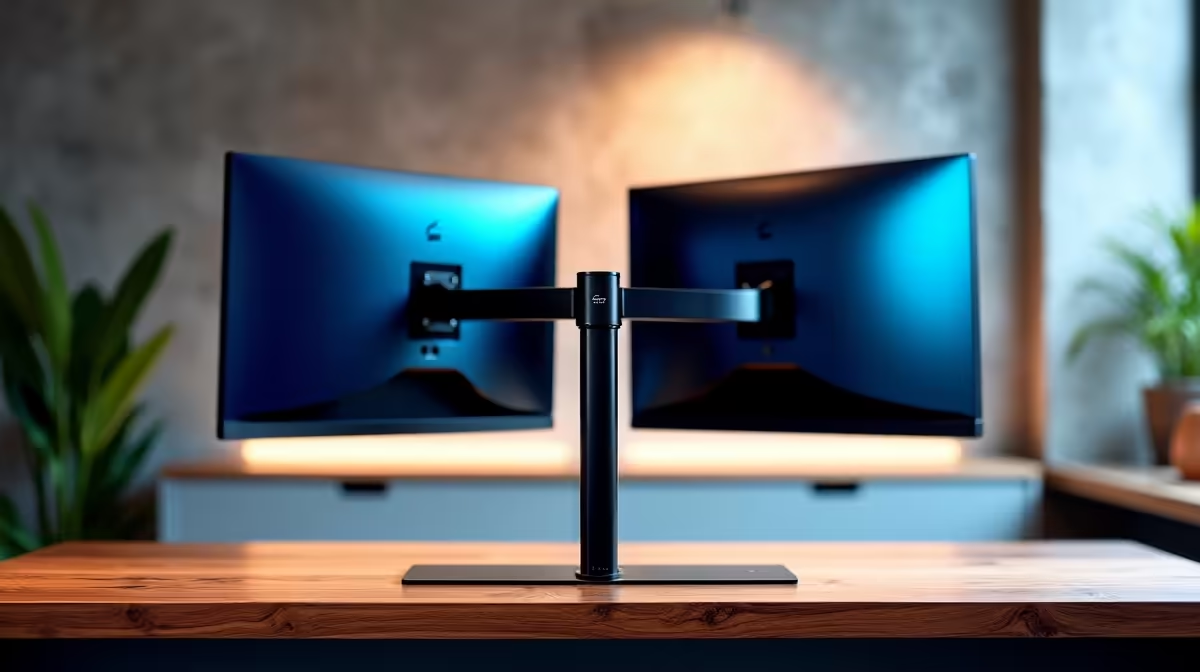
Running two monitors? A dual monitor arm is essential. It ensures both screens are perfectly aligned at the same height, creating a seamless digital workspace. This is the go-to for streamers, content creators, and anyone who lives by the "more screens, more power" mantra. Finding the right dual monitor arm in South Africa can revolutionise your workflow.
Building the Ultimate Comfort Zone 💪
A monitor arm is a crucial part of the ergonomic puzzle, but it works best as part of a complete system. Your body will thank you for investing in a setup that prioritises comfort, starting with where you sit.
When it comes to chairs, brands matter. Some gamers prefer the firm, race-car-style support offered by premium Noblechairs Gaming Chairs, known for their robust build. Others might lean towards the advanced ergonomic designs found in the Vertagear Gaming Chairs lineup. In fact, a brand like Vertagear often has a dedicated following due to its focus on adjustability.
Of course, your chair and monitor arm need a stable base. A wobbly surface is no good, especially for a clamp mount. Top brands like Arozzi desks are designed with gaming in mind, offering stability and cable management solutions. You don't need to break the bank either; there are many fantastic desks under R5000 that provide a rock-solid foundation for your gear.
Finally, once you've made your choice, opting for one of the many new gaming chairs guarantees you get a full warranty and a product in pristine condition.
Ready to Elevate Your Setup? A monitor arm is more than just an accessory; it's a foundational upgrade for comfort, space, and performance. From single-screen setups to multi-monitor command centres, the perfect fit is waiting. Explore Evetech's full range of monitor arms and stands and reclaim your desk today!







